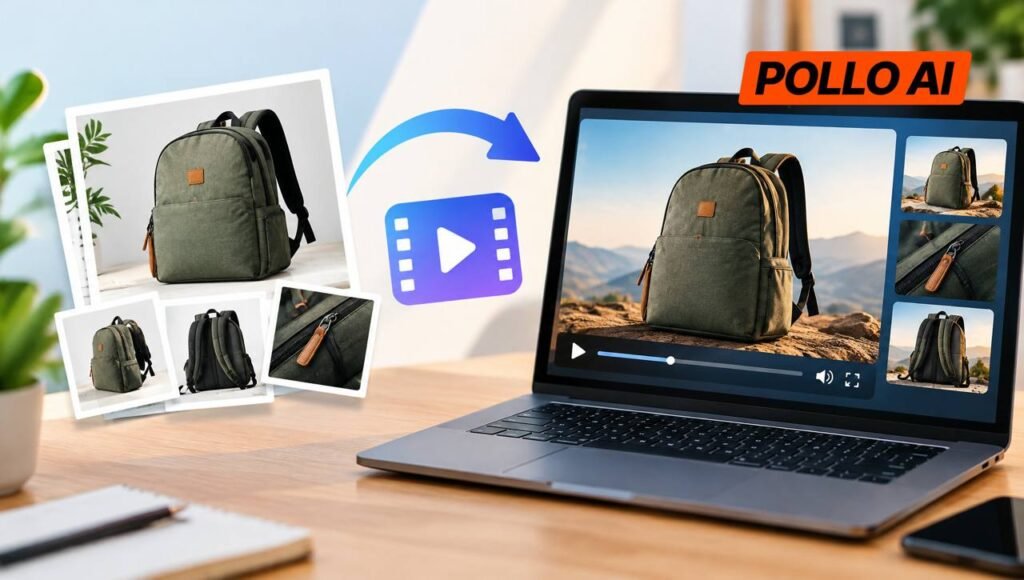
Online stores need product videos for listings, paid ads, and social media, but filming every item takes time and money. Convert image to video with Pollo AI to turn existing product photos into video clips, helping smaller sellers create more promotional content without arranging a new shoot for every product. This guide covers the process and practical tips for creating product video ads.
What Is Pollo AI Image to Video?
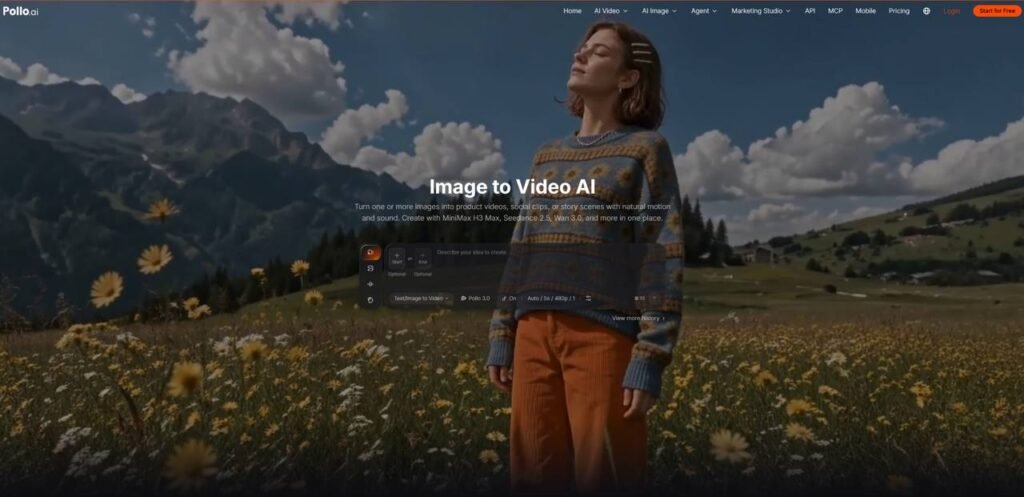
Pollo AI Image to Video is an AI video generation tool that transforms one or more images into product videos. Users can upload product photos, choose an available AI video model, and use text prompts to guide the movement and visual style of the generated footage.
For online stores, this means existing product photography can serve as the starting point for AI video ads without requiring a new shoot for every campaign. A skincare seller could animate a bottle photo into a close-up product showcase, while a homeware retailer could turn a static room image into a more dynamic promotional clip. Access to multiple video models also lets sellers experiment with different visual approaches within the same workflow.
The tool is particularly useful for small teams that need more product video variations but have limited time or production budgets. However, generated footage may alter packaging, logos, or product proportions, so each clip should be reviewed before it appears in a listing or ad.
How to Turn Product Images into Video Ads with Pollo AI
Step 1: Choose a Suitable Product Photo
Start with a clear image that shows the product against a distinguishable background. Choose a close-up for packaging or texture, or a wider lifestyle image for furniture and home accessories.
Pollo AI supports JPG and PNG uploads, with a minimum resolution of 300 × 300 pixels. Higher-resolution images are preferable when fine details matter.
Step 2: Upload the Image
Open Pollo AI Image to Video and upload the selected photo. Decide what the ad should highlight before generating the clip, whether that is a handbag’s stitching, a bottle’s packaging, or a lamp’s design.
A clear objective helps determine which movement will best serve the product.
Step 3: Select a Model and Generate the Video
Choose an available video model and configure the supported settings. Pollo AI offers multiple models, including Seedance 2.5, MiniMax H3, and Kling 4.0, though availability and features may vary.
Generate the clip and check whether the movement looks natural. If the product becomes distorted or the scene feels too busy, simplify the prompt or try another generation.
Step 4: Review and Prepare the Ad
Compare the finished clip with the original photo. Check the product’s shape, color, logo, packaging text, and overall appearance.
Once the footage looks suitable, adapt it to the target platform’s aspect ratio, duration, and file requirements. Add prices, promotional copy, and calls to action during editing, then review the final version before publishing.
Tips for Creating Better Product Video Ads
Focus on One Product Feature
Build each prompt around a detail shoppers care about, such as a handbag’s stitching or a bottle’s packaging. For example: Move the camera slowly toward a serum bottle as soft light highlights the glass. Preserve its original shape and label.
Match Motion to the Product
Use subtle camera movements for jewelry and cosmetics, where details matter. Furniture and homeware may benefit from a gradual camera move that shows more of the setting. If rotation distorts the product, try a simpler shot.
Test Different Concepts with One Photo
Use the same image to explore different styles, such as a clean product reveal for a listing or a lifestyle scene for social media. This lets sellers compare creative directions without reshooting the product.
Check Details Before Publishing
Review the entire clip for changes to logos, packaging, colors, and proportions. Add prices and promotional text during editing to keep them accurate and readable.
Final Thoughts
Turning product photos into video ads gives online stores a way to create more content without filming every item from scratch. Pollo AI Image to Video can help sellers test different product presentations using images they already have, whether for product pages, social media, or paid campaigns.
For stores with limited production resources, a practical starting point is to choose one product photo, create a short clip focused on a single selling point, and check whether the result represents the item accurately. Sellers can try this workflow with an existing product image to see whether AI-generated video fits their content needs before investing more time or budget.
Click here for more articles.