WordPress gives website owners a strong foundation for building websites, but customizing that foundation often requires more than choosing a theme and changing a few settings. Whether you are creating a business website, online store, portfolio, blog, or content-driven platform, the right WordPress customization tool can make the design process much easier.
WordPress website builders and visual customization tools allow users to create layouts, edit pages, customize design elements, and build responsive websites without having to write extensive code. Some tools focus on simplicity and drag-and-drop editing, while others provide advanced controls for developers and professional designers.
Below are some of the best WordPress tools for customizing your website, starting with Kirki and followed by four popular visual page builders.
1. Kirki
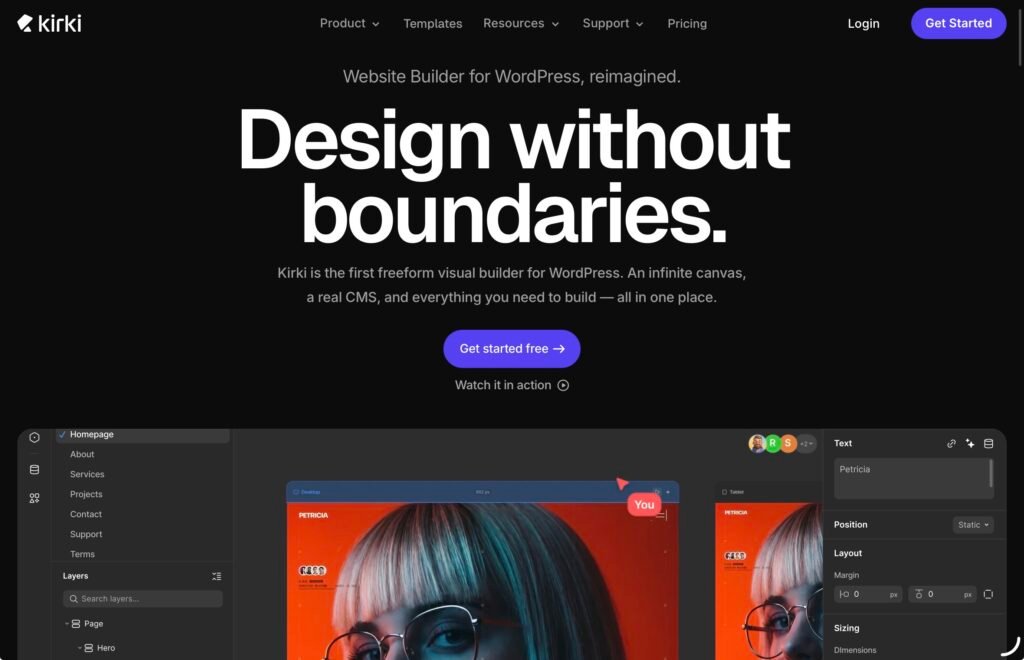
Kirki is a freeform visual website builder for WordPress that gives users greater flexibility and control over website design. Its infinite canvas allows you to create layouts without being restricted by traditional rows and columns, while responsive editing helps ensure designs work across different screen sizes.
Kirki combines a visual builder with powerful WordPress Customizer controls, dynamic CMS features, custom fields, collections, and dynamic templates for content-driven websites. You can also add interactions and animations, build forms and popups, and use built-in SEO tools to optimize your website.
For designers, Kirki supports Figma-to-WordPress importing, while developers can use custom CSS, attributes, and developer-focused tools for more advanced customization. Teams can collaborate in real time, share projects with clients, and use staging and publishing features. With 100+ template kits and pre-built sections, Kirki also provides ready-made starting points for creating professional WordPress websites faster.
Key Features
- Freeform Visual Builder
Design WordPress websites on an infinite canvas without rigid grid, row, or column restrictions. Kirki provides drag-and-drop editing and precise control over website elements. - Responsive Editing
Create responsive designs for desktop, tablet, and mobile devices with unlimited breakpoints and real-time editing across different screen sizes. - Dynamic CMS
Create and manage custom content types, custom fields, collections, and relationships. Dynamic templates allow the same design to automatically display content from different items. - Advanced Customizer
Kirki includes 35+ Customizer controls, global styling options, conditional logic, automatic CSS generation, and a developer-friendly API for extending WordPress themes. - Interactions & Animations
Add interactive effects using a visual timeline editor with triggers such as scroll, click, hover, and mouse movement. Kirki also supports text animations, interaction presets, and Lottie files. - Built-in Website Tools
Create forms, popups, maps, and other website elements without relying on multiple additional plugins. Kirki also includes SEO tools, icons, image optimization, and integrations with essential applications. - Figma to Kirki
Import Figma designs directly into WordPress while preserving styles, spacing, and layouts, helping designers move from prototypes to functional websites more efficiently. - Real-Time Collaboration
Work together on the same website with multiple editors, canvas comments, staging mode, publish history, and client view-only links. - SEO & Dynamic Optimization
Set dynamic SEO titles, meta descriptions, and Open Graph data for CMS-generated pages. Kirki also includes automatic image optimization to help improve website performance. - Templates & Design Assets
Start projects faster with ready-made templates, pre-built sections, and reusable design assets. Kirki offers 100+ premium template kits for creating different types of WordPress websites. - Developer Tools
Dev Mode provides CSS visibility and structured markup for easier developer handoff, while import/export, custom attributes, and other development tools allow advanced customization. - WordPress Compatibility
Kirki works with any WordPress theme and can be used by designers, developers, freelancers, agencies, and businesses looking for a visual, no-code website-building solution.
2. Beaver Builder
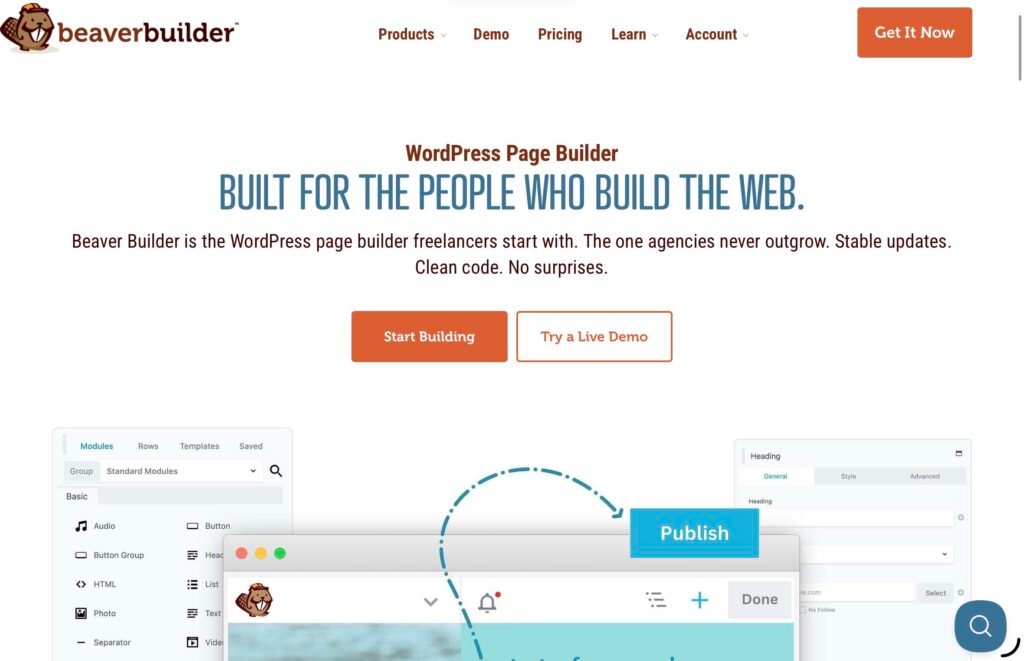
Beaver Builder is a popular WordPress page builder designed to simplify the process of creating and customizing website pages. Its visual editor allows users to see changes as they build, making it possible to create layouts without constantly switching between the editor and the front end of the website.
The builder uses a drag-and-drop interface where users can add content modules such as text, images, buttons, videos, galleries, sliders, and other elements. These modules can be arranged and customized to create landing pages, business websites, portfolios, blogs, and other types of WordPress sites.
One of Beaver Builder’s advantages is its focus on giving users control over page layouts while keeping the editing experience relatively straightforward. It can be useful for beginners who want to avoid coding as well as experienced WordPress users who need more control over page structure and styling.
Key Features
- Drag-and-Drop Builder: Create page layouts visually by placing and arranging content modules on the page.
- Live Front-End Editing: See design changes as you make them instead of relying on a separate preview.
- Responsive Design: Adjust layouts and styling for different device sizes to create mobile-friendly pages.
- Pre-Built Templates: Use ready-made layouts as starting points rather than creating every page from scratch.
- Content Modules: Add common website elements including text, images, buttons, videos, galleries, and more.
- Reusable Layouts: Save and reuse layouts and design elements across different parts of a website.
- Theme Compatibility: Beaver Builder is designed to work with a wide range of WordPress themes.
- Developer-Friendly Options: Advanced users can extend and customize their websites beyond the standard visual editing options.
Beaver Builder can therefore be a practical option for businesses, freelancers, agencies, and WordPress users who want a visual editing workflow without depending heavily on custom coding.
3. Visual Composer
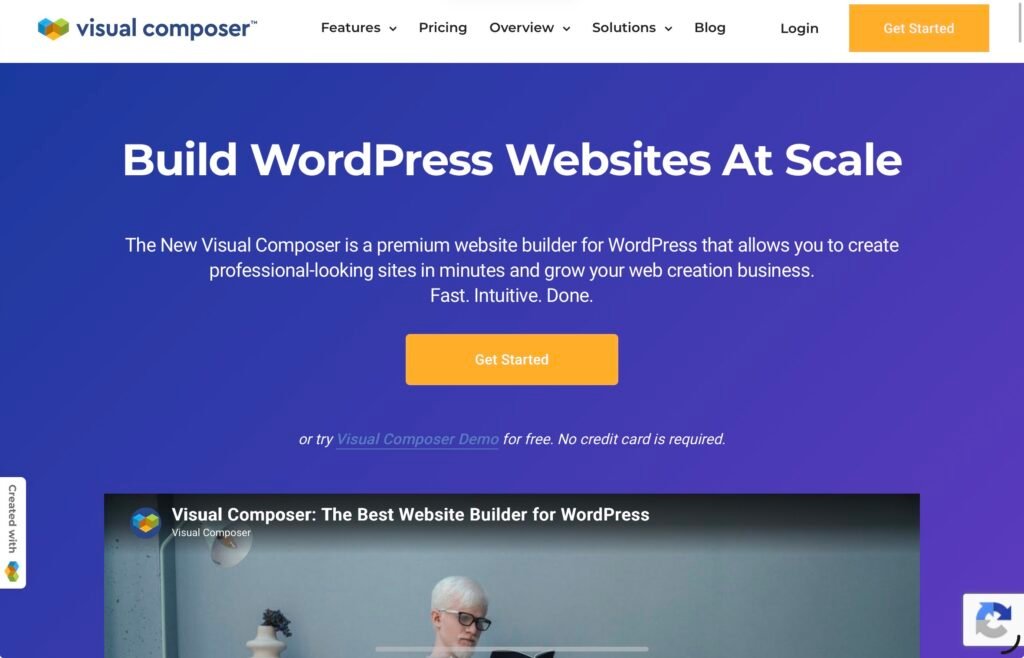
Visual Composer is another WordPress website builder that focuses on visual page and website customization. It provides a drag-and-drop interface that allows users to create page structures and modify individual elements without needing extensive development knowledge.
Visual Composer can be used for creating different types of pages, from simple business pages and blogs to landing pages and more complex website layouts. Users can work with content elements, templates, design settings, and responsive controls to create a consistent appearance across their websites.
The platform also provides design resources that can help users speed up the creation process. Instead of building every section manually, users can start with existing layouts and customize them according to their branding and content requirements.
Key Features
- Visual Editor: Build and customize pages using a visual editing environment.
- Drag-and-Drop Interface: Arrange content elements without manually writing page code.
- Templates: Start with pre-designed templates and adapt them to individual projects.
- Content Elements: Add and customize different elements for text, images, buttons, media, and other website content.
- Responsive Editing: Customize designs for different screen sizes and devices.
- Design Controls: Adjust typography, spacing, colors, backgrounds, and other visual properties.
- Website Customization: Use the builder for more than individual landing pages by customizing broader aspects of a WordPress website.
- Extensions: Expand the builder’s functionality through additional elements and integrations.
Visual Composer can be particularly useful for users who want a balance between visual simplicity and broader website customization capabilities.
4. Thrive Architect
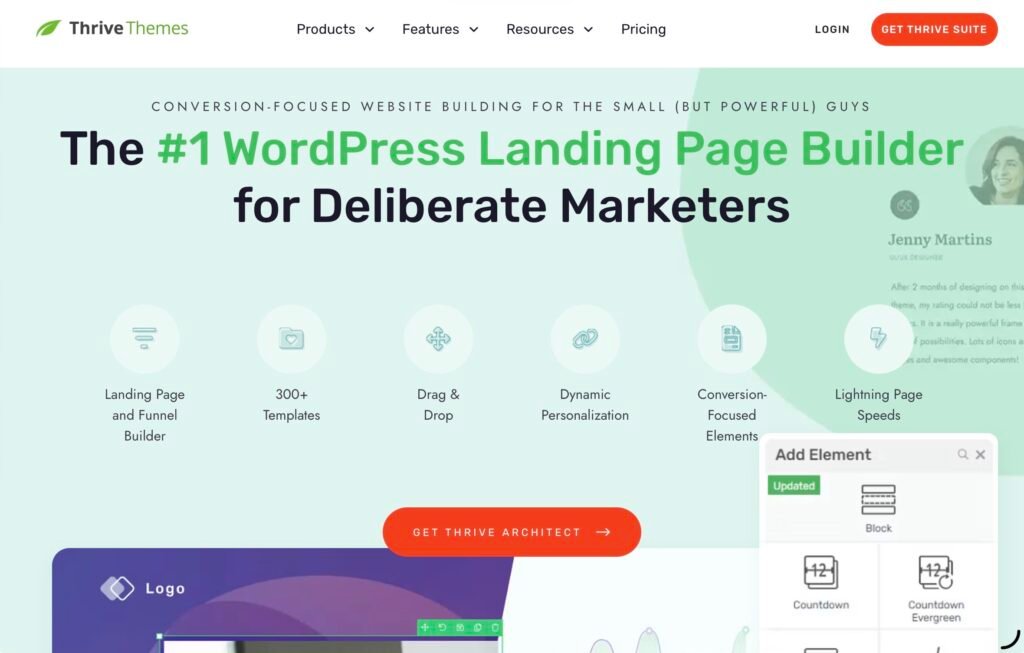
Thrive Architect is a visual WordPress page builder developed with conversion-focused websites in mind. It allows users to create and customize pages visually, making it possible to build landing pages and other marketing-oriented website sections without relying entirely on developers.
The builder includes a visual editing interface where users can modify page elements directly and control the appearance and structure of their content. This makes it suitable for websites where landing pages, calls to action, lead generation, and other marketing elements are important parts of the overall strategy.
Thrive Architect also provides pre-designed elements and templates that can help reduce the time required to create common page structures. Users can customize these designs to match their branding, messaging, and marketing objectives.
Key Features
- Visual Page Builder: Design pages directly through a front-end visual editing interface.
- Drag-and-Drop Editing: Move and arrange page elements without requiring extensive coding knowledge.
- Landing Page Templates: Use professionally designed templates as a starting point for landing pages.
- Conversion Elements: Add buttons, testimonials, lead-generation elements, content boxes, and other marketing-focused components.
- Responsive Editing: Adjust page designs for desktop, tablet, and mobile displays.
- Typography Controls: Customize fonts, sizes, spacing, and other text-related settings.
- Content Elements: Build pages using different visual and content modules.
- Marketing-Focused Design: Create pages with calls to action and other conversion-oriented elements in mind.
Thrive Architect is therefore worth considering for bloggers, marketers, entrepreneurs, and businesses that want their WordPress website customization workflow to support marketing and lead-generation goals.
5. Brizy
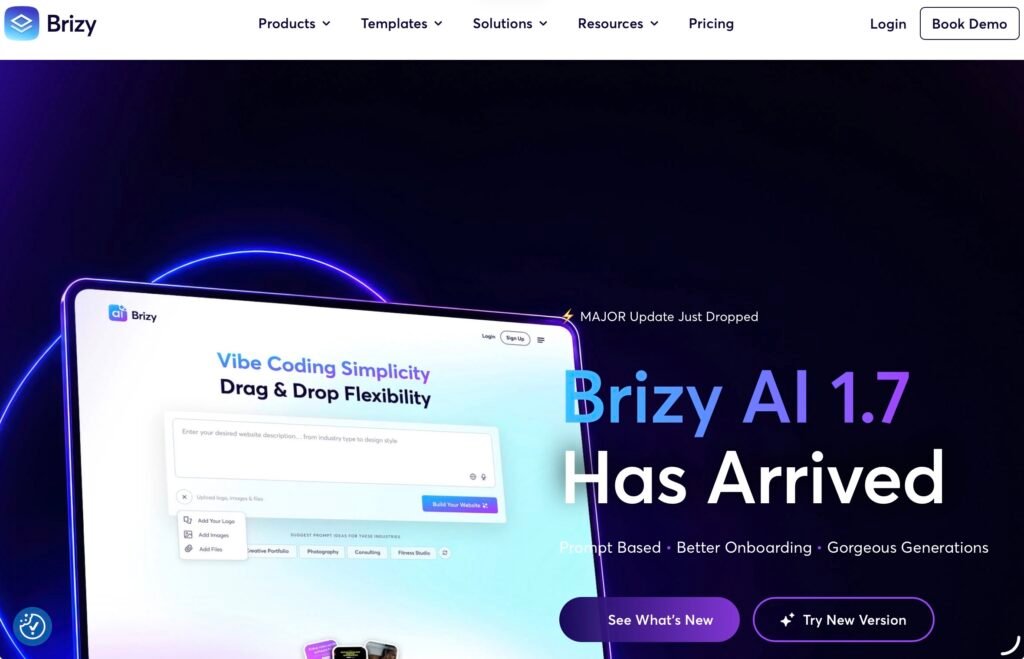
Brizy is a WordPress website builder that focuses on making visual website creation accessible to users with different levels of technical experience. Its interface uses drag-and-drop editing, allowing users to build pages and adjust design elements without directly working with code.
Brizy provides a selection of pre-designed layouts and blocks that can be customized to fit different website projects. This can be useful when creating a website quickly because users can begin with an existing structure and then change its text, images, colors, typography, and other elements.
The builder also includes responsive editing tools, giving users the ability to adjust how content appears across different devices. This is particularly important for modern websites, where visitors may access the same page from smartphones, tablets, and desktop computers.
Key Features
- Drag-and-Drop Editor: Build pages visually by placing elements where you need them.
- Pre-Built Blocks: Use ready-made sections to speed up the website-building process.
- Templates: Start projects with complete website and page designs.
- Responsive Editing: Customize layouts for different screen sizes.
- Global Styling: Maintain consistent fonts, colors, and other design settings across a website.
- Visual Customization: Modify spacing, typography, backgrounds, images, and other elements through the editor.
- Popups and Forms: Create additional website components for lead generation and visitor interaction.
- Dynamic Content: Support dynamic website content and more flexible page-building workflows.
- Mobile-Friendly Design: Preview and adjust how pages behave across different devices.
Brizy can be a convenient choice for users who want a straightforward visual editor combined with ready-made design resources.
How to Choose the Right WordPress Customization Tool
The best WordPress customization tool depends on the type of website you are building and how much control you need over its design. Beginners may prioritize a simple drag-and-drop interface, while designers and developers may need advanced responsive controls, dynamic content, custom CSS, or integration with other design tools.
For example, Kirki stands out for its freeform canvas, dynamic CMS capabilities, advanced Customizer controls, Figma integration, collaboration features, and developer tools. Beaver Builder provides a familiar visual editing workflow with reusable layouts and content modules. Visual Composer focuses on flexible visual website creation with templates and design controls, while Thrive Architect is particularly oriented toward marketing and conversion-focused pages. Brizy provides a user-friendly approach with templates, blocks, and responsive editing.
It is also worth considering factors such as theme compatibility, responsive controls, available templates, performance, integrations, and the level of customization required. A simple business website may not need the same toolset as a large content-driven platform or a website managed by a professional design team.
Final Thoughts
WordPress provides extensive possibilities for website creation, but the right customization tool can make the design process faster and more flexible. Visual builders reduce the need for coding while giving users greater control over page structure, appearance, and functionality.
Kirki, Beaver Builder, Visual Composer, Thrive Architect, and Brizy each approach WordPress customization differently. Kirki combines freeform visual design with dynamic CMS functionality, Customizer controls, animations, collaboration, and developer tools. Beaver Builder focuses on an intuitive visual building experience, while Visual Composer offers a broad set of design and layout tools. Thrive Architect is geared toward marketing-focused pages, and Brizy emphasizes accessible visual editing and ready-made design resources.
Before choosing a tool, consider your website’s requirements, technical experience, design workflow, and the level of customization you expect to need. The right solution can make it easier to turn a basic WordPress installation into a website that matches your brand, content, and functionality requirements.
Click here for more.