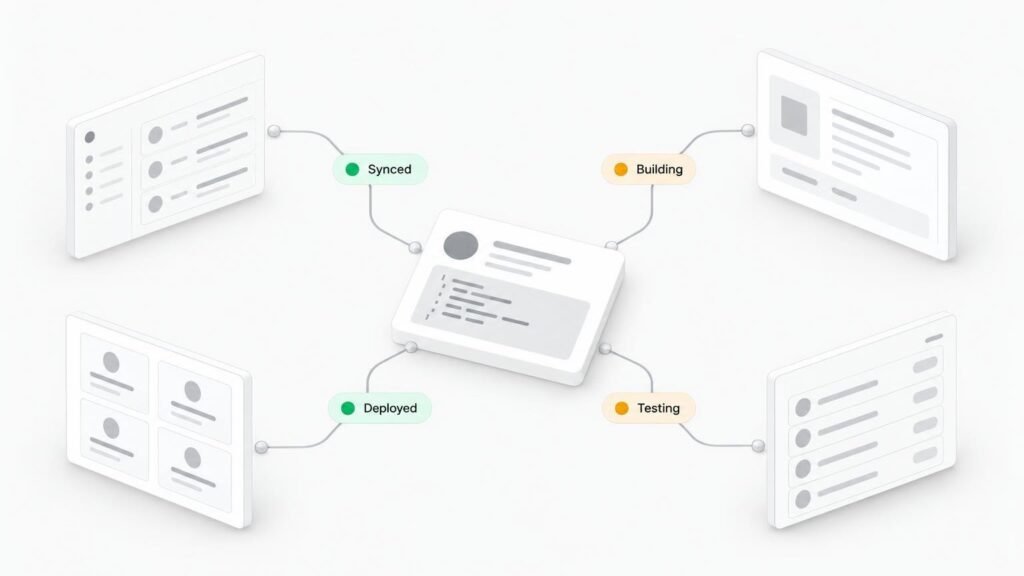
Congratulations! WordPress.org accepted your plugin. Following an initial tag in SVN, you wait for downloads to begin. But just a week in, there are still less than 10 live downloads. For many WordPress developers this is a familiar scenario.
Whilst not widespread, new plugins rarely make it to the wp-admin area of WordPress.org. To maximize your plugin’s exposure, you should submit it to the same areas that developers and site owners already check. Below are five methods which work well currently for promoting free, commercial and CLI plugins.
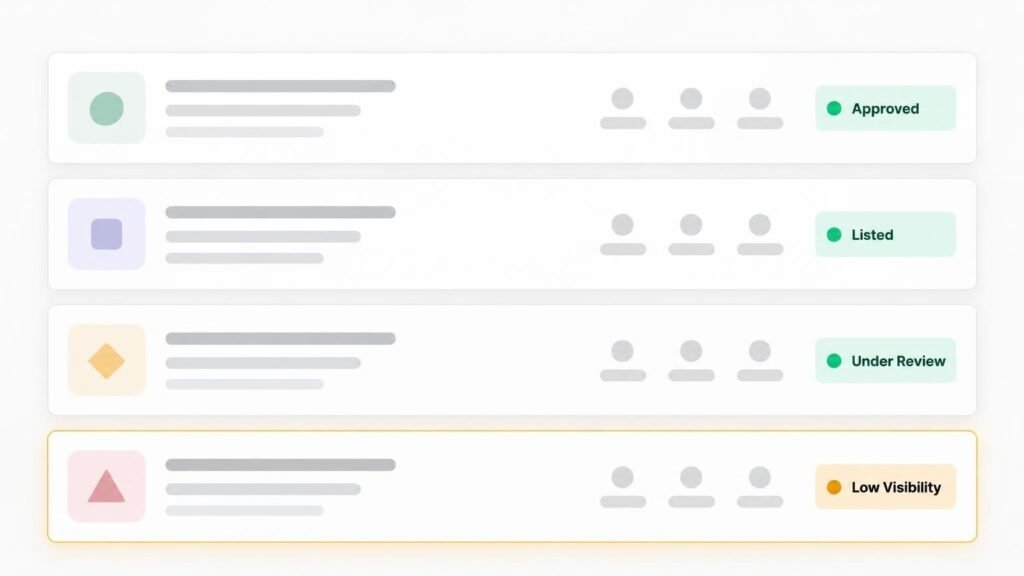
Why is publishing to the official WordPress.org plugin directory such a slow process? Firstly, there is a huge amount of free plugins already present. Week in week out the community-run review process is constantly busy. Combined with required two-factor authentication and automatic validation by wp plugin check, even minor issues such as incorrect escaping or poor generic function naming will cause your plugin’s ZIP file to be sent back to the end of the review line.
Post-approval, the Plugins > Add New page prioritises plugins based on previous download figures, recent answers on the plugins forum, star ratings and a Tested up to version match. Beginning with no reviews slots you well down the list compared to plugins which haven’t been actively maintained for years. Furthermore, you cannot even publish premium WooCommerce plugins, agency mu-plugins and in-house blocks on WordPress.org at all.
1. Launch platforms and directories
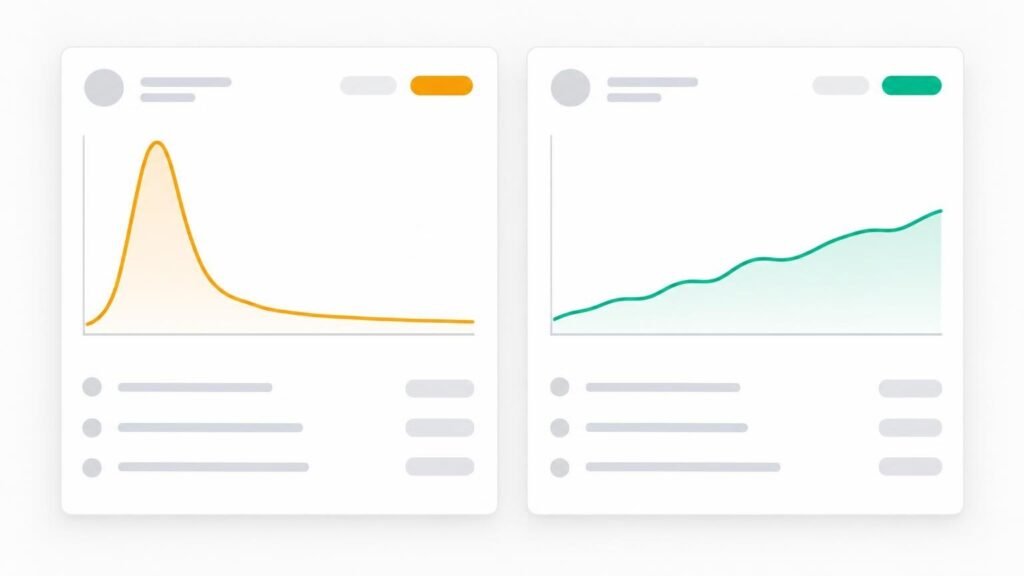
Many devs fail to differentiate between launch platforms and directories and are often disheartened by a drop-off in visitors by the weekend. In fact, these are very distinct categories.
Daily launch platforms including Product Hunt, DevHunt and Show HN create a brief 1-2 day window in which a high-level of people engage with your onboarding process. This is extremely valuable for rapidly identifying usability issues. Should for example, there be an odd cURL error on .test local domains during licence activation, or people struggle to understand the difference in price between single-user and agency licences, feedback will arrive within an hour. Avoid specialist terminology. The filter hook you use is not interesting for WordPress core members. Just inform users of the pain point which your plugin resolves. Most launch platforms also utilise nofollow links, although regular independent newsletters frequently independently highlight strong launches.
Following this initial wave of visitors, ongoing visibility is largely driven by search engines and AI chatbots. Both engineers and site owners will either search Google, or query an AI such as ChatGPT, Claude or Perplexity for highly targeted information. For example, they may seek advice on how to add a minimal plugin to analyse WooCommerce query performance or troubleshoot webhooks.
However, neither Google nor AI chatbots will set up test sites to evaluate the 30+ sometimes esoteric plugin launch pages available. Instead, they heavily consult well organised external pages detailing the features, pricing and compatibility of various plugins. Being added to a moderated developer tool list means your plugin or WP-CLI tool appears on the types of category pages which developers and AI systems consult when compiling shortlists.
Avoid large re-used lists advertising ‘200 free startup directories’. Frequently, half the sites on these are either defunct or parked. And of the remaining sites, numerous redirect scripts to conceal links, or have 6 month plus delays in approval processes. Prior to completing any online form, open existing entries on the relevant site. Examine the outgoing link in your browser’s DevTools and confirm that a person has assessed the entry rather than simply pasted marketing text.
Create a simple folder on your laptop to hold the following standard plugin information:
- A succinct under-140 character description
- Price information (highlighting if free or local development licence is available)
- A 512×512 pixel PNG icon
- And 2-3 wp-admin or terminal screenshots (not large promotional images)
With this prepared, quality directories you can submit your tool to in a couple of minutes – without wasting half a day.
2. GitHub Releases and Packagist for agency deployment
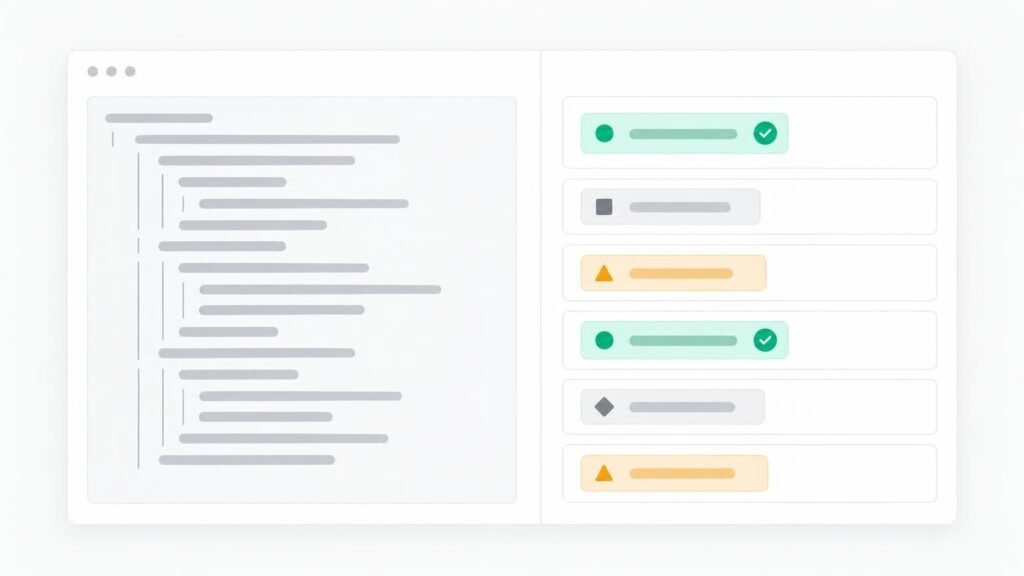
Developers responsible for running sites on Roots Bedrock, SpinupWP and/or Pantheon generally don’t explore the wp-admin area. Rather they visit GitHub, scan PHP files, review a project’s version control history and verify that the GitHub repo continues to receive updates.
Unfortunately, a common pitfall with GitHub Releases is advising people to click the green Download ZIP button on a project’s default branch. This causes the tests/, .github/ and uncompiled src/ project files, along with a -main folder suffix, to all be uploaded to wp-content/plugins/. Plugins then either fail to activate or block assets that don’t load. The user then removes the plugin.
Instead, directly attach correctly compiled .zip files to GitHub Releases. A small .gitattributes file containing export-ignore instructions will ensure development files are excluded from the ZIP. Alternatively, you can use a brief GitHub Action to execute npm run build and then upload the compiled ZIP on tagging. Please also don’t forget to include an Update URI field in your main plugin file. Although initially developed for self-hosted plugins in version 5.8 of WordPress core, this prevents rogue plugins from overwriting your files. If another person were to register a plugin on WordPress.org using the same slug as yours, WordPress would update their plugin rather than yours. Specifying your GitHub or personal website address for Update URI entirely avoids this problem.
Furthermore, assigning 4-5 relevant GitHub Topics to your repo such as wordpress-plugin, wp-cli, woocommerce, gutenberg and/or bedrock is advantageous. Developers routinely seek out easily scannable, smaller packages rather than large, freemium plugin collections, and peruse topic pages to do so.
Enable Packagist integration
When deploying with Bedrock or CI, teams absolutely won’t consider SFTP file uploads. They wish to enter ‘composer require vendor/plugin-name’ in their terminal to ensure precise version control is maintained in composer.lock.
You can easily configure this too. Simply place a composer.json file in your repo root specifying “type”: “wordpress-plugin”. Also add a requirement for composer/installers (^1.0 || ^2.0). Enter your repo URL on Packagist and link your GitHub webhook so that new plugin tags automatically update Packagist. Whilst wpackagist.org does automatically mirror official .org plugins, your Packagist listing is valid prior to WordPress.org acceptance and remains live indefinitely for non-repo tools.
3. WordPress Playground browser-based testing
Generally, there are multiple steps between a plugin download link and people actually testing it. People usually need to open either LocalWP or DDEV, launch a test site, download your plugin, activate it and then create sample WooCommerce products or posts. Finally they must navigate to your menu page within the sidebar. Most people however, don’t even complete the second of these stages.
WordPress Playground circumvents all of these stages. By utilising WebAssembly to run PHP and SQLite in the browser, anybody can now effortlessly and hygienically test plugins. You are required to have a small blueprint.json file which instructs WordPress to launch, download your most recent GitHub Release ZIP, create a couple of sample posts (so the WordPress dashboard isn’t blank) and immediately display your plugin’s settings page.
{
“landingPage”: “/wp-admin/admin.php?page=my-plugin”,
“steps”: [
{ “step”: “login”, “username”: “admin”, “password”: “password” },
{
“step”: “installPlugin”,
“pluginData”: {
“resource”: “url”,
“url”: “https://github.com/your-org/my-plugin/releases/latest/download/my-plugin.zip”
}
}
]
}
Place a ‘Try live in WordPress Playground (no login)’ button beside your download button. People really do utilise this as exiting a tab fully clears test data.
4. WordPress Slack, Reddit and newsletters
Posting a basic sales link to r/WordPress or r/ProWordPress almost always results in immediate downvotes or removal by a moderator. These subreddits suffer badly from affiliate marketing posts and so people instantly ignore generic launch messages.
In contrast, detailing genuine development challenges you faced whilst developing your plugin is compelling. For example, explain how you avoided wp_options table bloat by managing autoloaded options, how you resolved a WooCommerce HPOS query problem and/or issues which arose from converting legacy shortcodes to the Interactivity API. Again, include your Playground test link towards the end of this information for those wishing to further evaluate your plugin. Basic launch sales messages are better reserved for specialist weekly threads such as Saturday Showoff on r/webdev.
Likewise, Post Status and local WordPress Slack groups operate in a similar fashion. Only post to #launches or #shameless-plugs. Prioritise responding to the queries which agencies most commonly have: Is your plugin GPL? Does an agency unlimited site licence exist? And does the environment variable WP_ENVIRONMENT_TYPE=staging negatively affect licence activations? When contacting WordPress newsletter editors (such as WP Weekly, MasterWP and The Repository), limit yourself to three lines of concise information. Include the minimum PHP version, a summary of changes and your Playground link. Editors particularly appreciate not needing to establish a test site to obtain a screenshot of an unfamiliar plugin ZIP.
5. Transition guides and Query Monitor analysis
Whilst GitHub, directories and community resources help to attract initial users, continual plugin installation largely stems from informative documentation aimed at site owners who are fed up with older plugins.
Begin by producing genuine transition guides (Moving from [Old Plugin] to [Yours]). Avoid bad-mouthing the alternative plugin author. Clearly set out the particular custom tables and post meta fields which the original plugin generates. Outline what your import function automatically transfers and quantify how much frontend JavaScript is removed from public facing site areas.
Next, produce concise how-to articles for particular technology stacks which people often search for in late evening hours. This may involve guidance on WooCommerce HPOS, exact wp-cli cron commands and cache workaround settings for Cloudflare APO, WP Rocket and FlyingPress to prevent dynamic content from becoming locked in to page cache.
Finally, embed authentic Query Monitor analytics on your own site. Conduct this analysis from a standard 2GB VPS. Present the number of SQL queries, highest memory consumption and page build times pre- and post-activation of your plugin both in wp-admin and within a front-end archive template. Many WordPress developers have been caught out by ‘lightweight’ plugins silently executing six or more non-indexed meta_query searches on each page. Clearly presenting statistics in this manner, and emphasising two week user activity levels over download figures, is key. Concentrate efforts on the environments in which genuine site builders are present.
Click here for more articles.