Managing media files efficiently has become essential for modern WordPress websites. As content-heavy websites continue to grow, organizing thousands of images, videos, PDFs, and design assets inside the default WordPress Media Library can quickly become overwhelming. That’s why media library plugins have become an important part of the WordPress ecosystem in 2026.
The best WordPress media library plugins help users organize files with folders, categories, filters, advanced search tools, cloud integrations, and workflow improvements that save time and improve productivity. Whether you are a blogger, agency, marketer, eCommerce business, or publisher, choosing the right media management plugin can dramatically streamline your content creation process.
In this article, we’ll explore the 5 best WordPress media library plugins in 2026, comparing their features, usability, and ideal use cases.
1. FileBird
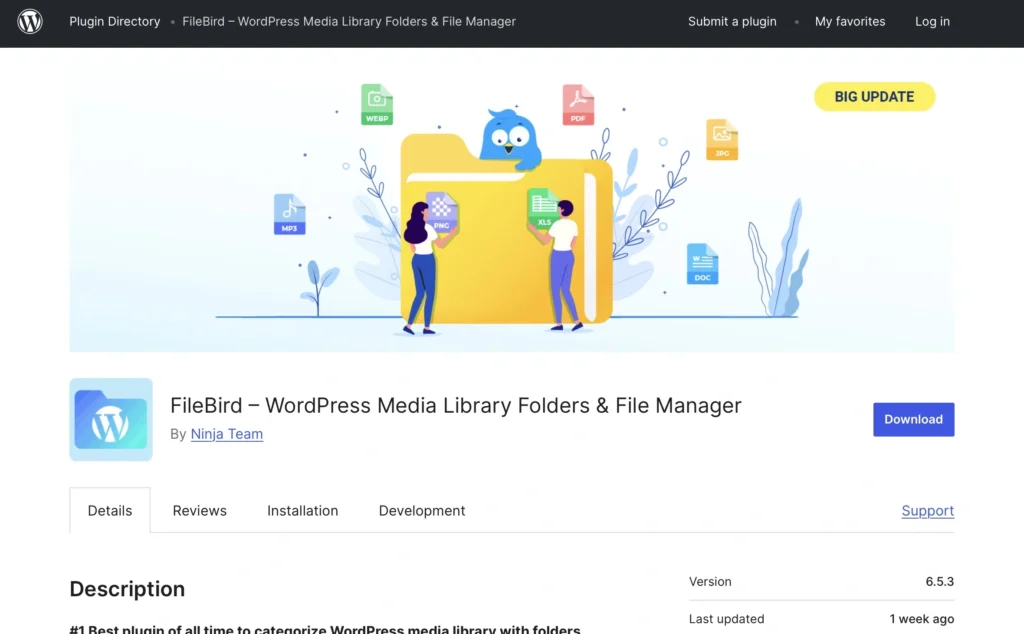
FileBird remains one of the most popular WordPress media library plugins thanks to its intuitive folder-based organization system and beginner-friendly interface. Designed to mimic the familiar desktop folder experience, FileBird allows users to organize media assets quickly using drag-and-drop functionality.
For WordPress websites with large image libraries, FileBird makes asset management significantly easier. Users can create unlimited folders and subfolders to categorize images, videos, PDFs, audio files, and documents without affecting the actual file URLs.
One of FileBird’s strongest advantages is its simplicity. Even users with no technical experience can immediately understand how to structure and organize their media library. This makes it especially useful for bloggers, small businesses, agencies, and WooCommerce stores handling large visual catalogs.
Key Features
- Drag-and-drop media organization
- Unlimited folders and subfolders
- Smart context menu support
- Advanced search and sorting
- Bulk file selection and movement
- WooCommerce compatibility
- Support for page builders and multilingual websites
FileBird also integrates smoothly with popular WordPress tools such as Elementor, WPBakery, Gutenberg, and WooCommerce. The plugin works efficiently without slowing down the admin dashboard, even on media-heavy websites.
Best For
- Bloggers managing large image collections
- WooCommerce stores
- Marketing agencies
- Content-heavy business websites
Why It Stands Out in 2026
FileBird continues to dominate because of its balance between usability and performance. It offers a clean interface, excellent compatibility, and a workflow that feels natural for users already familiar with desktop file systems.
2. Real Media Library Lite
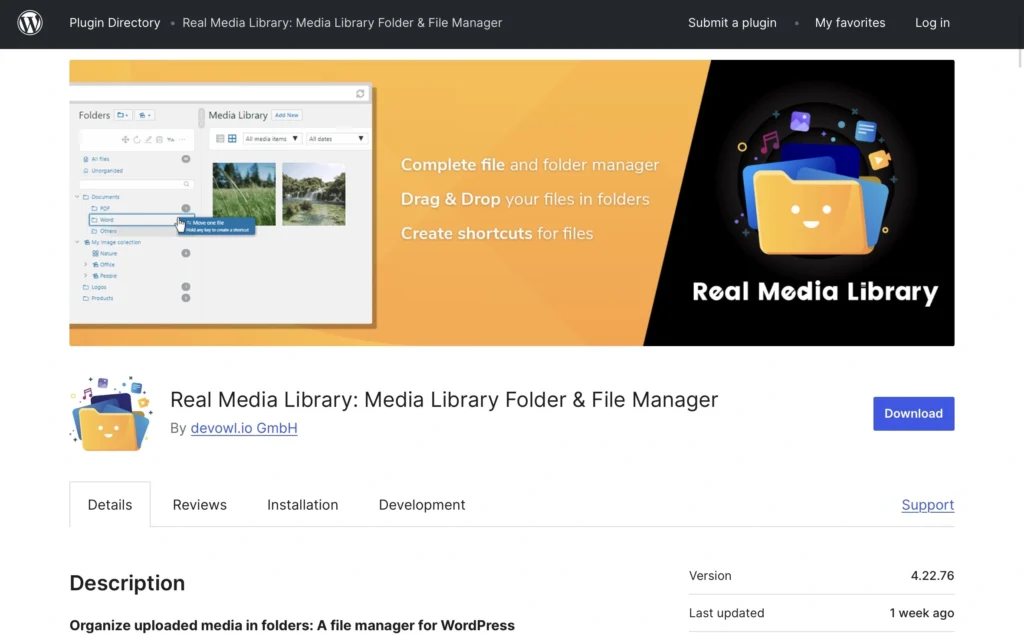
Real Media Library Lite is another powerful media organization plugin that helps WordPress users structure their media files professionally. Unlike the default WordPress Media Library, which can become cluttered quickly, Real Media Library introduces a highly organized folder system with advanced management tools.
The plugin is particularly useful for websites with thousands of files because it allows users to sort assets into collections, folders, and galleries. This makes navigation much faster and improves team workflows for websites with multiple content contributors.
Real Media Library Lite focuses heavily on scalability. As websites grow, maintaining a clean media system becomes increasingly important, especially for agencies and publishers working with high volumes of visual content.
Key Features
- Folder-based media organization
- Collections and gallery management
- Drag-and-drop interface
- Easy bulk file handling
- Improved navigation for large libraries
- Compatible with major page builders
- SEO-friendly media structure
One of the plugin’s biggest strengths is its gallery organization system. Users can create structured collections for campaigns, client projects, blog categories, or product images without duplicating files.
Best For
- Large editorial websites
- Agencies managing client assets
- Publishers and news websites
- Websites with complex media workflows
Why It Stands Out in 2026
Real Media Library Lite remains highly respected because of its advanced organization capabilities and scalability. It provides a professional-grade media management system while remaining accessible for everyday WordPress users.
3. Pixplet Media Library Plugin

The Pixplet Media Library plugin makes it easy for WordPress users to discover and use high-quality free stock images directly from the WordPress admin dashboard. Designed for bloggers, website owners, marketers, agencies, and content creators, the plugin streamlines the content creation process by allowing users to search, browse, and import images from Pixplet without leaving their website.
With the plugin, users can quickly add selected images to the WordPress Media Library and set them as featured images for posts and pages in just a few clicks. This helps save time, improve workflow efficiency, and simplify visual content management inside WordPress.
Pixplet provides free stock images suitable for websites, blogs, social media, marketing campaigns, and creative projects. Images are available under the Pixplet content license, making them easy to use for a wide range of digital content needs.
Key Features
Free Stock Images Inside WordPress
Access high-quality free stock images directly from the WordPress dashboard without visiting external websites.
Built-In Image Search
Search and browse Pixplet images from the admin panel using keywords and categories.
One-Click Media Import
Import selected images directly into the WordPress Media Library for easy management and reuse.
Featured Image Support
Quickly set imported images as featured images for posts and pages.
Faster Content Creation
Save time by finding, importing, and managing visuals without leaving WordPress.
Perfect for Content Creators
Useful for bloggers, marketers, website owners, publishers, and agencies creating digital content.
Free to Use
Pixplet images are available for free under the Pixplet content license.
The Pixplet Media Library plugin helps WordPress users find professional visuals faster and create engaging content more efficiently.
4. HappyFiles
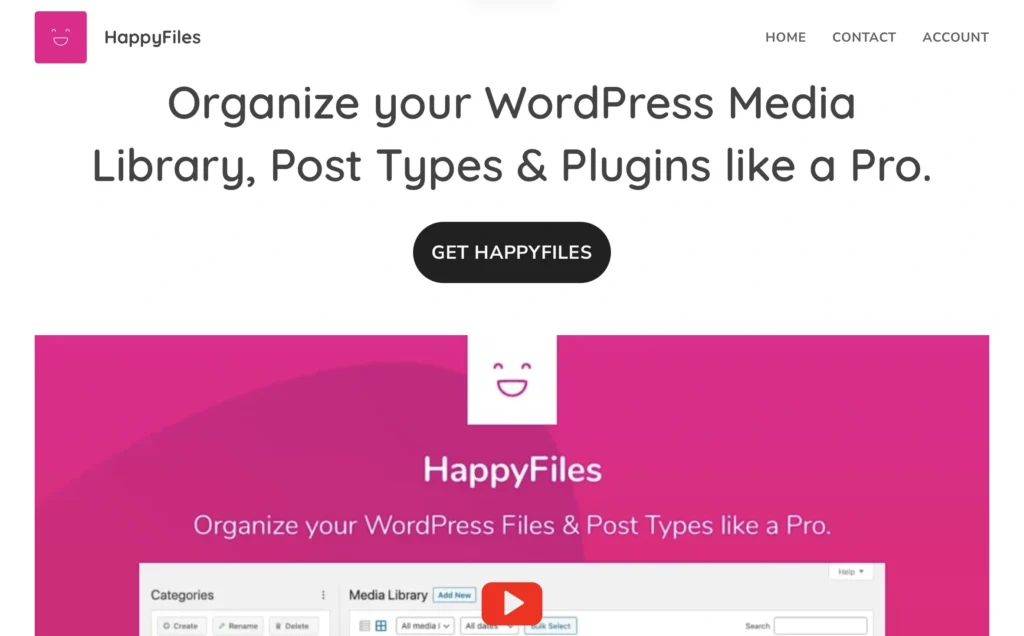
HappyFiles has rapidly become one of the cleanest and most modern media organization plugins available for WordPress. Created with performance and simplicity in mind, HappyFiles offers folder-based organization without unnecessary complexity.
The plugin is especially appealing to users who prefer lightweight solutions that integrate naturally into the native WordPress experience. The interface feels polished and minimal while still offering powerful organization tools.
HappyFiles allows users to organize media files, posts, pages, and custom post types into folders, improving admin dashboard navigation significantly.
Key Features
- Lightweight and fast performance
- Folder organization for media and content
- Drag-and-drop management
- Minimal and user-friendly interface
- Gutenberg-friendly workflow
- Works with custom post types
- Clean integration with WordPress core
One of HappyFiles’ biggest strengths is speed. The plugin avoids bloated features and focuses on delivering a responsive user experience even on larger websites.
Best For
- Minimalist WordPress users
- Freelancers and designers
- Small business websites
- Users seeking lightweight performance
Why It Stands Out in 2026
HappyFiles continues gaining popularity because it offers an elegant balance between simplicity and functionality. Users who dislike overly complicated admin interfaces often prefer HappyFiles for its clean design and efficient workflow.
5. Document Library Pro

Document Library Pro is a feature-rich WordPress plugin that makes it easy to create, organize, and display documents on your website. Ideal for businesses, educational institutions, nonprofits, and other organizations, it provides a professional way to manage and share resources such as manuals, reports, policies, and downloadable files.
The plugin streamlines document management by allowing you to upload files, categorize them, and present them in a clear, searchable library. Visitors can quickly browse, filter, and locate the documents they need, creating a more efficient and user-friendly experience. Its powerful search and filtering capabilities make it especially useful for websites with large collections of documents.
Document Library Pro is also highly customizable, enabling you to tailor the layout and styling to match your website’s branding. With an easy setup process and flexible display options, you can create a polished, professional document library without any technical expertise.
Key features
- Users can quickly find documents using built-in search and filters.
- Display documents in table, grid, or folder layouts.
- Create unlimited document libraries across your website.
- Upload files manually, in bulk, or from the front end.
- Restrict access using passwords or user permissions.
- Control document visibility by category or individual file.
- Customize the library to match your website’s design.
One of Document Library Pro’s biggest strengths is its ability to create a fully searchable, organized document library, making it easy for visitors to find and access the files they need quickly.
Best for
- Best for businesses sharing documents online.
- Best for schools organizing learning resources.
- Best for membership sites offering private downloads.
- Best for resource libraries managing large file collections.
Why It Stands Out in 2026
Document Library Pro stands out for making it easy to organize, manage, and display documents in a searchable library, helping users find files quickly and efficiently.
Final Thoughts
As WordPress websites continue growing in complexity, media management has become more important than ever. The default WordPress Media Library is often insufficient for creators, businesses, and agencies handling large volumes of digital assets.
Each plugin on this list serves a different purpose:
- FileBird excels at intuitive folder management.
- Real Media Library Lite provides scalable organization for large websites.
- Pixplet Media Library Plugin streamlines content creation with built-in free stock image access.
- HappyFiles offers lightweight and elegant media organization.
- Document Library Pro delivers advanced taxonomy-based media filtering.
The best choice ultimately depends on your workflow, website size, and content creation needs. However, all five plugins stand out as some of the strongest WordPress media library solutions available in 2026.