Automation has become one of the biggest productivity drivers for WordPress websites. Whether you manage an online store, membership platform, appointment booking system, LMS, or business website, automation eliminates repetitive tasks, reduces manual errors, and creates better experiences for your users.
Modern WordPress automation plugins can connect different plugins and third-party services, trigger workflows based on user actions, synchronize customer data, automate bookings, and even manage memberships without constant administrative work.
In this article, we’ll explore the five best WordPress automation plugins in 2026 that help website owners streamline operations and save valuable time.
1. theMarketer – Email Marketing & Automation Platform
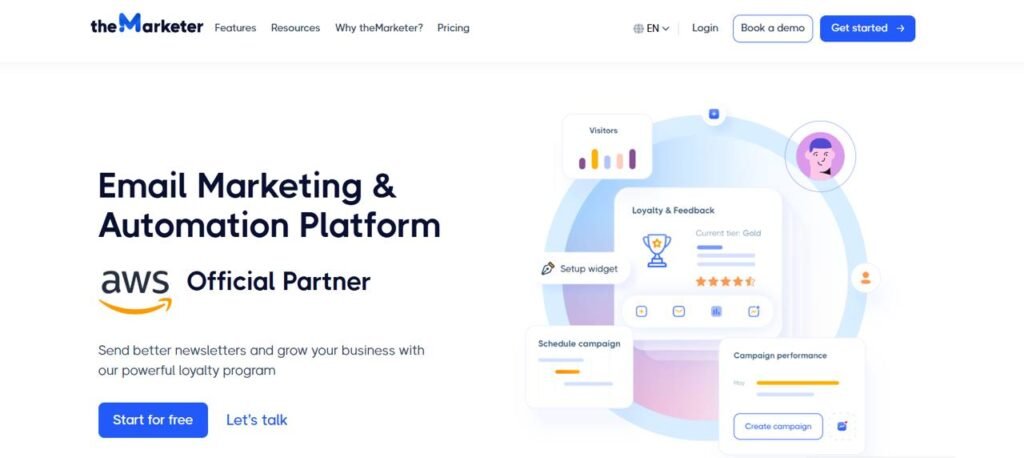
theMarketer is an email marketing and automation platform designed to consolidate customer communication into one system. Instead of focusing only on newsletters, it combines email, SMS, push notifications, audience management, marketing automation, reporting, reviews, loyalty programs, and referral campaigns.
For WordPress and ecommerce businesses, one of its more useful aspects is the ability to create automated customer journeys based on user behavior. Businesses can segment contacts, send abandoned cart messages, recommend products, build automated workflows, and analyze campaign performance without relying on multiple marketing tools, which may put unnecessary pressure on the bottom line.
The platform also includes visual campaigns and automation builders, which can make complex workflows easier to manage for users who prefer a more visual approach.
Key Features
- Marketing automation: Create visual workflows triggered by customer actions, purchases, subscriptions, and other conditions. Automation can combine email, SMS, push notifications, filters, delays, and A/B testing.
- Omnichannel campaigns: Manage email marketing, SMS, and push notifications from the same platform, helping businesses communicate with customers across different channels.
- Audience management and segmentation: Build detailed customer profiles, organize contacts with tags, create segments, track user activity, and use subscription forms to grow contact lists.
- Email and campaign builder: Create campaigns with a drag-and-drop editor, ready-made templates, product blocks, discount codes, and personalized content.
- Reporting and analytics: Monitor campaign performance, conversion rates, audience activity, product performance, clicks, and other marketing data. A/B testing is also available for comparing campaign variations.
- Personalized product recommendations: Recommend products based on customer preferences, previous interactions, and shopping behavior.
- Customer retention tools: The platform includes loyalty programs, referral programs, product reviews, customer feedback, and rewards that can help businesses encourage repeat purchases.
Pros
- Combines several marketing and customer retention tools in one platform.
- Supports email, SMS, and push notification automation.
- Visual workflow builder makes automation easier to understand and manage.
- Strong audience segmentation and customer profile features.
- Includes ecommerce-focused tools such as abandoned cart automation, product recommendations, reviews, loyalty programs, and referrals.
- Free plan available for smaller contact lists.
Cons
- The large number of features may be more than a small website needs if the goal is only basic email automation.
- Some of the more advanced ecommerce, automation, loyalty, and customer engagement features are limited to higher-priced plans.
Pricing
theMarketer offers several plans, with pricing also depending on the size of your contact database.
- Basic: Free for up to 1,000 contacts.
- Standard: From €20/month.
- Ecommerce: From €25/month.
- Ecommerce PRO: From €147/month.
2. ARMember
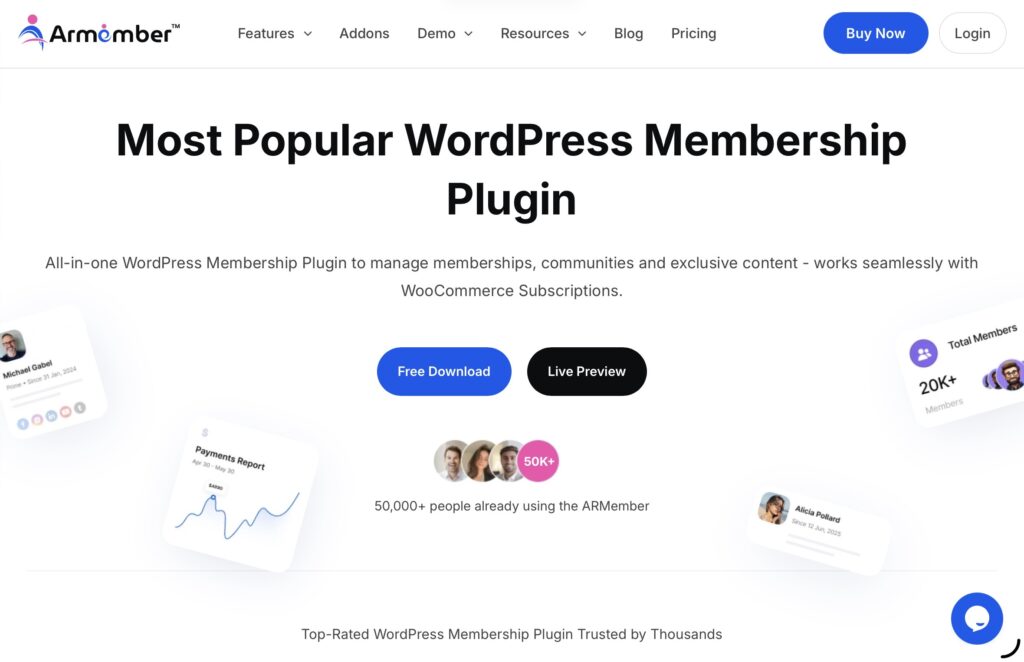
Managing memberships manually quickly becomes overwhelming as your website grows. ARMember simplifies membership management by automating registrations, subscriptions, payments, user access, and content protection.
Designed for membership websites, online communities, coaching businesses, and digital content creators, ARMember combines membership management with powerful automation capabilities.
Instead of manually approving members or updating access permissions, ARMember handles everything automatically based on your predefined rules.
Key Features
- Unlimited membership levels
- Subscription automation
- Drip content scheduling
- User profile management
- Content restriction rules
- Built-in form builder
- Payment gateway integrations
- Coupon management
- Email notifications
- Social login
- Membership renewals
- Detailed reporting
Why Choose ARMember?
ARMember provides an all-in-one solution for running membership websites while significantly reducing administrative workload through automation.
3. Bookly – Powerful WordPress Appointment Booking Plugin
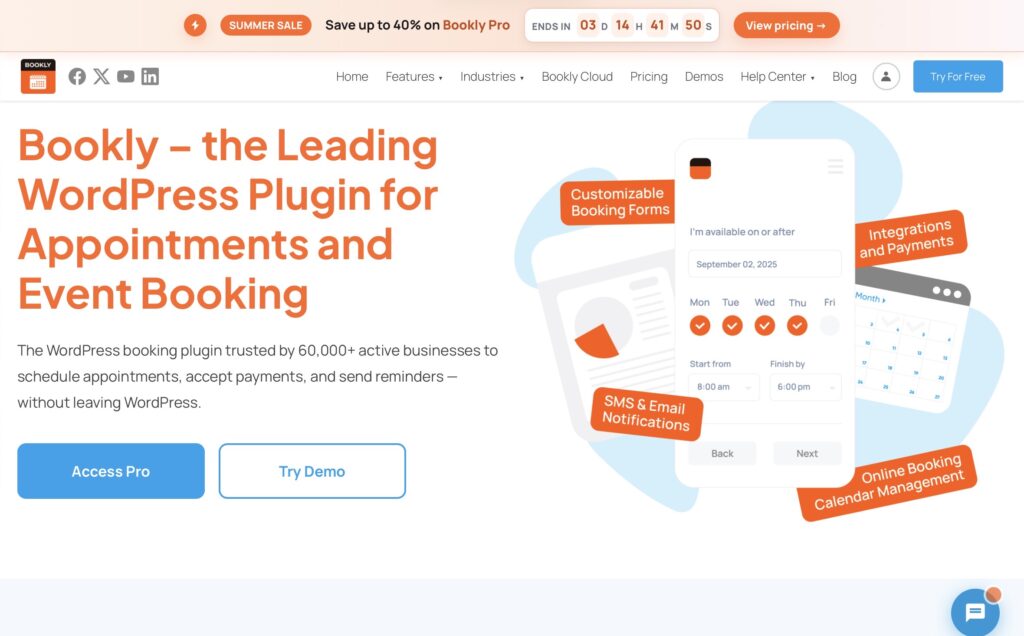
Bookly is an all-in-one WordPress booking and scheduling solution designed to help businesses automate appointments, manage staff schedules, accept online bookings, and improve customer experiences. With flexible plans, powerful add-ons, and advanced automation tools, Bookly makes it easy for service-based businesses to create a professional booking system directly on their website.
Key Features
Online Appointment Booking
- Allow customers to book services 24/7 directly from your website
- Create customizable booking forms that match your brand
- Manage unlimited appointments, services, and staff schedules
Bookly PRO Advanced Features
- Unlimited staff members and services
- Advanced booking management tools
- Custom booking forms and fields
- Group bookings and recurring appointments
- Deposit payments and service packages
- Google Calendar synchronization
- Online meeting integrations with platforms like Zoom and Google Meet
Automated Notifications
- Send email and SMS reminders automatically
- Keep customers updated about confirmations, cancellations, and upcoming appointments
- Use customizable notification templates for better communication
Online Payments & Integrations
- Accept payments through multiple payment gateways
- Support integrations with WooCommerce and payment providers
- Offer deposits, full payments, or offline payment options depending on your business needs
Powerful Add-ons Ecosystem
- Extend Bookly functionality with specialized add-ons
- Add features such as advanced payments, marketing tools, analytics, calendar integrations, and workflow automation
- Customize the booking system based on your business requirements
Multi-Staff & Multi-Location Management
- Manage teams, multiple services, and different locations from one dashboard
- Create individual schedules and availability settings for each employee
Flexible Pricing Plans
Bookly offers different plans to fit various business sizes:
- Free Version: ideal for testing basic booking workflows
- Bookly Pro: designed for professionals and small businesses
- Business: for growing teams with more advanced needs
- Ultimate: built for agencies and larger organizations managing multiple websites
Live Demo & Easy Setup
- Explore frontend and backend demos before choosing a plan
- Test the booking experience from both customer and administrator perspectives
Why Choose Bookly?
Bookly helps businesses save time by automating scheduling, reducing manual communication, and providing customers with a smooth booking experience. Whether you run a salon, clinic, consulting service, education platform, or any appointment-based business, Bookly provides the tools needed to manage bookings efficiently and scale operations.
4. AutomatorWP
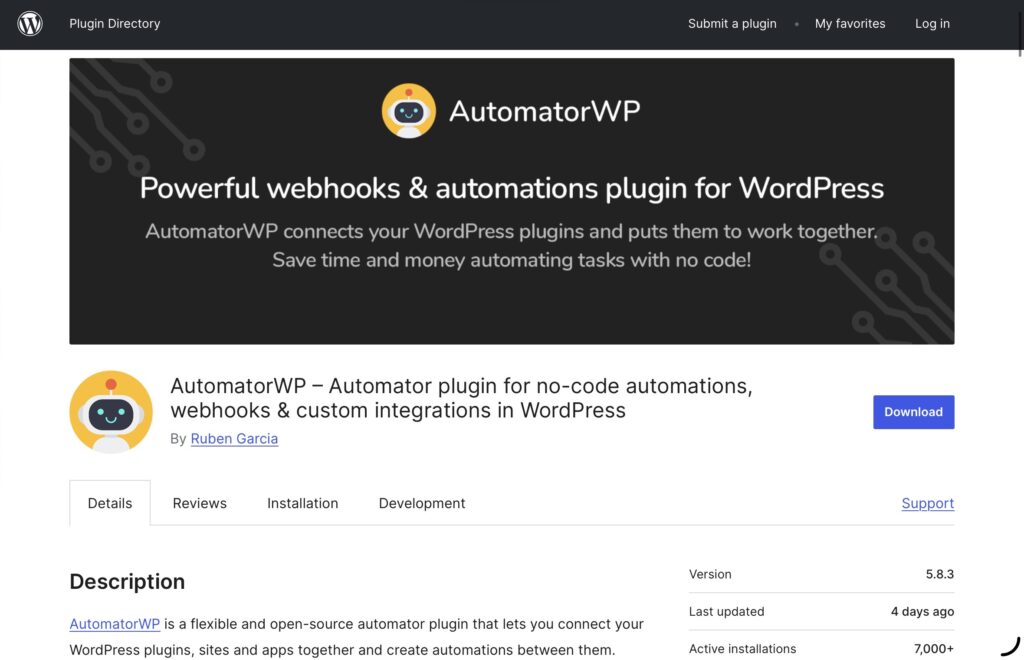
When it comes to connecting WordPress plugins together, AutomatorWP stands out as one of the most flexible automation solutions available.
The plugin lets users create “if this happens, then do that” automations entirely within WordPress. Events occurring in one plugin can instantly trigger actions in another plugin without requiring manual intervention.
For example, when a student completes a course, AutomatorWP can automatically award points, unlock membership content, send an email, enroll them in another course, or notify administrators.
Key Features
- Unlimited automation recipes
- Multiple triggers
- Multiple actions
- Conditional logic
- Delay actions
- User-based automation
- WooCommerce support
- LMS integrations
- Membership plugin integrations
- Gamification support
- Email automation
- Developer-friendly extensibility
Why Choose AutomatorWP?
AutomatorWP is perfect for users who already have several WordPress plugins installed and want them to work together automatically without custom development.
5. WP Fusion
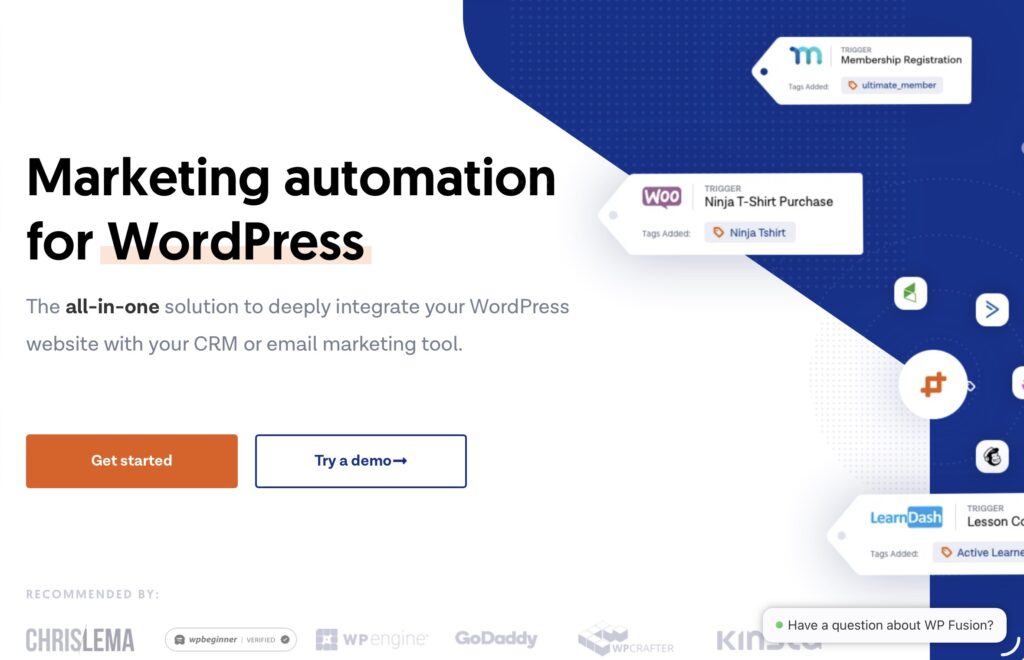
Customer data is often spread across multiple systems including CRMs, WooCommerce, membership plugins, email marketing platforms, and LMS solutions. WP Fusion bridges those systems by synchronizing customer information automatically.
Instead of manually updating contacts, assigning tags, or managing customer permissions, WP Fusion keeps all connected systems synchronized in real time.
Businesses using CRMs such as ActiveCampaign, HubSpot, Keap, Salesforce, or similar platforms can greatly improve customer management through WP Fusion.
Key Features
- CRM synchronization
- Contact tagging automation
- WooCommerce integration
- Membership automation
- LMS integrations
- User role management
- Content restriction
- Abandoned cart automation
- Purchase tracking
- Email marketing integration
- Customer segmentation
- Detailed activity tracking
Why Choose WP Fusion?
WP Fusion is an excellent solution for businesses that rely heavily on customer relationship management. It ensures every customer interaction is automatically reflected across your CRM, marketing tools, and WordPress website.
How to Choose the Right WordPress Automation Plugin
Each plugin on this list serves a different purpose, so the right choice depends on your website’s needs.
- theMarketer is ideal for building advanced no-code automation workflows across WordPress and third-party services.
- ARMember is the best choice for membership websites that need automated subscriptions, content protection, and user management.
- Bookly is perfect for businesses that want to automate appointment scheduling, reminders, payments, and staff management.
- AutomatorWP excels at connecting WordPress plugins through trigger-and-action automations.
- WP Fusion is the leading option for synchronizing WordPress with CRMs and marketing platforms.
Many businesses even combine several of these plugins. For example, Bookly can handle appointment scheduling, WP Fusion can synchronize customer data with your CRM, and Bit Flows can automate additional workflows between your website and external applications.
Final Thoughts
Automation is no longer a luxury, it’s an essential part of running an efficient WordPress website. By eliminating repetitive tasks, improving accuracy, and enhancing user experiences, automation plugins allow businesses to focus on growth instead of routine administration.
Whether you’re managing memberships with ARMember, building workflows with Bit Flows, automating appointments using Bookly, connecting plugins through AutomatorWP, or synchronizing customer data with WP Fusion, each of these solutions offers powerful features that can save countless hours every week.
Choosing the right automation plugin depends on your specific workflow, but any of the tools featured in this list can significantly improve productivity and help your WordPress website operate more efficiently in 2026.
Click here for more articles.