Managing product prices can become a time-consuming task as a Shopify store grows. Updating hundreds of products individually, preparing seasonal discounts, adjusting prices after supplier cost changes, and restoring original prices after promotions can take hours. For stores with large catalogs or multiple product variants, manual price management also increases the risk of mistakes.
Shopify bulk price editor apps simplify these tasks by allowing merchants to change prices across multiple products at once. Depending on the app, merchants can schedule sales, update compare-at prices, apply pricing rules, manage international markets, and undo changes when necessary.
In this guide, we explore five Shopify bulk price editor apps that can help merchants save time, manage promotions, and maintain greater control over their product pricing.
Quick Comparison
| App | Best for | Free plan | Paid plans from | Shopify Markets |
| Platmart Bulk Price Editor | Large catalogs, scheduled sales, and multiple markets | 1 task and 2 sales per month | $14.99/month | Advanced plan and above |
| NA Bulk Price Editor | Plans priced by monthly price changes | 100 price changes per month | $9.95/month | Yes |
| RUBIX Bulk Price Editor | Low-cost flash sales with advanced filters | 150 variant updates per month | $7.95/month | Top plan ($14.95/month) |
| Bulk Price Editor Pro | Formula and metafield-based pricing rules | Staff, partner, and trial stores only | $20/year | Super plan ($60/year) |
| Nexra Bulk Price Editor | Free, simple flash sales | Whole app is free | Free | Not listed |
Prices as listed on the Shopify App Store in November 2026.
- Best overall for large catalogs and Shopify Markets: Platmart Bulk Price Editor
- Best for usage-based plans: NA Bulk Price Editor
- Best budget option for flash sales: RUBIX Bulk Price Editor
- Best for formula-based pricing rules: Bulk Price Editor Pro
- Best free option: Nexra Bulk Price Editor
1. Platmart Bulk Price Editor
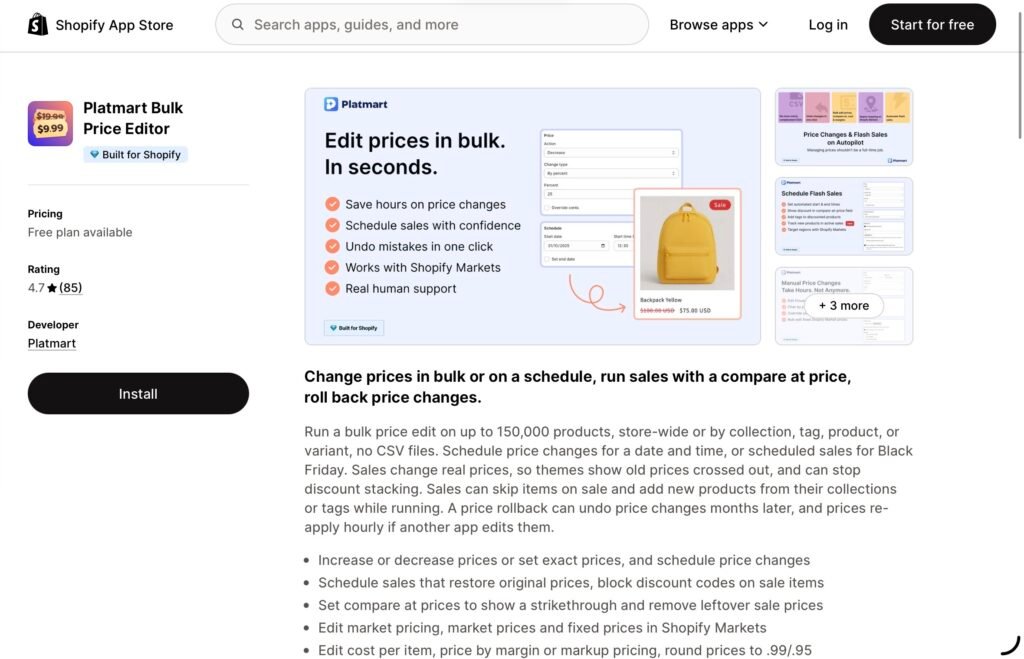
Platmart Bulk Price Editor is a Shopify app that helps merchants update product prices in bulk, schedule price changes and sales, and manage pricing across multiple markets. Merchants can increase or decrease prices by a percentage or fixed amount, set exact prices, or edit specific products, variants, collections, and tags without using CSV files. Every bulk change is backed up, allowing merchants to roll back changes whenever needed.
Platmart Bulk Price Editor stands out for scale and reliability during sales. A single task can cover up to 150,000 products. Sales change real prices instead of relying on discount codes, so themes show the original price crossed out. Running sales can skip items already on sale, pick up new products from their collections or tags, and re-apply prices hourly if another app overwrites them. Rollback works even months after a change.
Key Features
- Bulk Price Editing: Update prices across the entire store or select products, variants, collections, and tags. Apply percentage-based or fixed-amount increases and decreases, or set exact prices.
- Scheduled Price Changes: Set a price increase, decrease, or new price to apply automatically at a chosen date and time, without running a sale.
- Scheduled Sales: Plan promotions in advance, including Black Friday sales, with automatic start and end times. The app restores original prices when a sale ends.
- Block Discount Codes on Sales: Refuse discount codes when the cart contains sale items, so shoppers can’t stack a code on top of a sale price.
- Automatic Compare-at Pricing: Update actual product prices and compare-at prices, allowing Shopify themes to display discounted prices alongside crossed-out original prices on product and collection pages.
- One-Click Rollback: Restore previous prices using automatic backups saved for every product variant affected by a change.
- Cost, Margin, and Markup Management: Edit product costs, calculate prices based on margins or markups, and apply price rounding rules such as $0.99 or $0.95 endings.
- Shopify Markets Support: Bulk edit fixed prices in individual market price lists to manage pricing across different international markets.
- Automated Price Updates: Automatically include new products added to selected collections or tags in running sales. The app can also reapply prices hourly if another app overwrites them.
- Margin and Discount Reports: See price, cost, and margin per variant with a CSV export, and find products with leftover compare-at prices.
- Large-Scale Editing: Handle bulk changes affecting up to 150,000 products, with all operations managed directly inside Shopify admin and no theme setup required.
Pricing
Platmart Bulk Price Editor has a free plan with 1 task and 2 sales per month, up to 100 products each. Basic costs $14.99 per month and includes unlimited tasks and sales with up to 25,000 products per task. Advanced, at $24.99 per month, adds scheduled tasks, cost and margin editing, and Shopify Markets support, with up to 75,000 products per task. Premium, at $39.99 per month, covers up to 150,000 products per task and adds new-product tracking and hourly re-apply in sales. Annual billing is $134, $224, and $359 per year.
Who Is It Best For?
Platmart Bulk Price Editor is the strongest fit for growing and Shopify Plus brands with large catalogs, frequent sales, or multiple international markets, where a missed price restore or an overwritten sale price is costly.
2. RUBIX Bulk Price Editor
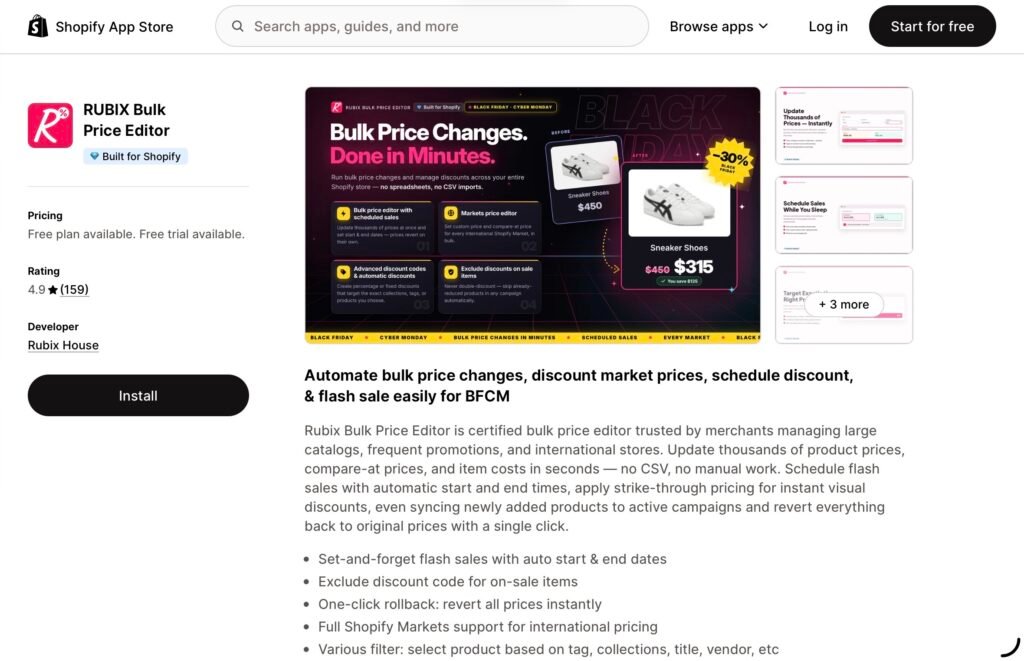
RUBIX Bulk Price Editor focuses on bulk price adjustments, scheduled promotions, and automated pricing workflows. It is designed for merchants who need to manage large catalogs, run frequent sales, or maintain pricing across multiple international markets.
The app allows merchants to update product prices, compare-at prices, and item costs without manually editing each product. Advanced filtering helps users select products based on criteria such as collections, tags, titles, and vendors, making it easier to apply changes to the right items.
RUBIX also supports scheduled flash sales with automatic start and end times. Merchants can display discounted prices, restore original prices after promotions, and synchronize newly added products with active campaigns on supported plans.
Key Features
- Bulk Price and Cost Editing: Update selling prices, compare-at prices, and product costs across multiple products and variants.
- Advanced Product Filters: Select products using criteria such as tags, collections, titles, and vendors.
- Scheduled Flash Sales: Set promotions to begin and end automatically, reducing the need for manual price changes.
- One-Click Rollback: Restore previous prices when a campaign ends or an adjustment needs to be reversed.
- Shopify Markets Support: Manage market-specific prices and international pricing workflows on eligible plans.
- New Product Synchronization: Include newly added products in active campaigns with supported subscriptions.
- Recurring Scheduling: Use weekly scheduling on higher-tier plans to simplify recurring promotional campaigns.
- Discount Controls: Manage automatic discounts and configure options to exclude discount codes from sale items.
Pricing
RUBIX offers a free plan that supports up to 150 variant updates per month. Paid plans start at $7.95 per month, while higher tiers add weekly scheduling, new-product synchronization, cost editing, and market price management. The highest listed plan costs $14.95 per month.
Who Is It Best For?
RUBIX Bulk Price Editor is a suitable option for merchants who regularly run flash sales or need more advanced product filtering. Its combination of scheduling, rollback functionality, and international pricing tools makes it particularly relevant to stores that frequently launch promotions across different collections or markets.
3. NA Bulk Price Editor
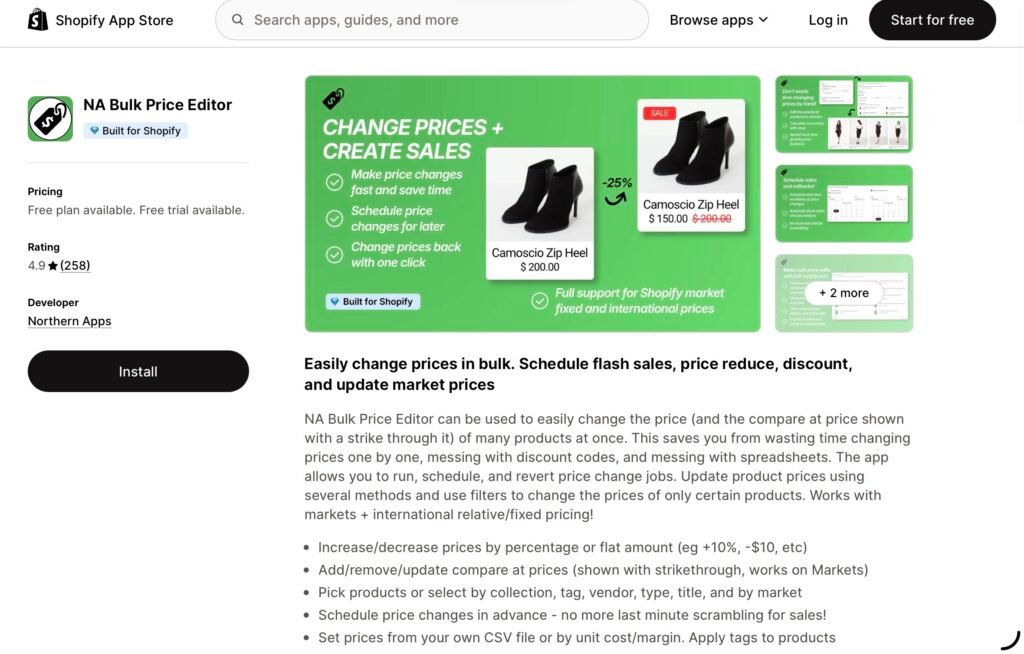
NA Bulk Price Editor is aimed at Shopify merchants who want to simplify bulk price changes and manage promotional pricing through scheduled workflows. Instead of updating products individually whenever a campaign begins or ends, merchants can use a dedicated pricing tool to organize changes across their catalogs.
Scheduling is especially helpful for stores that run regular discounts, seasonal campaigns, clearance events, or limited-time offers. Preparing changes in advance helps reduce the amount of manual work required during busy sales periods and makes it easier to coordinate pricing with marketing activities.
The app’s available listing and plan information highlight monthly price-change allowances, with paid options offering higher limits. This makes it important for merchants to consider the size of their catalog and how frequently they expect to update prices before selecting a subscription.
Key Features
- Bulk Price Changes: Manage price updates for multiple products rather than editing each item separately.
- Scheduled Pricing: Organize pricing changes around planned promotions and sales events.
- Flexible Usage Limits: Select a plan based on the number of price changes the store requires each month.
- Scalable Plans: Choose from free and paid tiers designed for different levels of pricing activity.
- Promotion Management: Reduce repetitive manual work when preparing product discounts and updating prices for campaigns.
Pricing
The available listing information shows a free plan with up to 100 price changes per month. Paid plans include options starting at $9.95 per month for 1,000 changes, $14.95 per month for 10,000 changes, and $19.95 per month for unlimited changes. A 14-day free trial is listed for paid plans.
Who Is It Best For?
NA Bulk Price Editor is worth considering for merchants who prioritize organizing bulk price changes around promotional schedules. Its tiered monthly allowances can help stores select a plan according to their pricing workload. Before installing, merchants should review the current app listing to confirm the available scheduling options and how the change limits apply to their particular workflow.
4. Bulk Price Editor Pro
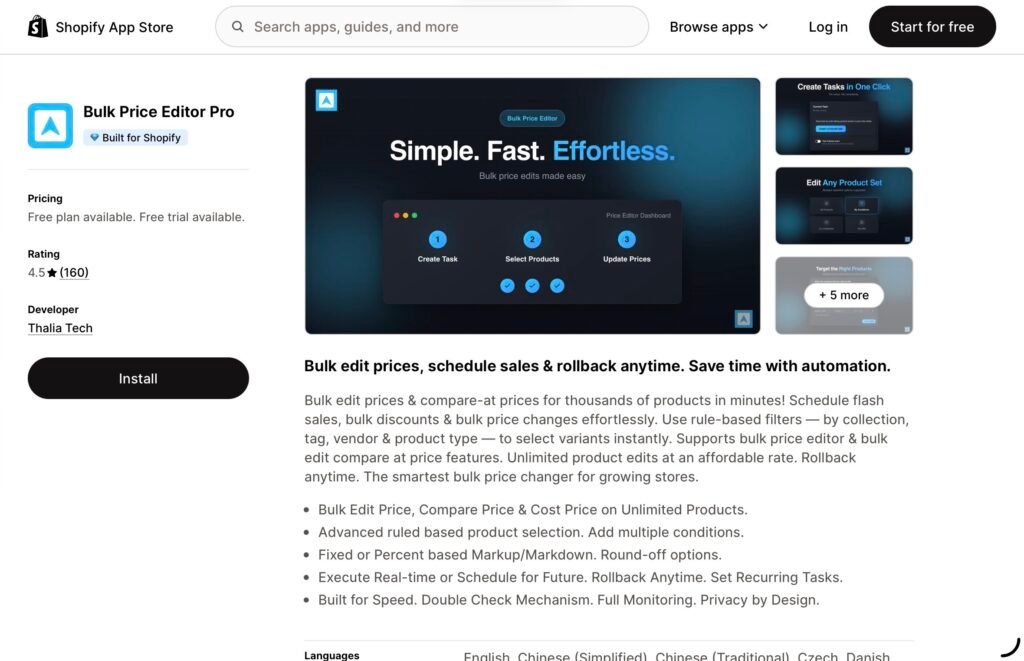
Bulk Price Editor Pro provides tools for merchants who want to automate product price updates and manage more complex pricing rules. Beyond straightforward bulk editing, it offers options for scheduled tasks, price history, advanced filters, and formula-based pricing workflows.
The app supports direct editing and CSV uploads, giving merchants flexibility in how they manage large sets of products. For stores that already maintain pricing information in spreadsheets, CSV support can fit into existing workflows. Merchants who prefer working within Shopify can also use the app’s editing tools to update product prices and variants.
Another useful feature is the ability to create rules based on product or variant metafields. Formula-based rules can help merchants apply more specific pricing logic, while recurring scheduling on eligible plans can reduce repetitive work.
Key Features
- Bulk Editing: Update prices across multiple products and variants in a single workflow.
- CSV Support: Edit prices directly or upload pricing information through CSV files.
- Scheduled Tasks: Organize price updates in advance to support promotional campaigns.
- Advanced Filters: Target selected products instead of applying changes to the entire catalog.
- Price History and Rollback: Review previous pricing changes and restore prices when needed.
- Formula-Based Rules: Apply pricing calculations based on defined rules.
- Metafield-Based Pricing: Use product and variant metafields to support more specific pricing workflows.
- Recurring Schedules: Set up daily or weekly recurring tasks on the Pro plan and above.
- Shopify Markets Support: Manage market-specific pricing through the Super plan.
Pricing
Bulk Price Editor Pro lists a free option for eligible Shopify staff, partner, and trial stores. Its paid plans are listed at $20 per year for Basic, $40 per year for Pro, and $60 per year for Super under the displayed promotional pricing. Higher tiers add recurring scheduling and Shopify Markets support. Merchants should verify current pricing and eligibility in the Shopify App Store before subscribing.
Who Is It Best For?
Bulk Price Editor Pro is worth exploring for merchants who rely on spreadsheets or need more customized pricing logic. Its CSV tools, formula-based rules, metafield conditions, and recurring tasks may be particularly useful for stores with established product data workflows or more complex pricing requirements.
5. Nexra Bulk Price Editor
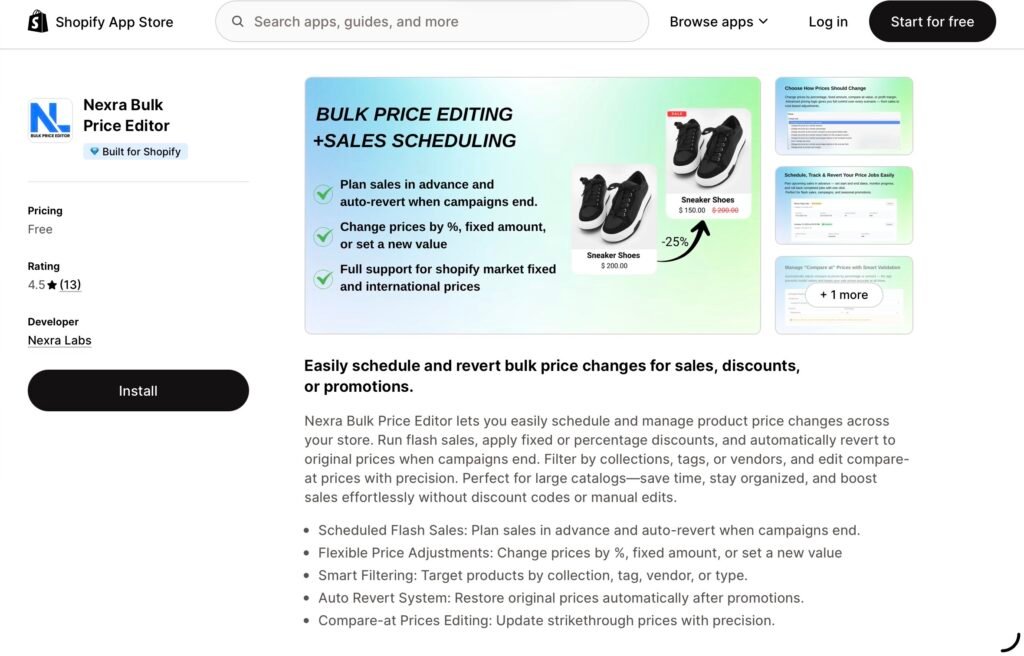
Nexra Bulk Price Editor is a Shopify app designed to simplify bulk price changes and promotional scheduling. It helps merchants update prices across multiple products, organize flash sales, and automatically restore original prices when promotions end. Instead of manually editing products or relying on discount codes, merchants can manage pricing changes directly through Shopify admin.
The app supports percentage-based and fixed-amount discounts, as well as setting new prices. Its filtering tools allow merchants to target products by collection, tag, vendor, or product type, making it easier to run promotions on specific groups of products. Merchants can also edit compare-at prices to display discounted prices alongside crossed-out original prices in compatible Shopify themes.
Nexra Bulk Price Editor is particularly useful for stores that run frequent promotions and want a straightforward way to manage pricing without spending hours on manual updates.
Key Features
- Scheduled Flash Sales: Prepare promotions in advance with automatic start and end times.
- Flexible Price Adjustments: Increase or decrease prices by a percentage or fixed amount, or set a specific price.
- Smart Product Filtering: Select products by collection, tag, vendor, or product type for more targeted updates.
- Automatic Price Restoration: Restore original prices automatically when scheduled promotions end.
- Compare-at Price Editing: Adjust compare-at prices to display discounts clearly on product pages.
- Price History and Rollback: Review pricing changes and revert updates when necessary.
- Bulk Editing: Apply pricing changes to multiple products without editing each item individually.
- Discount Management: Support different pricing approaches, including percentage-based and fixed discounts.
Pricing
Nexra Bulk Price Editor is free, with no paid plans listed on its Shopify App Store page.
Who Is It Best For?
Nexra Bulk Price Editor is a good option for Shopify merchants who regularly run flash sales, seasonal promotions, or collection-specific discounts. Its scheduling, product filtering, and automatic price restoration features help reduce repetitive work and make promotional pricing easier to manage. It is especially worth considering for smaller stores looking for an affordable entry point into bulk price editing.
Frequently Asked Questions
How do I bulk edit prices on Shopify?
Shopify’s built-in bulk editor lets you change prices for selected products, but each value is typed by hand. A bulk price editor app applies a percentage, a fixed amount, or an exact price to whole collections, tags, or the entire store at once. Platmart Bulk Price Editor, for example, can update up to 150,000 products in one task.
How do I schedule a sale on Shopify that restores original prices?
Shopify can schedule discounts, but not changes to product prices themselves. Apps such as Platmart Bulk Price Editor, RUBIX Bulk Price Editor, and Nexra Bulk Price Editor let you set a start and end time, lower prices with a compare-at price for the strikethrough, and restore the original prices automatically when the sale ends.
Can I bulk edit prices for Shopify Markets?
Yes. Platmart Bulk Price Editor (Advanced plan and above), RUBIX Bulk Price Editor (top plan), NA Bulk Price Editor, and Bulk Price Editor Pro (Super plan) can edit fixed prices in market price lists, so each country or region can have its own prices.
Can I undo a bulk price change?
All five apps in this guide offer rollback or price history. Platmart Bulk Price Editor backs up every affected variant, so changes can be rolled back even months later.
Final Thoughts
Shopify bulk price editor apps can make pricing easier to manage as a business expands. They reduce repetitive product editing, support more organized promotional campaigns, and help merchants maintain consistent prices across large catalogs.
Platmart Bulk Price Editor is the strongest choice for growing stores with large catalogs, frequent sales, and multiple markets, combining bulk edits, scheduled price changes and sales, margin tools, Shopify Markets support, and rollback. NA Bulk Price Editor suits merchants who want plans priced by the number of monthly price changes, and RUBIX Bulk Price Editor is a low-cost option for regular flash sales. Bulk Price Editor Pro fits stores that need formula or metafield-based pricing rules, while Nexra Bulk Price Editor is a free starting point for simple promotions.
The best choice ultimately depends on your catalog size, promotional schedule, international selling needs, and preferred pricing workflow. Comparing these requirements with each app’s current plans and features will help you select a tool that saves time while keeping your store’s pricing under control.
Click here for more.