Choosing an appointment booking plugin for WordPress is easy to underestimate until schedules start filling up. A good plugin needs to do more than show a calendar. It should help customers book without friction, keep staff availability accurate, prevent double-booking, support payments and reminders, and still feel manageable from the admin side.
The challenge is that this category now splits into two very different camps: lightweight tools built for solo scheduling, and deeper systems made for teams, locations, and more complex services. That is why a strict #1-to-#5 ranking can be misleading. A better approach is to look at which plugin is best for which type of business. The five tools below are all real appointment-booking options for WordPress, but they solve the problem in slightly different ways.
What to look for in a WordPress appointment booking plugin
Before choosing a plugin, it helps to evaluate the same few things across every option.
1. Booking flow and customization
The customer side should be simple enough that people can book quickly on mobile, but flexible enough that you can collect the details you actually need.
2. Staff and location management
If you run more than a one-person business, staff schedules, service assignment, and location handling become just as important as the booking form itself.
3. Calendar and payment integrations
Two-way calendar sync, payment support, and reminders usually separate a basic scheduler from something you can run operations on every day.
4. Customer self-service
Rescheduling, cancellations, repeat bookings, and account history can reduce manual admin work over time.
5. Scalability
Some plugins are excellent for a solo consultant but feel cramped once you add multiple employees, recurring bookings, or group sessions.
At a glance
| Plugin | Best for |
| Booknetic | Growing service businesses that want a broad feature set inside WordPress |
| Amelia | Businesses that want appointments and events in one plugin |
| BookingPress | Service Businesses That Need Full Booking Control |
| Bookly | Users who want a free starting point and a modular ecosystem |
| LatePoint | Teams that care most about clean UX and fast setup |
| Simply Schedule Appointments | Solo professionals and smaller teams with simpler scheduling needs |
Five WordPress appointment booking plugins worth shortlisting
Booknetic — Best overall for growing service businesses
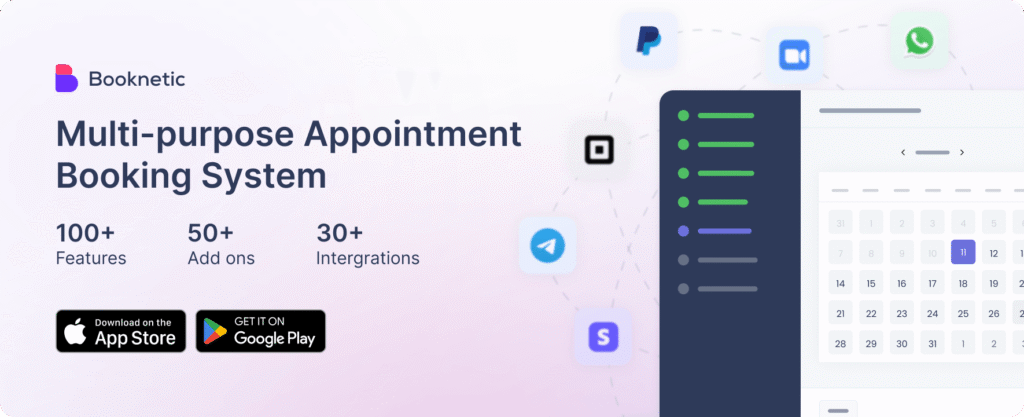
Booknetic is the most rounded option in this group for businesses that want WordPress-native booking without giving up operational depth. It is especially strong when booking is tied to real day-to-day workflow: multiple staff members, multiple locations, recurring appointments, group sessions, and a need for calendar and payment integrations that can grow with the business.
One thing that helps Booknetic stand out is that it feels built around running bookings, not just displaying them. The admin side uses a dedicated dashboard rather than feeling like another dense WordPress settings screen, and the mobile app gives staff a way to keep up with schedules away from a desk. That matters more than it may sound on paper, especially for salons, clinics, studios, and other service businesses where the people handling appointments are not always sitting inside WordPress all day.
It also benefits from consistently strong customer feedback, including a 4.93 out of 5 rating from 444 verified buyers.
Best for: Service businesses that want room to grow without replacing their plugin later.
Pricing: Paid plans start at $45/year, with lifetime licenses available from $99.
Strengths:
- Dedicated dashboard that is easier for staff to use day to day
- Multi-location and multi-staff management
- Recurring and group bookings
- Payment and calendar integrations
- Customizable booking flow and forms
- Mobile app for staff scheduling and booking management
Limitations:
- There is no free version for businesses that only want to test-drive a basic setup
- Some advanced capabilities depend on add-ons or higher-tier packages
- If event ticketing is as important as appointments, Amelia has the stronger built-in event angle
Amelia — Best for businesses that need appointments and events in one place
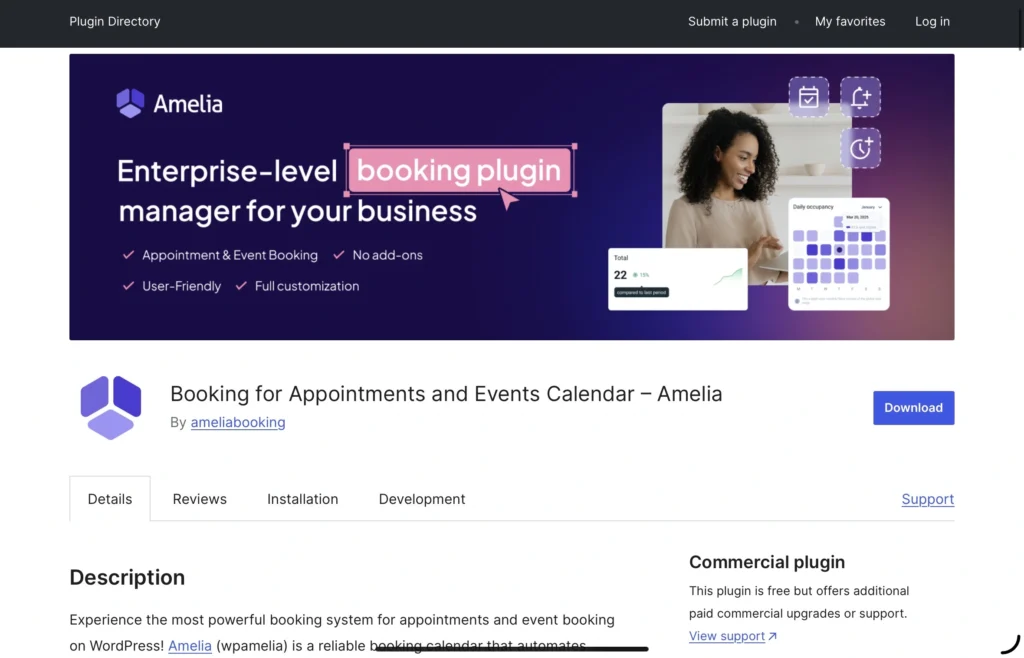
Amelia remains one of the strongest names in this category because it covers a lot of ground in a single plugin. For businesses that handle both appointments and event-style bookings, it has a clear advantage over most appointment-only tools. The interface is polished, the booking wizard is easy for customers to follow, and the feature set is broad enough for many service businesses to grow into.
It also makes sense for teams that want a more all-in-one feel from the start. Recurring appointments, group bookings, custom fields, staff and location management, and multiple payment options are all part of why Amelia stays in so many shortlists. If you run workshops, classes, or events alongside regular appointments, it is easy to see why people gravitate toward it.
Best for: Businesses that mix regular appointments with classes, events, or ticketed sessions.
Pricing: Free Lite version available; paid plans start at $49/year.
Strengths:
- Strong balance of customer-facing polish and backend depth
- Built-in event functionality in addition to appointments
- Recurring and group booking support
- Multi-location and multi-staff management
- Broad integrations across payments, meetings, and calendars
Limitations:
- The pricing structure gets less friendly once you need more advanced integrations and automations
- It can feel heavier than necessary for a solo business with simple scheduling needs
- There is no native mobile app for staff management
BookingPress — Best for Service Businesses That Need Full Booking Control
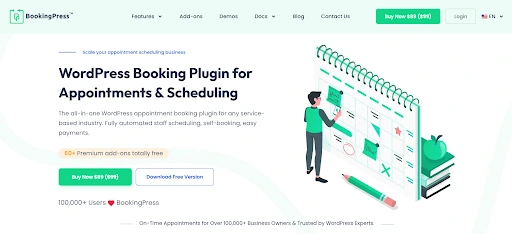
BookingPress is a veteran in the appointment booking arena, excelling at complete, end-to-end automation for all service-based businesses. It stands out for its 60+ premium addons, 20+ payment gateways and deep calendar integrations out-of-the-box. What impressed us the most while testing is how easy to use it is. It barely took us less than 2 minutes to start accepting online bookings thanks to its smart setup wizard.
With it, you can create a fully branded booking form using extensive styling options on a simple drag and drop user interface. You can customize the way you want to match your brand’s style. It’s the most dependable long-term solutions for salons, clinics, law firms, coaching, rental and home services that want an all-in-one booking management experience. Group booking, recurring appointment, staff and location management, two-way calendar sync and automatic reminders via multi-channels are all part of what makes BookingPress one of our top recommendations.
Best For: All service Businesses that want a smooth all-in-one appointment booking experience.
Pricing: Free Lite version available; premium plans start at $89/Year.
Strengths:
- Bundles 60+ premium addons and user friendly interface
- Automatic notifications via Email, SMS, WhatsApp and Telegram
- Advanced multi-staff and multi-location management
- Two-way syncs bookings via Google, Outlook and Apple Calendars
- Highly customizable booking form
- Powerful centralized analytics dashboard
Limitations:
- Lacks dedicated iOS or android app
- Advanced features needs premium version
- May take time to configure advanced addons if you’re a beginner (Although it has excellent easy-to-understand documentation, video tutorials + customer support)
Bookly — Best for users who prefer a modular ecosystem
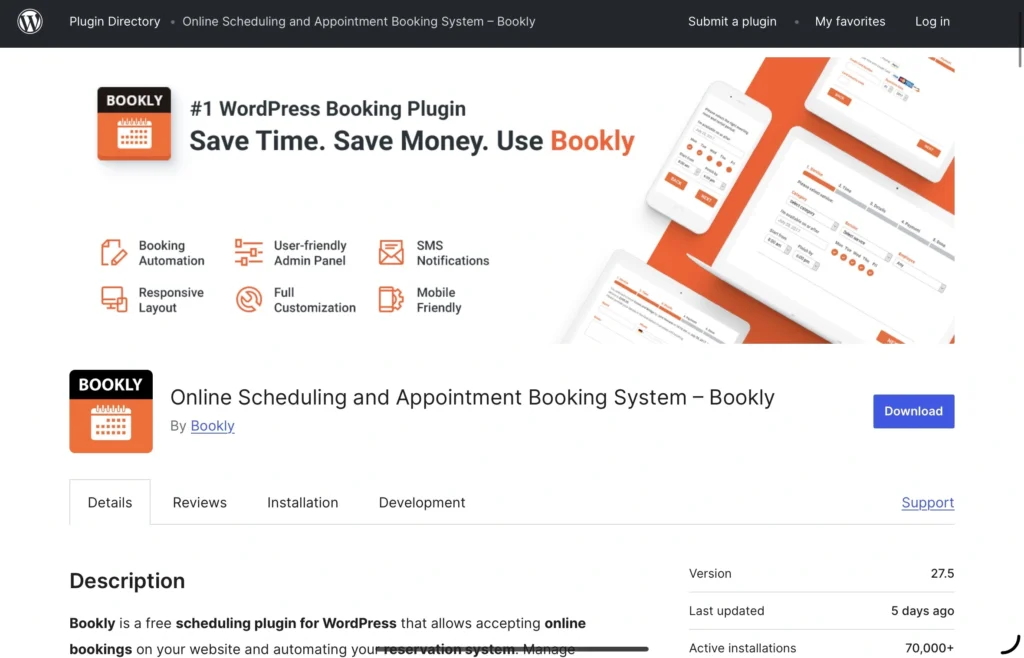
Bookly has been around long enough to become a familiar reference point in WordPress booking conversations. One reason is its free core plugin, which gives site owners a low-friction way to start. Another is its large ecosystem of add-ons, which lets businesses build toward the features they want over time rather than adopting a large setup from day one.
That flexibility is the appeal, but it is also the trade-off. Bookly can work well when you already know which pieces you need and are comfortable building a stack around them. For some businesses, that feels efficient. For others, it becomes harder to manage as recurring bookings, locations, customer portals, advanced payment needs, and two-way calendar sync start living across separate add-ons.
Best for: Businesses that want a familiar, modular plugin and do not mind assembling features over time.
Pricing: Free plan available; paid plans start at $49/year, with higher bundles at $199/year and $399/year.
Strengths:
- Free core version lowers the entry barrier
- Long market history and broad recognition in the WordPress space
- Large add-on ecosystem
- Flexible booking form and service configuration
- Good fit for businesses that want to enable features incrementally
Limitations:
- Essential features can turn into a more expensive setup than expected
- Managing a modular stack is not always the cleanest experience for non-technical teams
- Two-way sync, group bookings, locations, and other deeper capabilities often depend on extra purchases
LatePoint — Best for clean UX and quick setup

LatePoint has earned attention by doing something many booking plugins struggle with: making the experience feel modern without turning setup into a project. The customer side is clean, the admin side is easier to navigate than many older plugins, and the product is clearly aimed at businesses that want a more streamlined day-to-day tool.
That makes it an attractive middle ground. It is more capable than the lightest scheduling plugins, but usually feels less bloated than the heaviest all-in-one platforms. Recurring appointments, multiple locations, automation, and payment support give it enough depth for many small-to-midsize service businesses, while the interface keeps it approachable.
Best for: Businesses that want a modern booking experience and a shorter learning curve.
Pricing: Free version available; paid plans start at $79/year or $199 lifetime.
Strengths:
- Clean, intuitive admin and customer experience
- Fast setup relative to more complex competitors
- Recurring appointments and automation tools
- Multiple locations and agent management on paid plans
- Strong fit for service businesses that value everyday usability
Limitations:
- The broader ecosystem is still lighter than some category leaders
- Advanced reporting, white-label control, and deeper retention features are not its strongest area
- It is better suited to streamlined service workflows than highly customized operational setups
Simply Schedule Appointments — Best for solo professionals and straightforward scheduling
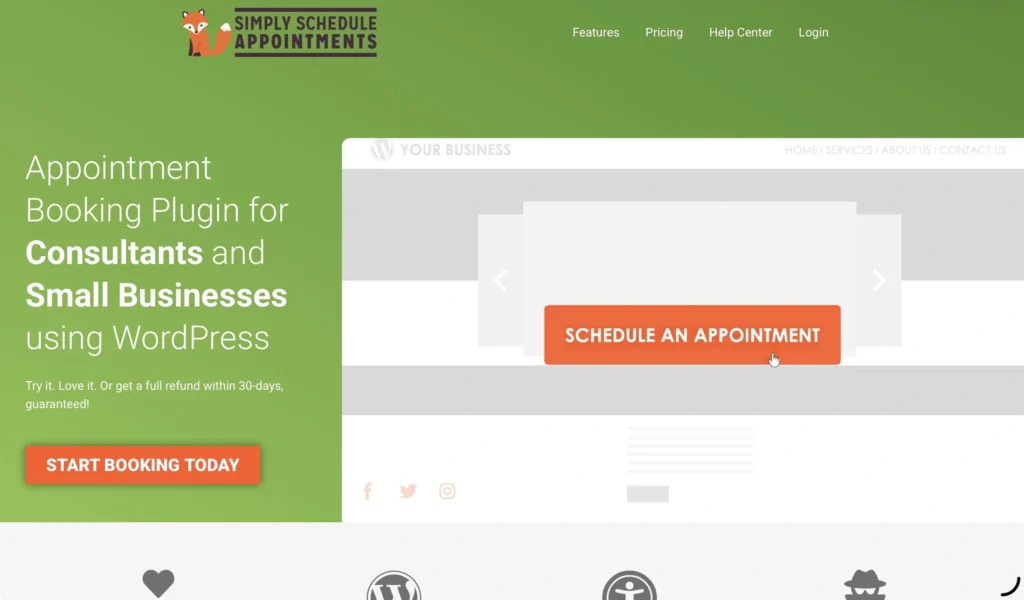
Simply Schedule Appointments takes a different approach from the more feature-heavy plugins above. Instead of trying to become the most expansive booking platform in WordPress, it leans into simplicity. That makes it a credible option for consultants, coaches, freelancers, and other smaller businesses that mainly need clean scheduling, reliable booking flows, and minimal setup friction.
Its strengths are practical rather than flashy. The onboarding is quick, the booking experience is accessible, page-builder support is strong, and it fits especially well when appointments are one-on-one and relatively straightforward. For many solo operators, that is enough.
The limitation is that simplicity eventually becomes a ceiling. Once you need deeper team management, multi-location handling, recurring appointment series, more advanced billing logic, or more complex operational controls, SSA starts to feel better suited to the earlier stages of a business than the later ones.
Best for: Consultants, coaches, and small WordPress sites with simpler appointment needs.
Pricing: Free Basic plan available; paid plans start at $99/year.
Strengths:
- Fast and beginner-friendly setup
- Clean booking flows with strong accessibility
- Good page-builder integration
- Works well for one-person scheduling and simple service sites
- Lower admin overhead than more complex systems
Limitations:
- Not built for multi-location businesses
- Less capable for recurring series, complex billing, or operational customization
- Better for lighter scheduling use cases than fast-growing service teams
Which plugin is the right fit?
A strict ranking is less useful than matching the plugin to the business model.
- Choose Simply Schedule Appointments if you want the simplest path to WordPress-based scheduling and your needs are fairly straightforward.
- Choose LatePoint if day-to-day usability and a cleaner interface matter more than having the deepest feature list.
- Choose Bookly if you like a modular approach and want to start from a free core plugin.
- Choose Amelia if you want one system that can handle both appointments and event-oriented use cases.
- Choose Booknetic if you want the strongest overall balance of flexibility, operational depth, and growth potential for a service business.
Final thoughts
There is no shortage of WordPress booking plugins in 2026, but the best choice still comes down to how complex your business actually is. A solo consultant and a multi-staff clinic should not be shopping with the same checklist.
That is why Booknetic stands out as the strongest overall option in this roundup. It covers the things that tend to matter once a business moves beyond basic scheduling: a dedicated dashboard, multi-location and multi-staff support, recurring and group bookings, mobile access, and enough customization to shape the booking flow around the business instead of forcing the business around the plugin.
At the same time, lighter options still have a place. Amelia is compelling for hybrid appointment-and-event needs, LatePoint is especially appealing for clean UX, Bookly remains recognizable for its modular model, and Simply Schedule Appointments works well for simpler setups. The right choice depends on where you are now and how much room you want to leave for growth.
For more click here.