You poured weekends into lighting tweaks and late nights into voice-overs, so those hours should pay off. Paid video-on-demand generated about $98 billion in 2022, and the total keeps climbing. WordPress offers dozens of paywall routes—membership plugins, LMS platforms, hosted players. Choose poorly and you risk leaky security, clunky checkouts, or surprise bandwidth bills.
This guide hands you a six-point evaluation, a comparison of seven leading tools, and a quick decision matrix to pick the right one. Ready to secure your videos and get paid?
Why sell videos behind your own paywall?
Running your own paywall can look intimidating, yet it often brings the highest profit.
When you rely on YouTube memberships or course marketplaces, they take a sizable cut and can change the rules overnight. On your WordPress site, you keep every dollar and shape the rules yourself.
Control means flexibility. Charge $7 to rent a single documentary, bundle ten lessons for $39, or invite superfans into an all-access membership. Pick the model your audience prefers, and switch it later without filing a support ticket in Silicon Valley.
Branding matters too. A white-labeled player keeps the spotlight on you, not a third-party logo. Viewers remain in your ecosystem, see your upsells, and join your mailing list, which is critical for nurturing lifetime customers.
Security is the final pillar. Free hosts hand out easily shared links, while a purpose-built paywall combines encrypted streaming with gated pages so casual pirates quit before they even start. No system is perfect, but a solid wall raises the effort to steal, which is usually enough.
A self-hosted paywall turns your video catalog into an asset you can price, package, and protect without surprises. That freedom is well within reach.
The six-point decision framework
Plugins may claim to be the “best solution,” yet each one excels at something different. You need a clear yardstick before you compare options.
First, think delivery.
Who hosts your video files and ships those bytes worldwide? Self-hosting strains most shared servers, while a platform with a global CDN keeps playback smooth. Happy viewers come from smooth streaming.
Next comes security.
A paywall is useless if visitors can right-click and save. Look for encrypted HLS streams, domain restrictions, or on-screen watermarks that discourage casual piracy. No tool can stop a determined screen recorder, but solid barriers reduce theft to a trickle.
Payments decide profit.
Outline your offer: single rentals, lifetime ownership, or monthly access, then confirm that the plugin supports it. Stripe and PayPal cover most needs, but regional gateways or Apple Pay support could tip the scales.
Ease of use matters more than marketers admit.
If setup feels like flat-pack furniture without instructions, you will delay launch day. Prioritize clean dashboards, clear wizards, and strong documentation so you create videos instead of chasing PHP errors.
Cost sits in two buckets: plugin fees and bandwidth bills.
A free plugin with YouTube embeds looks frugal until an unlisted link goes viral and ruins your funnel. Pay a little for the right stack up front, and you will save yourself headaches and refunds later.
Finally, think discoverability.
Google rewards helpful previews even when the full video lives behind a wall. Expose a short teaser, mark the rest as paywalled using meteredPaywall schema, and you stay on the correct side of search guidelines.
Six points, one simple test. If a tool nails delivery, security, payments, usability, cost control, and SEO hygiene, it earns a place on our shortlist. Let’s see who makes the cut.
Top WordPress video paywall solutions
Do a quick Google search and you will bump into roundup posts crowning the “seven best paywall plugins for 2025.” Elegant Themes, WPBeginner, and several others test the same contenders and land on a familiar shortlist. We pulled the signal from that noise, then ran each tool through the six-point framework you just read.
Below is the first stop on our tour.
Spotlightr – secure video hosting with a built-in paywall
Spotlightr is more than a WordPress plugin; it works as an end-to-end video platform that drops neatly into your site.

Upload a clip, pick a thumbnail, and, as the feature tour on spotlightr.com (homepage) shows, the service handles encoding, global CDN delivery, and HLS encryption behind the scenes. Your server never breaks a sweat, and freeloaders never see a direct file link.
The WordPress integration feels like adding any other block. Drop a Spotlightr video into Gutenberg and choose whether visitors watch a teaser or meet a paywall overlay that accepts Stripe or PayPal. No cart, no detour, just instant checkout inside the player.
Security stands out. You can lock playback to specific domains, stamp viewer-specific watermarks, or expire links after a set window, smart barriers general membership plugins seldom match.
Pricing starts with a modest monthly fee that covers hosting and bandwidth, so costs rise only when your audience does. If you need a launch-today solution focused squarely on video, Spotlightr provides a smooth experience with minimal setup.
MemberPress – the all-inclusive membership powerhouse
Imagine turning your site into a subscription hub overnight. That is the promise MemberPress keeps, and thousands of creators rely on it every day.
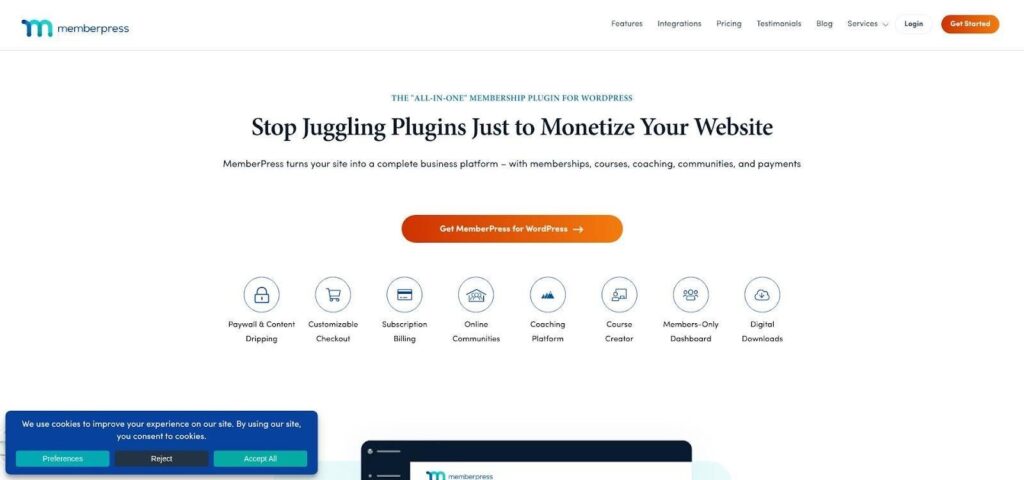
Installation feels familiar: upload, activate, run the setup wizard. From there you build membership tiers—silver, gold, all-access—then apply rules so only paid members can open the pages where your videos live.
Payments run on autopilot. Stripe, PayPal, and Authorize.Net handle charges, renewals, and even dunning emails without extra plugins. Set it once and the revenue arrives each month.
Flexibility is where MemberPress shines. Need to drip one lesson per week? Click a toggle. Want to bundle a private forum or PDF downloads with your videos? Protect those post types in the same dashboard. Add the optional Courses module to layer quizzes and progress bars on top, turning tutorial clips into a polished LMS.
This power comes with a learning curve and a premium price. Plan for an afternoon of rule mapping and at least $179 per year for the license. If you aim to build a Netflix-style library and value tight WordPress integration, MemberPress offers a solid foundation.
Next, we look at selling single videos through WooCommerce.
WooCommerce + paywall extensions: e-commerce flexibility for one-off sales
Sometimes you do not want a membership at all; you just want customers to buy a single video and get on with their day.
WooCommerce turns WordPress into a storefront, and with the right extension it becomes a pay-per-view engine.

The core plugin is free and familiar to anyone who has bought anything online.
Create a product, set the price, and Woo handles cart, coupons, and receipts.
Tie that product to a hidden page through the Pay For Post or WooCommerce Memberships add-on, and voilà: only purchasers can press play.
This setup excels at à-la-carte sales.
Think individual yoga classes, documentary episodes, or conference replays.
Customers pick exactly what they want, and you can upsell bundles at checkout just like T-shirts or coffee mugs.
The trade-off is complexity.
WooCommerce pulls in shipping fields, tax calculations, and many settings you will never use for digital video.
Prune them with a checkout optimizer or be ready for a busier admin panel.
Cost lives in the extensions.
Pay For Post is a small one-time fee, while WooCommerce Memberships runs about $199 per year, still competitive if you already rely on Woo for merchandise.
Choose Woo when you need fine-grained product control and a familiar cart experience.
If your catalog looks more like iTunes than Netflix, this route fits well.
Paid Memberships Pro – freemium gateway to recurring income
Running on a tight budget? Start here. Paid Memberships Pro places a working membership wall on your site for zero dollars and lets you add power only when you need it.

After installation, create membership levels and wrap protected content in its Gutenberg block. Stripe and PayPal integrations sit inside the free core, so you can accept payments before spending a cent.
Step up to the plus plan to access about eighty add-ons, including pay-per-post sales and a drip engine for lesson pacing. You gain the flexibility of a premium suite while choosing when to pay.
Developers appreciate the open-source hook system for custom flows, while non-coders lean on a growing set of YouTube tutorials that cover every screen.
Consider the downsides. The interface looks plainer than MemberPress, and many advanced features sit behind the $247-per-year bundle. If you are testing product–market fit or bootstrapping a side hustle, PMP can carry you through the first hundred customers without a new line on the credit card.
LearnDash – course-first approach for structured learning
Videos can teach plenty, yet when you weave them into lessons, quizzes, and certificates, you create a full learning journey.
LearnDash handles that orchestration with the polish of a modern LMS.
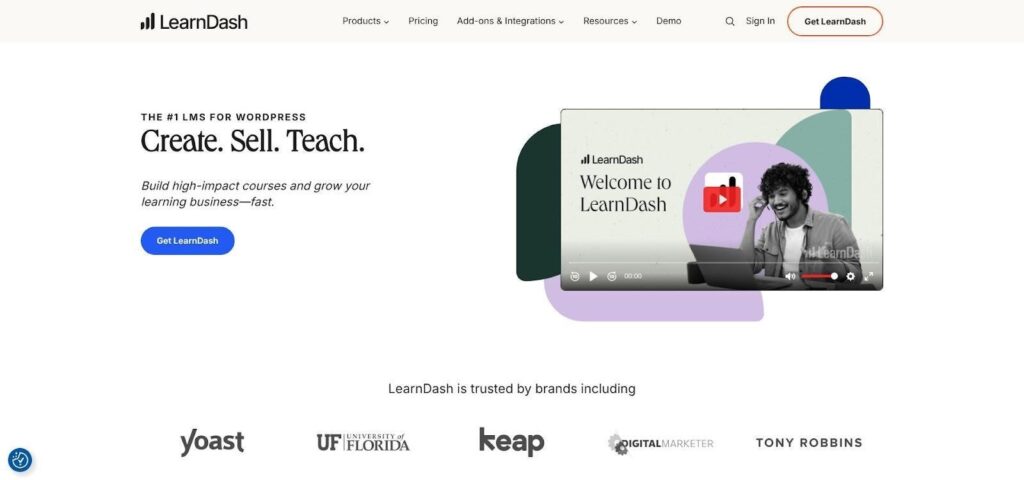
Spin up a new course, drag your video lessons into an outline, and the plugin builds a curriculum page students can follow step by step.
Need to drip one module every Monday or lock the final exam until 80 percent of videos are watched?
Those controls sit two clicks away.
Monetization stays flexible.
Sell each course for a one-time fee with LearnDash’s built-in Stripe bridge, or connect WooCommerce or MemberPress for bundles and subscriptions.
Either route sends payment straight into your accounts without revenue sharing.
Learners earn points, badges, and printable certificates, nudging completion rates higher than video-only sites.
That extra engagement justifies premium pricing; audiences gladly pay for structure and a sense of progress.
The catch is overhead.
Building courses takes more setup than protecting a single video page, and the annual license starts near $199.
Choose LearnDash when education is the product, not just entertainment.
Restrict Content Pro – lightweight gatekeeper with clean code
Restrict Content Pro keeps things tidy.
Install it, set a membership level, check a box on any post or page, and access is sealed off.
No maze of settings, no bloated dashboards, just a focused tool built for developers who want simplicity.
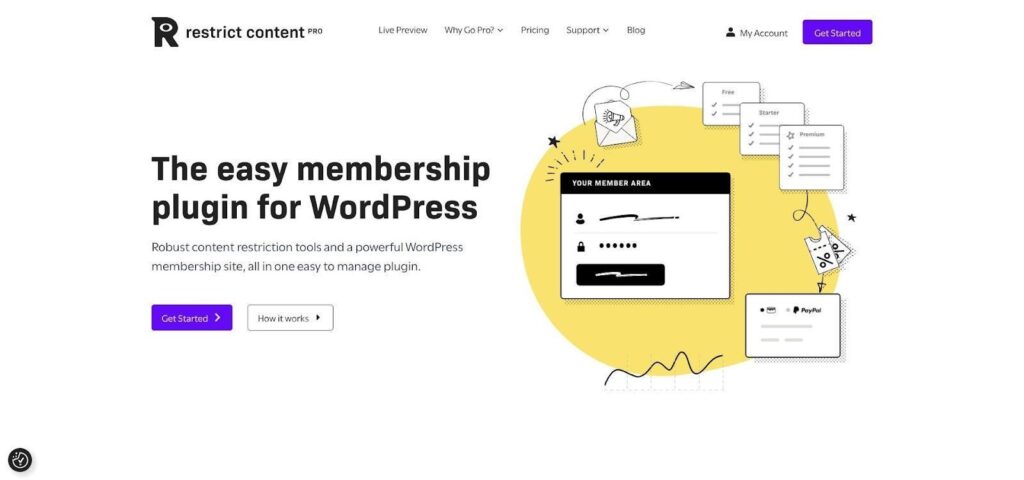
The new free tier handles one-time and recurring payments through Stripe and PayPal.
Upgrade when you need extras like content dripping or group accounts, and you still spend less than most rivals.
Users see a crisp account panel to update cards or download invoices without emailing support.
You get exportable reports and a dashboard that stays fast even on modest hosting.
Because the codebase is lean and well documented, extending RCP is straightforward.
Need to watermark videos or sync purchases to a CRM? Hook into its actions and filters, add a few lines, and you are live.
If you want a paywall that respects speed, budget, and developer sanity, RCP fits the bill. It is the quiet workhorse you forget about until renewal day reminds you how little it costs.
Leaky Paywall – metered access for teaser-first strategies
Not every visitor is ready to buy on first click. Leaky Paywall lets you offer a taste before asking for payment.

Set the meter to, for example, two free video views per month. Casual browsers watch a couple of clips, meet an upgrade prompt, and convert once they are interested. Publishers from indie newsrooms to niche magazines rely on this give-then-ask rhythm.
Behind the scenes, the plugin tracks views by cookie or user ID and syncs payments through Stripe. Offer day passes, monthly access, or an annual VIP tier. The checkout flow stays quick and mobile friendly.
Leaky Paywall also pairs neatly with email capture. Require a free registration after the first view, and you grow a list while measuring who returns. That built-in lead engine can fill holes in your marketing funnel.
This is not the tool for absolute lockdowns; the meter is the feature. If your strategy demands zero freebies, choose another plugin. But when sampling content is part of the sales pitch, Leaky Paywall hands you granular control without custom code.
Which solution fits your business?
Choosing a paywall is easier when you picture the viewer’s journey next to your growth plan.
If your catalog is small and security ranks first, picture premium coaching videos that pay the bills and choose Spotlightr. It handles hosting, encryption, and checkout inside the player, so you can launch in an afternoon and rest easier that night.
Need a recurring subscription that can scale to hundreds of clips? MemberPress shines. Its rule engine shapes a growing library into tidy tiers, and churn-saving automations protect your margin.
Selling stand-alone episodes or conference replays? WooCommerce with the Pay For Post add-on gives shoppers a familiar cart and lets you bundle videos like any other SKU.
Bootstrapping? Paid Memberships Pro provides Stripe-powered memberships for free, then expands with paid add-ons only after revenue comes in.
Educators who value course structure and certificates will feel at home in LearnDash. The LMS layer justifies higher price points and boosts completion rates, giving you two wins in one plugin.
Developers who want lean code and a fast admin screen should reach for Restrict Content Pro. It protects pages without bloat and welcomes custom extensions through well-documented hooks.
Publishers who rely on teaser content to warm up readers can meter views with Leaky Paywall, turning curiosity into paid loyalty.
Match your primary revenue style to these options, pick one, launch, and let real-world sales confirm the decision.