In the WordPress plugin business, you may get plenty of sign-ups rolling in and active installations skyrocket, but one of the key challenges for a plugin developer is WordPress plugin Conversions Strategy – converting free to paid WordPress users. This is the point where a developer gets stuck, and has a few handful of premium customers while thousands of free users.
With the right approach and an effective strategy, you can convert free WordPress users to paid users. How come? This guide will walk you through practical strategies to boost revenue.
Why Are Freemium Users Assets for The WordPress Plugin Conversions?
Most of the time, freemium users are underestimated and considered low value, when actually they are no less than a goldmine. Free sign-ups for your WordPress plugins mean you are organically generating leads to whom you can update on what’s new and how your product has improved.
Since these users are already familiar with your plugin and are already using it in their workflow, this sign is a good start, as you don’t have to begin from scratch. The best examples are Elementor, Yoast SEO, Rank Math, WPForms, LiteSpeed Cache, etc., the plugin giants that have made their way to the WordPress ecosystem because they knew the trick to turn their users into loyal paying ones.
The Psychology Behind Free to Paid Conversions
Before we get into conversion tactics, you need to understand your users’ psyche and the factors that influence their behavior.
So basically, there are three key principles behind bringing your free users to paid ones that include perceived value, timing, and most importantly, trust.
Perceived Value
Your users only upgrade their plans when they feel the premium version is worth it and helpful. Furthermore, the contrast between your paid and free versions should be stronger; this will lead your users to an upgrade plan.
Here, when deciding your plugin plans, you should be aware of the fine line between balancing and crippling your packages.
Timings
Timings are the key. Your user upgrades their plan when they hit a particular milestone, i.e., they are open when they require more features and broaden their capabilities. For instance, people convert their plans from free to paid versions when
- They reach a certain traffic limit
- Expanding and scaling up
- Requires advanced reporting, and
- Wants to automate their tasks
Win Customers’ Trust for WordPress Plugin Conversions
One of the key elements is trust. If you have built your plugin and gained users’ trust, that means at some moment, they will definitely consider upgrading their plan. On the contrary, if your plugin is buggy, slow, complex, and tricky, your user will revert.
Now, let’s dig into the tactics.
Learn The WordPress Plugin Conversions Strategy
To get started with the strategies, you should understand the motives of your user to upgrade their plan. Keep in mind that you cannot push them to do so; they will wait till the timings become obvious.
Here are some proven strategies through which you can grow your premium conversions and learn how to prmote WordPress plugin.
- Easy and Simple Interface
A complex and confusing interface is the killer. At the same time, a simple and easy to understand interface attracts people of different levels of expertise. Hence, creating a smooth and beginner-friendly interface can make your plugin look professional.
Thus, to make your WordPress plugin look more premium, even on a free version, build the interface with
- Clean spacing
- Clear labels
- Helpful toolkit
- Easy navigation
- Minimal clutter
- Premium color scheme (not sharp color)
- Has an Improved Performance and Speed
WordPress users are sensitive about their website’s performance; that is why the plugin must be lightweight and should not slow down your website.
- Create an Onboarding Journey
The first step is to attract the user to install your WordPress plugin. Here is how you lure your users at the welcome point, which plays a vital role. Hence, at that moment, creating an onboarding flow helps the user to understand the significance and need of your plugin.
To create a good onboarding flow, make sure it includes
- A clear setup wizard
- User-friendly steps with progress indicator
- Highlight your key features or provide the tool tips for maximum results and build users trust
- A configuration sample for quick startup
- A call to action that showcases your premium features
If your onboarding is not clear, your user will revert immediately and uninstall your plugin.
- Use In-Plugin Prompts
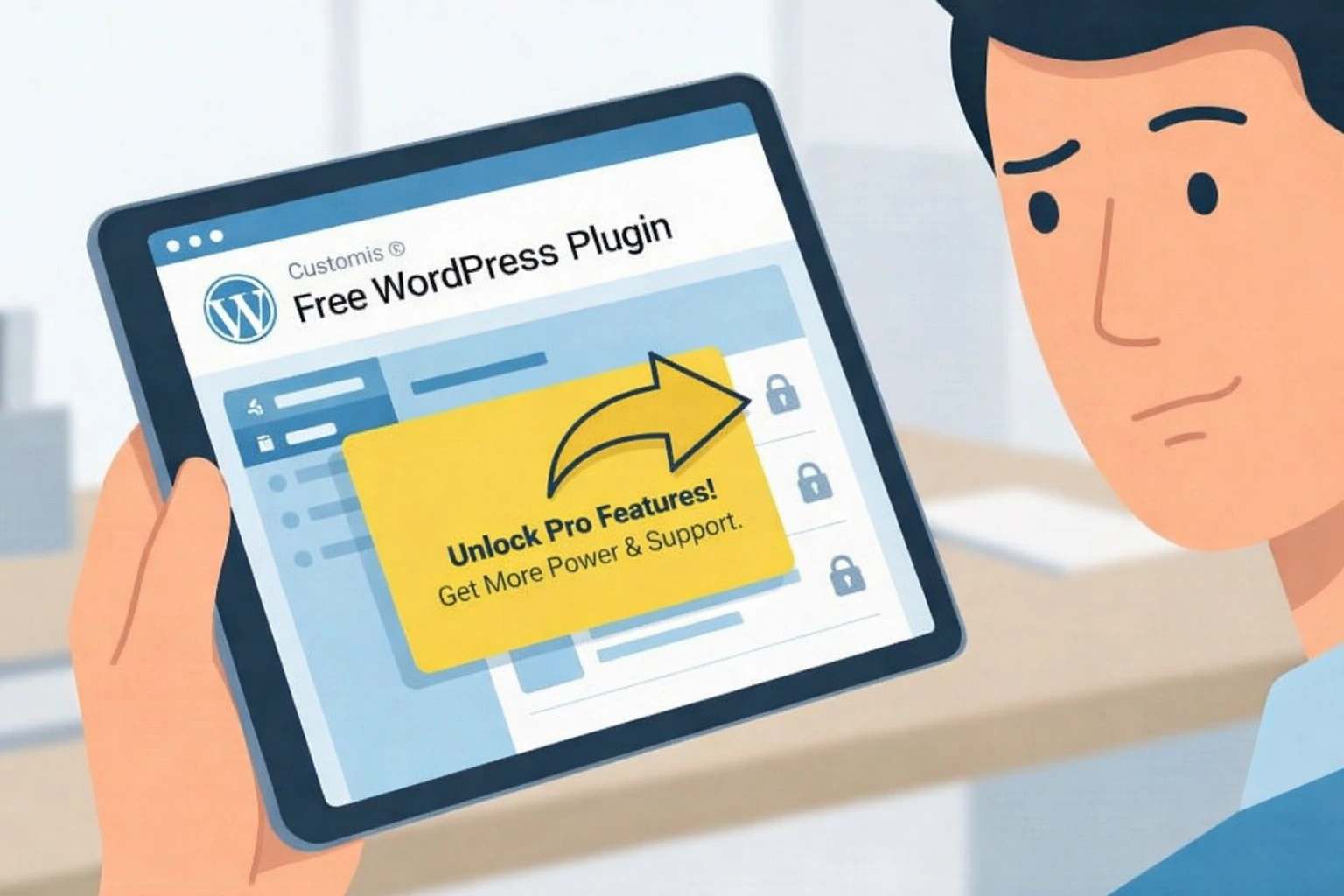
Many people find pop-ups annoying. So, instead of promoting your plugin through these popups, focus on thoughtful upgrades by prompts placed where the user needs them the most.
For instance, the strategic upgrade point could be
- When a user is trying a premium feature
- When the free trial limit is hit
- When The user needs support for advanced tasks
- When they want to remove branding
- When more templates and integrations are required
This approach is soft-grating and works around 90% because it catches the user at the right time.
- Limits Some Features, But Gives Value
The free version of your plugins should offer value to the user, but with limited access, which means you don’t have to be too generous. If your user can perform everything for free, they will never upgrade their package, and if it is too restricted, your user will uninstall.
Here, the key is to maintain the balance by aiming for
- Core functionality for free
- Time-saving capabilities in the paid version
- Automation offers deeper insights in a premium version
- Offer a high usage limit in the paid version
Make sure your free version is valuable, but has limited features, and the upgrade version is worth it.
- Add a Comparison Table
Having a comparison table for the free and paid versions can make your user see what they are missing. So, a good comparison table includes
| Feature | Free Version | Premium Version |
| Usage limits | Basic | Higher or unlimited |
| Support | Limited | Priority |
| Integrations | Minimal | Full |
| Templates | Few | Many |
| Advanced features | Restricted | Fully available |
When the users visually see the gap, they will be more likely to upgrade their plan.
- Offer Premium Widgets and Layouts
In a word, in this digital era, ready-made solutions are valued, and this is one of the keys to convert free to paid WordPress plugin users. Here, you can offer a few free templates and customized options for upgrades.
You can simply offer
- Premium templates
- Advance customization
- Additional blocks
- Exclusive designs
- Easy to import demo templates
- High-end presets
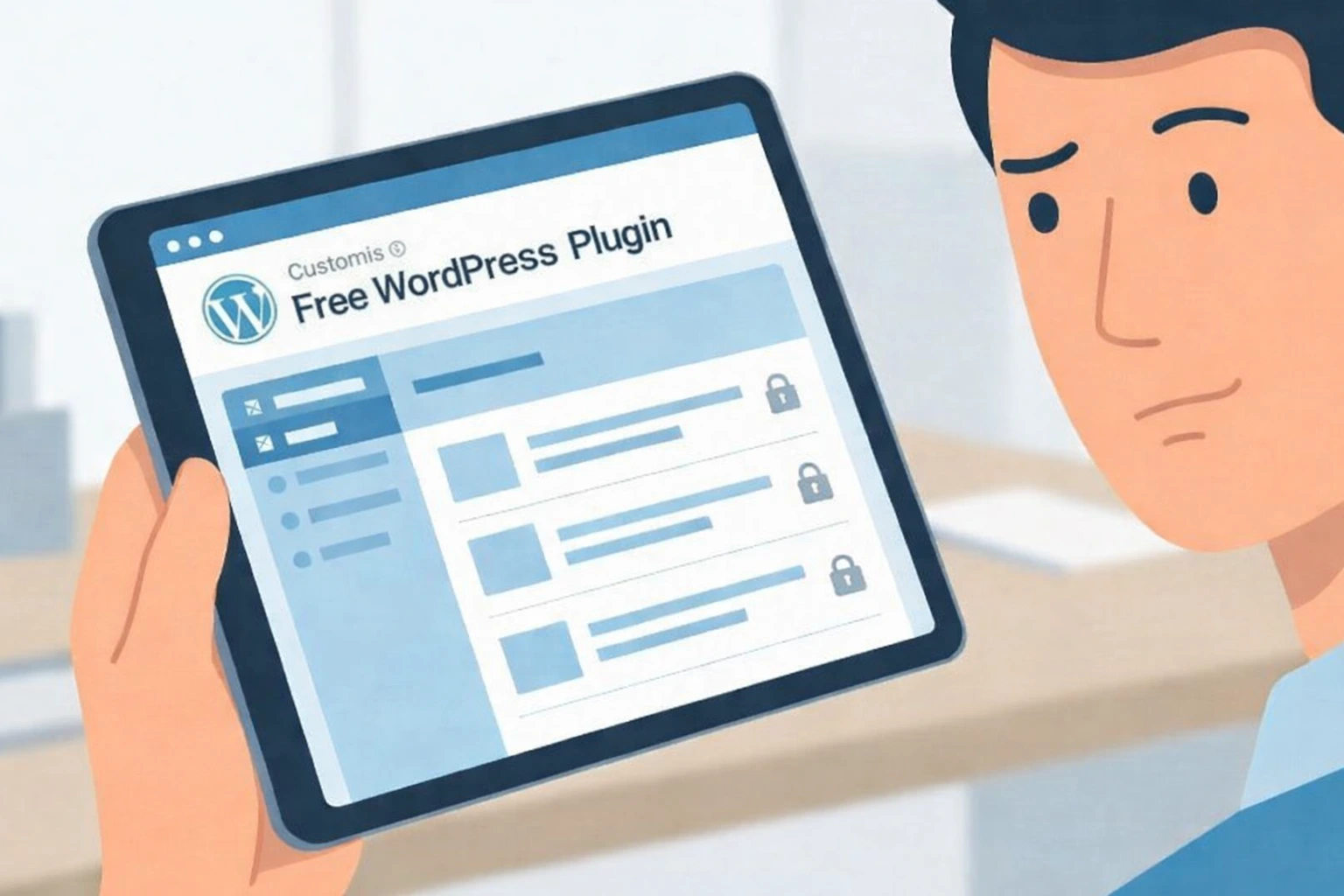
Thus, users value time saving solutions, and these are the ideal choices. Moreover, you can highlight the premium templates inside your free WordPress plugin version by putting a lock icon and an upgrade button.
- Make Scarcity with Usage Limits
Limiting the usage of a few features can scale up.
For instance,
- The number of emails you can send per month
- Forms per website
- Analytics for your websites
- Backup and storage
- Product listings
- Optimization credits
People who are already using the free version will eventually hit the limit, and they won’t wait for a month for free credits. At that moment, the premium plan becomes their logical step.
- Include Discounted Offers Inside the Dashboard
The user spends most of their time on the dashboards rather than on the website, and this is the perfect place to show what you are offering.
You can advertise
- Your premium plan benefits
- The limited discount offers
- A quick comparison of what you will get in Pro services
- Features preview
- Upgrade banner
- Call to action buttons
Hence, this strategy is extremely helpful and makes the user more familiar with the plugin.
- Educate and Nurture with Email Sequences
One of the strongest tactics is Email marketing that turns your free to paid WordPress users. So, you can build an automated email sequence for people who sign up for the free version of your plugin.
The email sequence should be like
- Welcome message
- Quick guide for setup
- Features that the user might miss
- A reminder to unlock premium features
- A time-sensitive discount
- Reactivation email for inactive user
Thus, this way, you can educate your users by showcasing your premium features.
- Offer Exceptional Customer Support Service
A good customer support builds loyalty, but a great support service converts your users to premium users.
People will pay if they receive
- A fast response to their query
- Access to priority support
- Helps the user to configure
- Responds to troubleshooting quickly
- Custom advice
If you offer 24/7 support to your premium users, you will automatically create an incentive for free users to upgrade their plan.
Image Alt- Free to paid WordPress users
- Seasonal Promotions and Lifetime deals
WordPress users love deals. Instead of offering random discounts, you can run structured promotions. That is why the great time to offer deals is
- Cyber Monday
- Black Friday
- New Year
- Plugin Anniversary
- Product launch
If you promote your plugin properly, you can definitely boost your conversion in a short time.

- Your Social Proof Inside the Dashboards
People put more trust in products with social proof, which means your online visibility and customer reviews play a vital role in building trust and attracting new users. Learn how to get more plugin reviews on WordPress.
For instance,
- Positive reviews
- 5-star rating
- Testimonials
- Success stories and case studies
- Trust badges
- Active installation count
A Few Practical Tips to Increase Free to Paid WordPress Users Quickly
A few simple steps can immediately increase your conversions. To maximize your revenue and user base, you can follow these tips to increase plugin downloads.
1. Add a Call to Action on Your Settings Page for WordPress Plugin Conversions
This page gets the most views, and adding an Upgrade to Pro button along with a short line about the benefits.
2. Highlight Premium Features by Using Icons
Build curiosity among the users by providing a peek at your premium features, which users often click. This helps in upgrading prompts.
3. Add a Mini Banner Near the Prominent Feature
A small reminder works better than annoying prompts.
4. Offer a Monthly and Yearly Discounted Plan for WordPress Plugin Conversions
People often purchase monthly payments; however, to turn them into a long-term yearly subscription, make sure you are offering the best deal for both plans.
4. Make Your Users Test the Premium Feature for a Limited Time
The ‘trial unlock’ strategy works brilliantly in conversions; this way, people can experience how helpful your WordPress Plugin will be.
5. Money Back Guarantee
People are afraid of getting scammed by putting money into something that isn’t worth it. A user will feel more secure when they know they can request a refund in case they are not satisfied with the plugins.
FAQs
1: What is the best way to convert free to paid WordPress users for business plugins?
You need to work strategically to attract more people to purchase the premium plan. The best effective tactics and tips are listed above. Read on and build a strong user base to turn them from a freemium model to a premium one.
2: Should I limit features in the free version of my plugin?
Make your free version helpful, but leave it incomplete. A balanced freemium model provides the users with what they need to get started while reserving advanced tools, integrations, and templates for paid plans.
3: Do onboarding flows really affect plugin conversions?
Yes, it does affect your plugin conversion. Your users, when they receive clear guidance on how to set up and use the plugin, are likely to see early success, leading to deeper engagement and upgrades.
Conclusion
Turning your free users into paid ones is a long-term strategy you need to follow, and during the whole time, you need to be patient. However, the trick is to understand your users needs and then provide them with the ready made solutions they are looking for. Other than that, you can improve your user experience with your plugin by following the above-mentioned strategies so that you can build trust and a huge premium user base.