WordPress development in 2026 is about much more than writing code and publishing websites. Developers are expected to optimize performance, collaborate with teams, troubleshoot issues quickly, manage projects efficiently, and deliver exceptional user experiences. Fortunately, Chrome extensions can significantly simplify these tasks by bringing powerful tools directly into the browser.
From visual feedback and website inspection to project management and WordPress optimization, the right extensions can save developers countless hours and improve workflows. In this article, we’ll explore the five best WordPress Chrome extensions for developers in 2026 and explain why each one deserves a place in your toolkit.
1. Web Developer – The Essential Website Inspection Toolkit
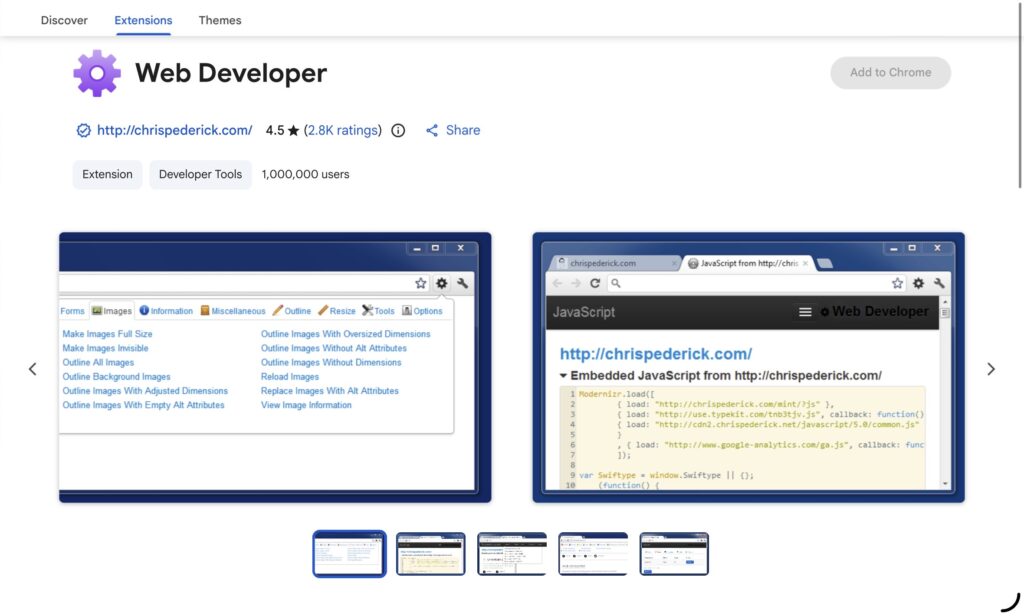
For many WordPress developers, the Web Developer extension remains one of the most indispensable browser tools available. Despite the emergence of numerous developer utilities, its comprehensive feature set and ease of use continue to make it a favorite in 2026.
The extension adds a toolbar packed with tools that help developers inspect and manipulate web pages in real time. Instead of digging through browser settings or installing multiple utilities, developers can quickly disable JavaScript, examine CSS, inspect form elements, resize browser windows, and validate website structure with a few clicks.
Why WordPress Developers Love It
WordPress websites often involve custom themes, page builders, plugins, and third-party scripts. When something breaks, identifying the root cause can be time-consuming. Web Developer makes troubleshooting significantly easier by allowing developers to:
- Disable CSS or JavaScript to isolate conflicts
- Inspect image attributes and heading structures
- Test responsive layouts on various screen sizes
- Examine form fields and hidden elements
- Identify broken links and accessibility issues
- Analyze cookies and browser storage
Whether you’re debugging a WooCommerce checkout page, testing a custom Gutenberg block, or optimizing a landing page, Web Developer provides quick access to the tools needed for efficient troubleshooting.
Best For
- Frontend developers
- Theme developers
- Accessibility testing
- Responsive design validation
- Website debugging and QA testing
For WordPress professionals who regularly inspect and diagnose websites, Web Developer remains an essential extension that dramatically speeds up development workflows.
2. Usersnap – Visual Feedback and Bug Reporting Made Simple
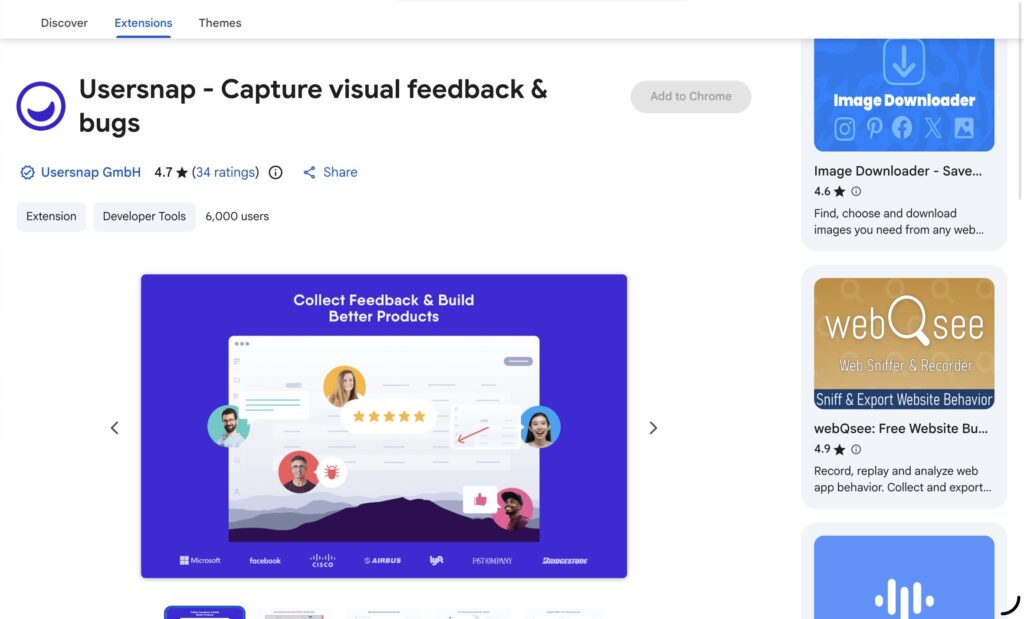
Collecting feedback from clients and stakeholders is one of the biggest challenges in WordPress development. Long email threads, unclear descriptions, and incomplete screenshots often lead to confusion and unnecessary revisions.
Usersnap solves this problem by transforming feedback into an organized visual process.
The extension allows users to capture screenshots directly from a website, annotate them, and submit detailed bug reports or feature requests. Every report automatically includes valuable technical information such as browser type, screen resolution, operating system, and page URL.
Why It Matters for WordPress Development
WordPress websites frequently involve multiple stakeholders including clients, designers, content teams, marketers, and developers. Communicating website issues efficiently is critical.
With Usersnap, clients can simply:
- Take a screenshot.
- Highlight the issue.
- Add comments.
- Submit feedback.
Developers receive contextual information that eliminates guesswork and accelerates problem-solving.
Key Benefits
- Visual bug reporting
- Annotated screenshots
- Automatic browser and device information
- Website feedback collection
- Streamlined collaboration
- Faster issue resolution
For agencies managing multiple WordPress projects, Usersnap significantly reduces communication friction and helps deliver projects more efficiently.
Best For
- Agencies
- Freelancers
- QA teams
- Client collaboration
- Website feedback collection
In 2026, efficient communication is just as important as technical expertise, and Usersnap excels at bridging the gap between clients and development teams.
3. WP Multitool – The Ultimate WordPress Optimization and Maintenance Companion
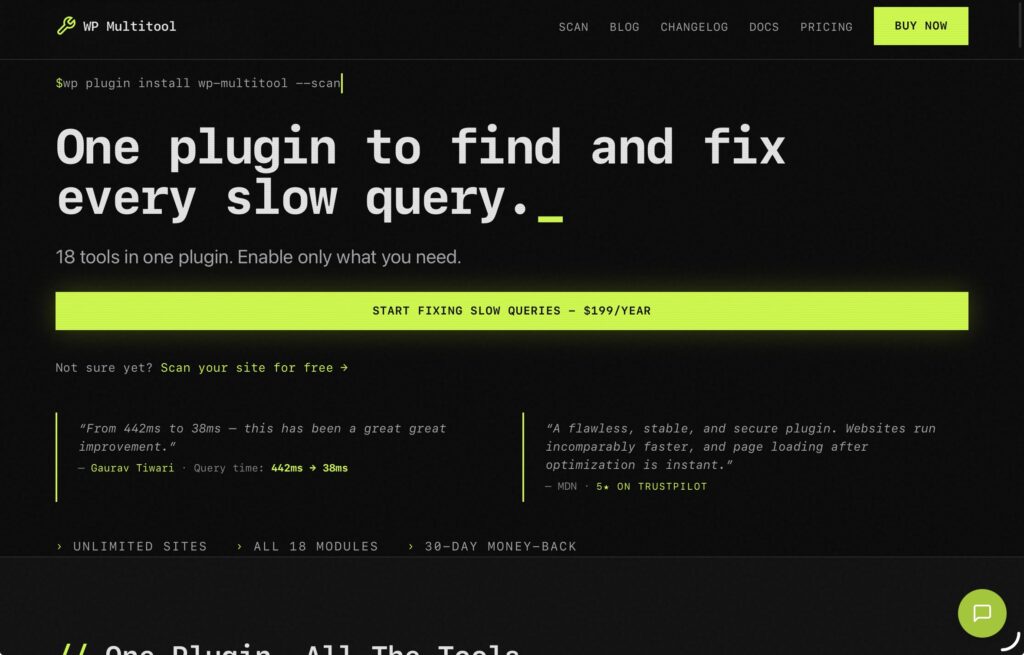
WP Multitool is an all-in-one WordPress optimization and maintenance plugin that combines 18 powerful modules into a single, modular toolkit. Designed for website owners, developers, and agencies, it helps diagnose performance issues, streamline site management, and improve overall WordPress efficiency without requiring multiple standalone plugins. Since modules can be enabled only when needed, WP Multitool keeps your site lightweight while providing advanced diagnostic and optimization capabilities.
The plugin focuses on both performance optimization and site diagnostics, providing tools to identify slow plugins, analyze database performance, manage image files, and resolve critical errors more effectively. Standout features include Plugin Performance Score, which displays benchmark scores next to every plugin, Image Manager with Reclaim Space, which helps recover server storage by removing unnecessary generated images, and Fatal Error Recovery, which lets users enter Recovery Mode instantly after a critical error.
Key Features
- System Info: View detailed server and WordPress diagnostics, including PHP configuration, database information, memory limits, and environment details from a centralized dashboard.
- Frontend Optimizer: Improve frontend performance by optimizing asset loading and reducing unnecessary scripts and styles that can slow down page rendering.
- Dashboard Widget Manager: Customize the WordPress admin dashboard by enabling, disabling, and organizing dashboard widgets for a cleaner and more efficient workspace.
- Quick Updater: Streamline plugin and theme updates with faster update management and simplified maintenance workflows.
- Plugin Reactivator: Quickly reactivate plugins after troubleshooting, updates, or critical errors, reducing downtime and speeding up recovery processes.
- Package Downloader: Download installed plugins and themes as ZIP packages directly from the WordPress dashboard for backups, migrations, or development purposes.
- Plugin Performance Score: View a benchmark performance score directly next to every plugin on the Plugins page, making it easy to identify plugins that may negatively impact your site’s speed and efficiency.
- Site Doctor: Run on-demand health scans that detect issues many diagnostic tools miss, including thrashing OPcache, dead Redis object-cache connections, missing page caching, and WooCommerce payment gateways left in test mode on live stores. Each issue includes a one-click fix.
- Action Scheduler Optimizer: Monitor and optimize scheduled actions and background tasks, helping WooCommerce and other plugins process queues more efficiently.
- Auto Updater: Manage automatic updates for plugins, themes, and WordPress core to keep your website secure and up to date with minimal manual intervention.
- Image Manager & Reclaim Space: Analyze image sizes, regenerate thumbnails, detect unused generated images, and safely remove unnecessary files to recover valuable server storage.
- Slow Query Analyzer: Identify slow database queries and uncover backend bottlenecks that negatively impact site speed and responsiveness.
- Find Slow Callbacks: Detect slow hooks and callbacks to pinpoint plugins or themes responsible for performance issues.
- Autoloader Optimizer: Analyze and optimize autoloaded options to reduce memory consumption and improve overall WordPress performance.
- Shortcode Inspector: Locate and manage shortcodes used throughout your website, simplifying troubleshooting and content management.
- WP-Config Manager: View and manage wp-config settings directly from the WordPress dashboard without editing files manually.
- Fatal Error Recovery: Skip WordPress’s recovery email process and immediately enter Recovery Mode after a critical error, reducing downtime and accelerating troubleshooting.
- Lightweight, Developer-Friendly Architecture: Replace multiple maintenance and optimization plugins with a single modular solution that reduces plugin bloat and simplifies WordPress administration.
With its focus on backend optimization, performance diagnostics, and proactive maintenance, WP Multitool provides a comprehensive toolkit for building faster, cleaner, and more reliable WordPress websites.
4. WP Site Inspector
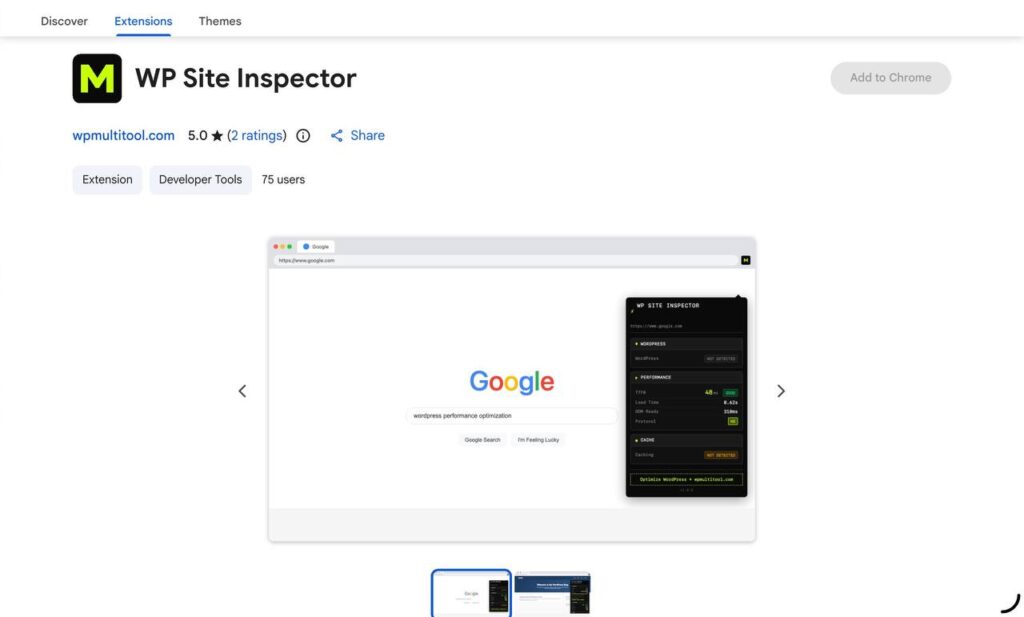
WP Site Inspector is a lightweight Chrome extension that helps developers, agencies, and WordPress professionals quickly analyze any WordPress website without opening browser developer tools. With a single click, it detects whether a website is built on WordPress, identifies its version, active theme, and visible plugins, while also providing real-world performance metrics and cache analysis. Everything runs locally in the browser with no accounts, tracking, or data collection, making it a fast and privacy-friendly tool for auditing WordPress websites. (Chrome Web Store)
Key Features
Lightweight & Fast – Built on Chrome’s Manifest V3 platform and performs analysis only when activated, ensuring minimal resource usage. (Chrome Web Store)
WordPress Detection – Instantly identifies whether a website is powered by WordPress and provides a confidence score along with the detected WordPress version.
Theme & Plugin Detection – Reveals the active theme and identifies up to 10 publicly detectable plugins running on the website.
Performance Metrics – Displays real browser-based performance data, including Time to First Byte (TTFB), page load time, DOM ready time, and the HTTP protocol version.
Cache Analysis – Checks whether page caching is working and compares transferred versus decoded resource sizes to verify cache efficiency.
Repeated View Testing – Reloads the page to compare first-visit and repeat-visit performance, making it easy to validate caching improvements.
One-Click Website Audits – Consolidates WordPress detection, performance insights, and cache diagnostics into a single, easy-to-read interface.
Privacy-First Design – Runs entirely within the browser without external API calls, user accounts, analytics, or data collection.
5. Hiver in Gmail – AI-Powered Client Communication and Support

Email remains one of the primary communication channels in WordPress development. Developers receive bug reports, feature requests, project updates, and support inquiries every day.
Hiver transforms Gmail into a collaborative support and communication platform powered by AI.
The extension enables teams to manage shared inboxes, assign conversations, track email ownership, and automate responses without leaving Gmail.
Why It’s Valuable for WordPress Developers
Agencies and freelancers often struggle with:
- Lost client emails
- Duplicate responses
- Poor ticket visibility
- Delayed communication
- Inefficient support processes
Hiver addresses these challenges by introducing support management features directly inside Gmail.
Key Features
- Shared inbox management
- AI-powered email assistance
- Conversation assignments
- Internal notes and collaboration
- Email tracking
- Response automation
- Customer support workflows
Benefits for WordPress Agencies
For agencies handling website maintenance and support retainers, Hiver creates a centralized communication system that improves accountability and response times.
Instead of forwarding emails or managing separate support systems, teams can collaborate directly within Gmail and ensure that every client request is properly handled.
Best For
- WordPress agencies
- Website support teams
- Freelancers managing client communication
- Maintenance providers
- Customer service teams
In 2026, efficient communication and support processes are essential components of successful WordPress businesses, and Hiver helps developers manage both with significantly less effort.
Final Thoughts
The modern WordPress developer’s workflow extends far beyond writing code. Performance optimization, collaboration, client communication, and project management are equally important for delivering successful websites.
These five tools address different aspects of the WordPress development process:
- Web Developer – Essential website inspection and debugging tools.
- Usersnap – Visual feedback and bug reporting.
- WP Multitool – Comprehensive WordPress optimization and maintenance toolkit.
- ClickUp – Browser-based project management and collaboration.
- Hiver in Gmail – AI-powered client communication and support management.
Together, these extensions and tools can dramatically improve productivity, streamline workflows, and help developers build faster, more reliable, and better-maintained WordPress websites in 2026.
Click here for more.