In today’s digital landscape, websites are no longer static brochures. Visitors expect instant answers, guided experiences, and real-time assistance before making decisions. Businesses that fail to provide this level of interaction often lose potential customers within seconds. This is the problem Nexron AI aims to solve with its flagship product, Nexron AI Chat, an intelligent chatbot plugin designed specifically for websites powered by WordPress.
Rather than offering another scripted chatbot, Nexron AI Chat introduces a smarter, content-aware assistant capable of understanding and responding based on the actual content of a website. The goal is simple but powerful: transform ordinary websites into interactive, always-available sales and support agents.
This review explores how the plugin works, its standout features, usability, and why it stands out among WordPress AI chatbot solutions.
The Vision Behind Nexron AI
Nexron AI was built around a strong philosophy: artificial intelligence should not be reserved for large tech corporations or complex enterprise systems. Instead, AI should be practical, accessible, and directly useful for everyday businesses.
Many website owners struggle with customer inquiries, support questions, or conversion drop-offs when users cannot find information quickly. Nexron AI’s approach is to place an intelligent conversational layer on top of website content so visitors can ask questions naturally instead of searching through menus or pages.
In essence, the plugin turns website content into a dynamic knowledge base accessible through conversation.
What Is Nexron AI Chat?
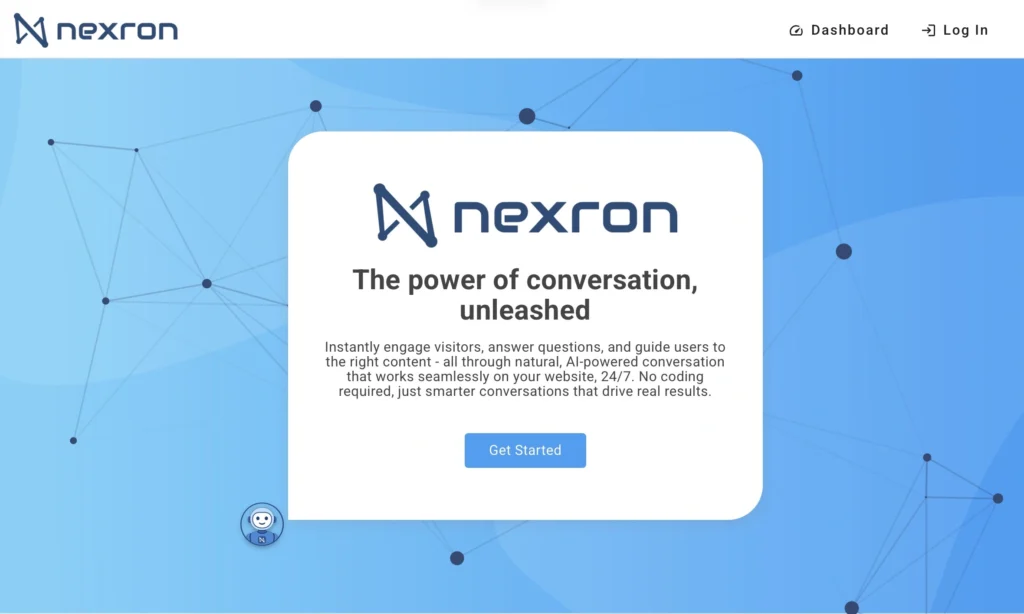
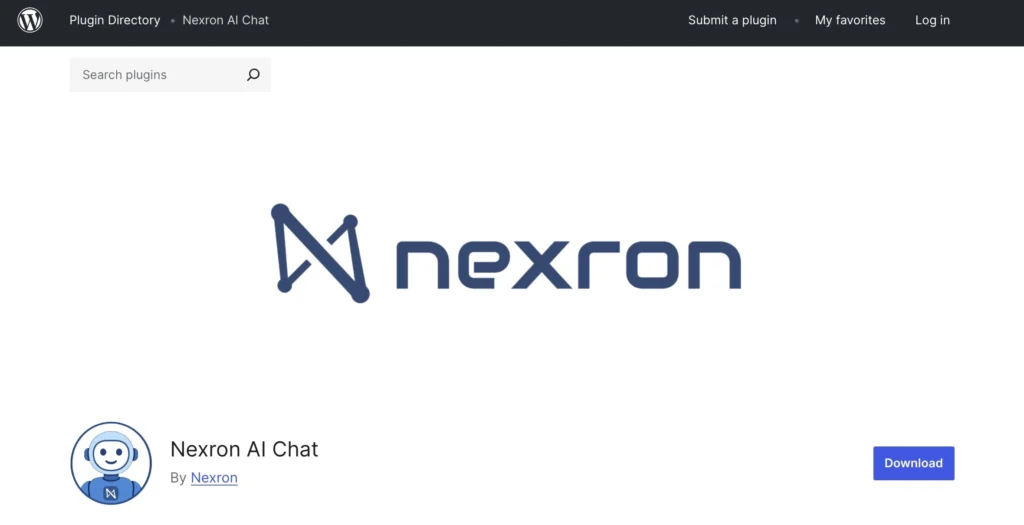
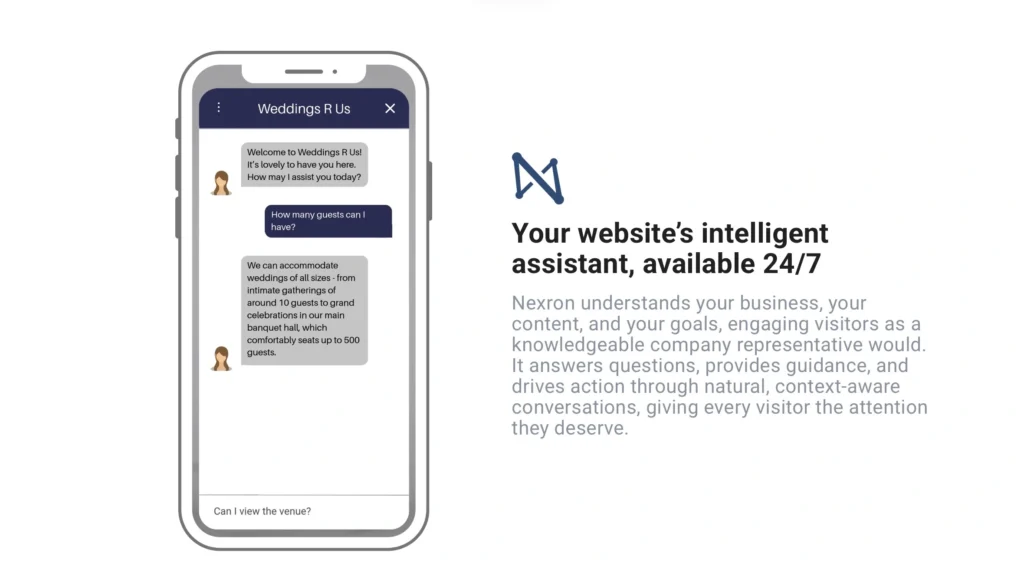
Nexron AI Chat is a WordPress plugin that installs directly into a website and adds an AI-powered chat interface. But unlike traditional chatbots that rely on fixed scripts or decision trees, Nexron AI Chat uses advanced natural language processing to understand questions and generate meaningful responses.
Instead of manually programming answers, the plugin learns from the website itself.
This means:
- The chatbot understands the business
- It answers questions based on site content
- It adapts to different user inquiries
- It avoids robotic or scripted responses
The result is a chatbot that feels closer to a real assistant than an automated responder.
Pillar 1: Instant Knowledge Injection
One of Nexron AI Chat’s most impressive features is its onboarding process. Many AI chat tools require manual training, uploading data, or building response flows. Nexron AI Chat eliminates much of this friction.
During setup, website owners can allow the plugin to scan their website content. The AI analyzes pages and automatically generates FAQs and knowledge entries relevant to the business.
Key benefits include:
- Fast setup without complex configuration
- Automatic FAQ creation
- AI trained directly on business content
- Ability to edit or customize generated answers
This drastically reduces implementation time. Instead of spending days configuring responses, users can deploy a functioning AI assistant within minutes.
For small businesses and content creators, this simplicity is a major advantage.
Pillar 2: Conversion-Focused Interface
A common problem with website chat widgets is that they can feel intrusive or visually overwhelming. Nexron AI Chat avoids this issue by focusing on a minimal, clean user experience.
The chat interface appears only when needed and stays unobtrusive otherwise. It integrates smoothly with most website designs without disrupting layout or user flow.
UI highlights include:
- Clean chat design
- Fast loading performance
- Non-intrusive placement
- Mobile-friendly experience
- Smooth interaction flow
This matters because user experience directly impacts conversions. A helpful assistant should support the visitor, not distract them.
By remaining subtle until engaged, Nexron AI Chat encourages interaction without forcing it.
Pillar 3: Human-Grade Interaction
Perhaps the strongest aspect of Nexron AI Chat is how natural the conversations feel.
Older chatbots often respond with rigid, mechanical answers. Nexron AI Chat, however, produces fluid, conversational responses that keep users engaged.
The AI can:
- Understand natural questions
- Provide contextual answers
- Maintain conversation flow
- Offer helpful guidance rather than scripted replies
This human-like interaction increases user trust and encourages longer engagement on the site. Visitors are more likely to ask questions and move toward purchases or contact actions when responses feel helpful rather than automated.
Real-World Use Cases
Nexron AI Chat suits a wide range of websites and industries.
E-commerce Stores
Customers often ask about shipping, product details, availability, or return policies. The AI assistant can instantly answer these questions, improving conversion rates.
Service Businesses
Agencies, consultants, and local businesses can automate responses about pricing, services, bookings, and contact details.
Educational or Informational Sites
Visitors can quickly access content explanations without searching through menus or articles.
Support Automation
Instead of handling repetitive questions manually, support teams can let the chatbot answer common inquiries 24/7.
Installation and Setup Experience
Installing Nexron AI Chat is straightforward for WordPress users.
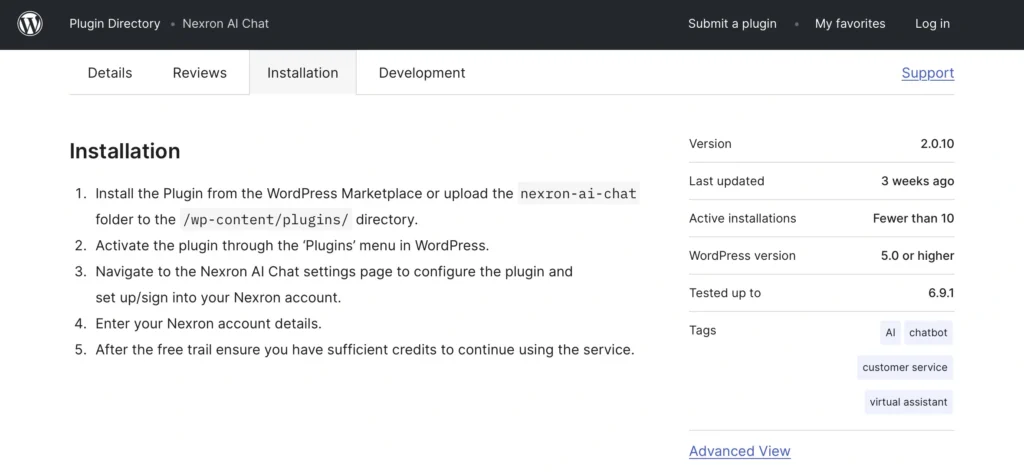
Typical steps include:
- Install plugin from WordPress plugin directory
- Activate plugin
- Connect Nexron AI account
- Allow site scanning for knowledge setup
- Customize chat appearance and behavior
From installation to functional chatbot, setup can take under an hour for most users.
This ease of onboarding lowers the barrier for website owners unfamiliar with AI tools.
Performance and Speed
Website performance is critical, and chat widgets sometimes slow pages down. In testing scenarios, Nexron AI Chat performs efficiently, loading quickly without noticeable impact on page speed.
The chat remains responsive, and responses generate rapidly, keeping conversations smooth.
This responsiveness is vital because delays in chatbot replies often lead users to abandon interactions.
Customization Possibilities
Website owners can adjust chatbot behavior and appearance to match brand identity.
Customization options typically include:
- Chat position
- Greeting messages
- Colors and branding
- FAQ adjustments
- Response refinement
This ensures the assistant feels like part of the website rather than an external tool.
Strengths of Nexron AI Chat
Key advantages include:
- Quick and easy setup
- AI trained automatically on site content
- Natural conversation quality
- Non-intrusive interface
- Conversion-friendly interaction
- Strong usability for non-technical users
The plugin focuses on solving real business problems instead of simply showcasing AI technology.
Potential Areas for Improvement
While Nexron AI Chat is impressive, areas that could evolve include:
- Advanced analytics dashboards for conversation insights
- More integrations with CRM or support tools
- Deeper personalization features
However, these enhancements are typical growth steps for AI tools and do not diminish current usability.
Community and Online Presence
Nexron AI actively maintains an online presence where users can learn about updates and product developments, including platforms such as Facebook, X, Instagram, LinkedIn, and YouTube.
These channels help users stay informed about new features and best practices.
Final Verdict
Nexron AI Chat is more than another chatbot plugin. It represents a shift from scripted automation toward intelligent website interaction.
By combining instant knowledge integration, user-friendly design, and natural conversational responses, the plugin allows WordPress website owners to offer real-time assistance without hiring additional support staff.
For businesses seeking to increase engagement, improve customer experience, and capture more conversions, Nexron AI Chat presents a practical and accessible solution.
Check out our website for more information.