In the increasingly interconnected world of digital business operations, automation and integration are no longer luxuries — they’re necessities. Whether you’re running an e-commerce store, managing customer inquiries, capturing leads via forms, or synchronizing complex workflows across systems, the ability to connect your WordPress site with external tools and databases can be transformative.
Enter the Zoho Flow WordPress plugin, a free plugin that integrates your WordPress installation with Zoho Flow, the powerful no-code workflow automation platform from Zoho. In this review, we’ll look at what it does, how well it works, who it’s for, and where it excels or falls short.
What Is Zoho Flow?
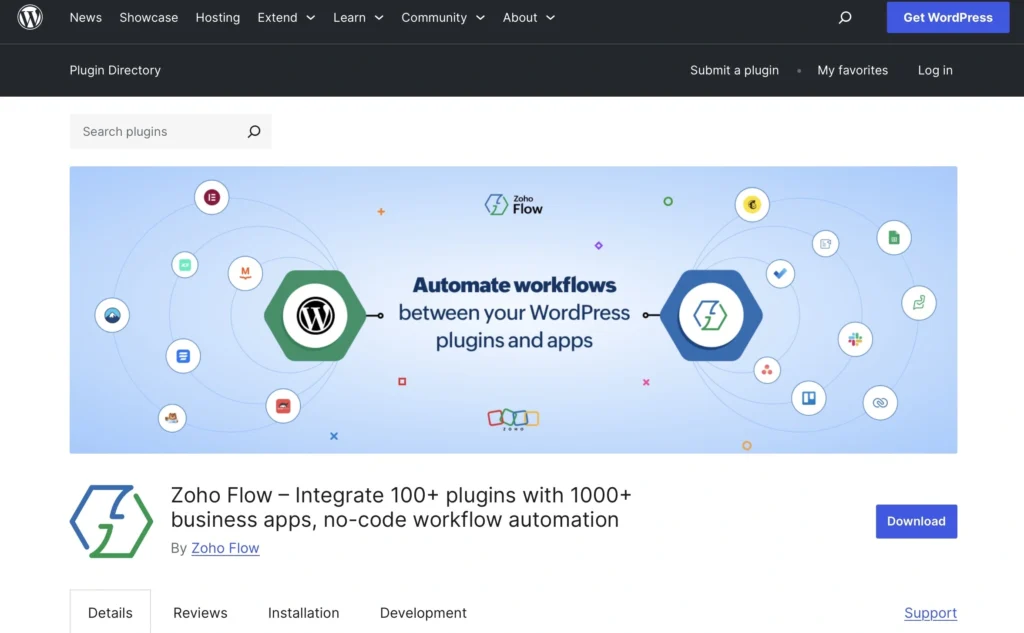
At its core, Zoho Flow is an integration and automation platform that lets you build workflows (“flows”) that connect various apps, triggers and actions without writing code. Think of it as a rival to platforms like Zapier or Make, but deeply integrated into the Zoho ecosystem and, through this plugin, your WordPress site too.
The WordPress plugin acts as the bridge: once installed and connected, Zoho Flow can listen to events on your WordPress site and trigger actions in other services or vice versa. You set up automation rules using Zoho Flow’s visual builder rather than writing custom PHP or API code.
Key Features
No-Code Drag & Drop Workflow Builder
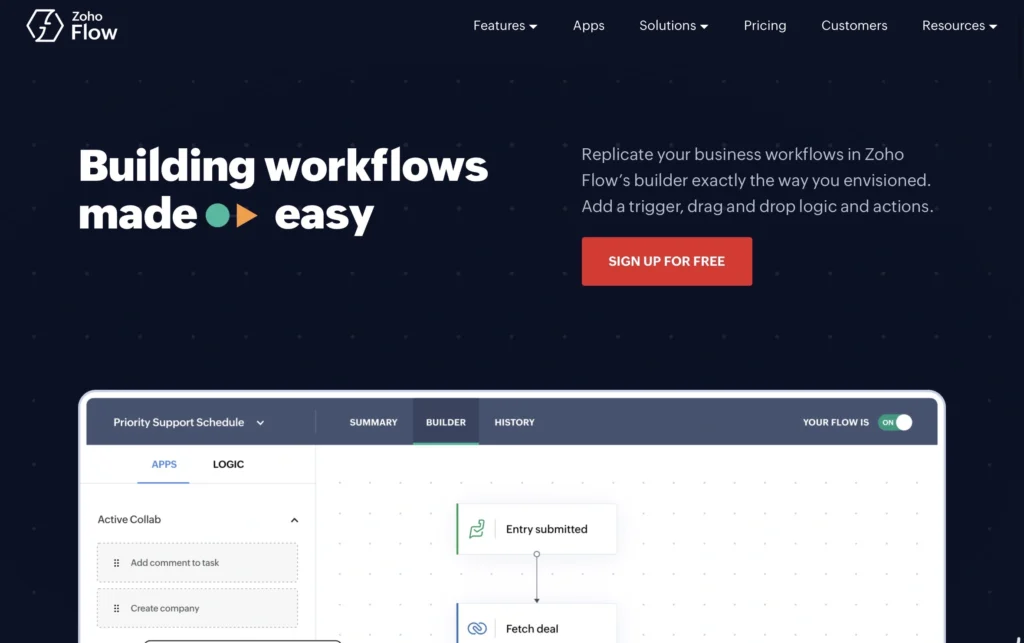
Zoho Flow’s interface is built for non-developers. You choose triggers (events that start a workflow) and then attach actions (what happens next), linked together visually. No custom coding is required.
Hundreds of Supported Plugins & Apps
The plugin lets you connect 100+ WordPress plugins (such as form builders, CRM tools, membership systems, e-commerce platforms, and more) to 1,000+ external business apps — including Zoho CRM, Salesforce, Mailchimp, QuickBooks, and others.
For example:
- Syncing form submissions from Contact Form 7, WPForms, Gravity Forms, Ninja Forms, etc. to a CRM.
- Automating WooCommerce order data to accounting systems like QuickBooks or Zoho Books.
- Sending notifications or emails via email delivery plugins.
- Managing membership signups and access control in sync with external tools.
Multiple Triggers & Actions
Zoho Flow supports a broad variety of event triggers — form submissions, user account actions, post creation, comment posting, and more — and lets you send that data to systems like CRM or task management platforms.
Advanced Workflow Controls
Beyond simple triggers and actions, Zoho Flow supports conditional logic (“if this, then that”), delays, error handling, and more complex flow controls. This enables sophisticated automation chains with minimal fuss.
Dashboards & Insights
Zoho Flow provides logging, history, and dashboards so you can monitor how your automations run and catch issues early — very useful for verifying performance, especially in business contexts.
Multi-Site & Custom Content Support
The plugin works on WordPress multisite installations and supports custom post types and metadata, which means it’s not limited to basic blog posts or standard user events.
Installation & Setup
Getting up and running is straightforward:
- Install the Zoho Flow plugin from the WordPress directory.
- Activate it and generate an API key from within WordPress.
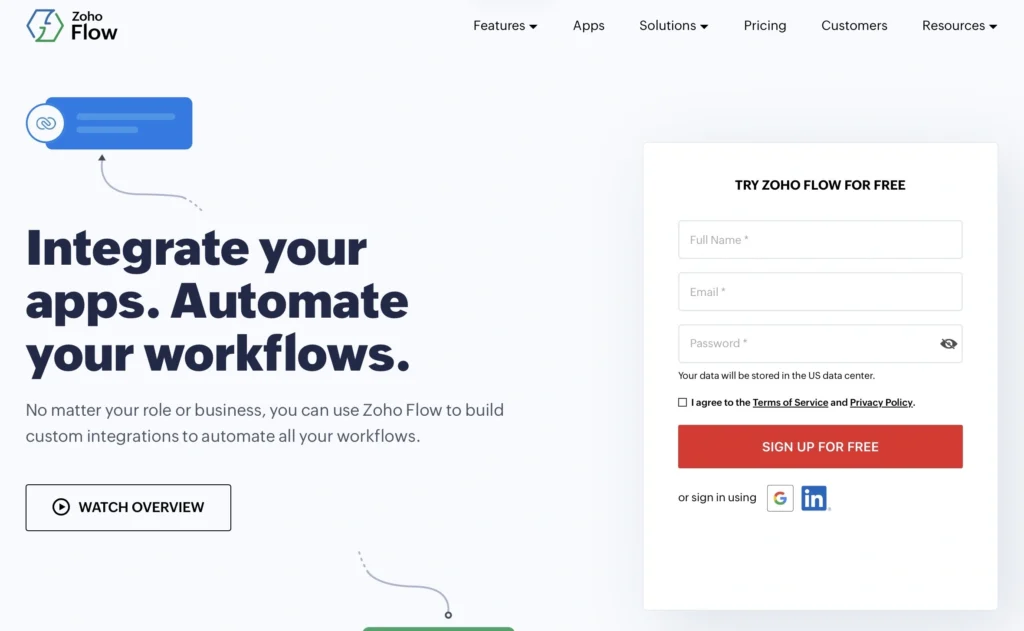
- Log in to Zoho Flow (or sign up if needed).
- Create an integration flow: pick a WordPress trigger, then add your desired actions to other services.
- Save and enable the flow.
The plugin itself doesn’t store sensitive data — it simply lets WordPress communicate securely with Zoho Flow, where the actual automation rules live.
Pros — What This Plugin Does Well
Enterprise-Level Integration
Zoho Flow lets WordPress plug into a wide ecosystem of business tools, enabling workflows that otherwise require custom development or multiple plugins. This centralizes automation and reduces technical debt.
No Developer Required
Thanks to the visual flow builder, even power users without coding skills can create robust automations. This dramatically reduces time and dependency on development resources.
Smart Trigger Support
The breadth of supported triggers — from new form entries to new users and posts — makes the integration possibilities almost limitless. This flexibility is one of Zoho Flow’s biggest strengths.
Strong User Feedback
User reviews on WordPress.org are overwhelmingly positive (5/5 stars), with many praising ease of setup, powerful automation capabilities, and responsive support. Users specifically say it eliminates manual data entry and saves significant time.
Scales with Business Needs
Whether you’re a small blog or a complex business site using CRM and e-commerce platforms, Zoho Flow can scale. Users report satisfaction across use cases from CRM lead sync to LMS automation.
Things to Consider / Cons
Requires a Zoho Flow Plan
While the WordPress plugin itself is free, to actually run flows you need a Zoho Flow account and a compatible plan. Some features may require paying for a Zoho subscription or specific tier.
Learning Curve
Despite being no-code, Zoho Flow’s breadth means there’s a learning curve. New users may feel overwhelmed initially, and documentation outside of basics can be limited. (This is a common complaint in broader discussions about Zoho Flow.)
Occasional Troubleshooting
Like any integration tool, complex workflows can encounter errors from time to time (e.g., incorrect configurations or webhook issues), and some technical aptitude may be needed to debug. However, support from Zoho is generally responsive according to reviews.
Dependency on External Platform
Relying on Zoho Flow means that if Zoho Flow has downtime or API changes, your automations could be impacted. This is true of most third-party automation platforms but worth mentioning. (Not unique to Zoho Flow, but applicable.) — no direct citation needed
Real-World Use Cases
The plugin shines in business environments where data must flow seamlessly between WordPress and external systems:
CRM Integration
Automatically sync form submissions (e.g., leads from Gravity Forms or WPForms) to CRMs like Zoho CRM or Salesforce without manual export/import.
E-Commerce Automation
Connect WooCommerce orders to financial or accounting apps to automatically generate invoices or record transactions.
Marketing & Notifications
Trigger email campaigns, notifications, or task assignments based on user actions, such as user registrations or purchase completions.
LMS Workflows
Automate e-learning site processes — for example, when a user completes a course, send data to external learning systems or CRM.
Content & Publishing
Publish scheduled posts or automatically pull content from external apps into WordPress as part of your content strategy.
Overall Impression
The Zoho Flow WordPress plugin is a powerful, versatile, and well-designed tool for anyone serious about connecting WordPress to external apps and workflows without custom coding. It stands out by offering:
- A huge library of integrations with WordPress plugins and business apps.
- A no-code automation builder that is robust yet intuitive.
- Excellent support and community feedback, reflected in the plugin’s 5/5 star rating and strong user testimonials on WordPress.org.
While it’s not without limitations — namely the need for a Zoho Flow subscription and an initial learning period — the value it brings to automation and workflow simplification is significant. For businesses that rely on connected systems, manual data transfers, or regular repetitive tasks, Zoho Flow can save hours of work and improve operational accuracy.
Recommendation
Highly recommended for:
- Businesses using multiple tools (CRM, email marketing, accounting, etc.)
- WordPress users who want to automate without code
- Sites with dynamic workflows (e-commerce, forms, membership, LMS)
Less ideal for:
- Simple blogs without integration needs
- Users unwilling to set up a Zoho Flow account
For more articles check out our website.