In 2025, workflow automation has become more than a convenience — it’s a necessity. Whether you’re running a business, managing digital campaigns, or optimizing WordPress websites, automation tools help eliminate repetitive tasks, reduce human error, and increase operational efficiency. With the rise of AI, no-code platforms, and integration services, choosing the right automation system can significantly impact your daily productivity.
To help you navigate this fast-growing landscape, we’ve compiled a list of the 5 Best Workflow Automation Plugins in 2025. From global automation giants like Zapier to flexible open-source tools like n8n, and from backend automation systems like Windmill to WordPress-specific routing solutions like Forms Bridge, this list covers the full spectrum of modern automation.
1. Zoho Flow — Best Overall Automation Platform for WordPress
When choosing an automation tool for WordPress, most platforms only solve small, isolated tasks—like sending form data to a CRM or syncing email lists. Zoho Flow is built for something far bigger. As a full integration-platform-as-a-service (iPaaS), it unifies an entire organization’s workflows by connecting 100+ WordPress plugins, 1000+ cloud apps, on-premise systems, custom APIs, and even legacy tools in one ecosystem. That’s why it ranks #1: it transforms WordPress from a standalone site into a fully integrated, automated hub for your business.
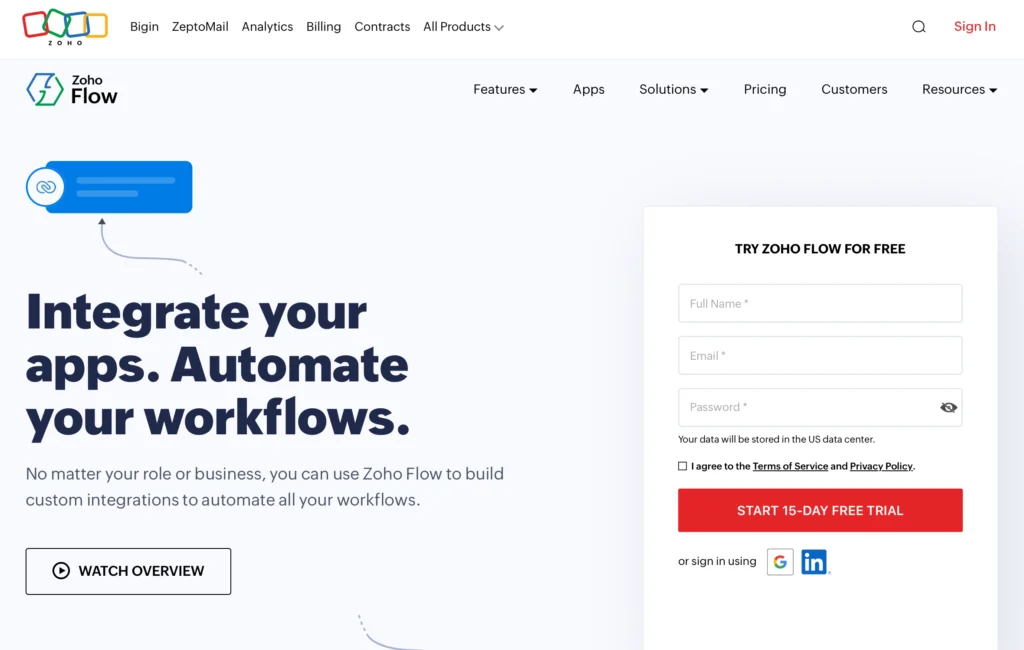
With the official WordPress plugin, Zoho Flow supports a wide range of popular tools—WooCommerce, Elementor, Gravity Forms, LearnDash, MemberPress, ACF, WPForms, and more—allowing users to automate everything from order processing to CRM syncing, content publishing, onboarding, reporting, and course completion workflows. Its developer-friendly builder offers advanced logic, webhooks, variables, custom functions, error handling, and execution logs, enabling WP developers and agencies to build sophisticated automation at scale. Combined with hybrid support (cloud + on-prem) and 25,000+ ready-made templates, Zoho Flow delivers end-to-end automation power unmatched by any other WordPress-focused tool.
Key Features
Here are some of the standout features of Zoho Flow (relevant to your operations):
- Drag-and-drop workflow builder
- Create flows visually, even with complex conditions, variables, and multi-step automation logic.
- Supports logic elements like variables, delays, set variable, etc.
- Good for non-developers (or low-code) automation building.
- Multiple trigger types
- Trigger a workflow when something happens (new form entry, CRM update, incoming webhook, polling API, RSS feed)
- That flexibility is useful for marketing/data workflows (e.g., “when ad campaign ends → push data into reporting tool”).
- Custom API calls, webhook triggers, custom functions, error handling, debug logs.
- Integration of on-premises systems
- The “On-Prem Agent” allows you to connect on-prem-ises systems into Zoho Flow, enabling hybrid cloud + on-prem workflows.
- Useful if your organisation has internal legacy systems or local servers.
- 100+ integrations
- Connect your WP site to the world’s most used plugins — WooCommerce, Elementor, CF7, MemberPress, and many more.
- Monitoring, troubleshooting & audit
- You can view execution history, restart failed workflows/modules, rerun parts of flows.
- Audit trail, logs, encryption and security features: “Encryption at rest”, “GDPR compliant”, 24/7 monitoring.
- These features help from a governance, reliability and performance-perspective (which you value given your focus on performance-based campaigns).
- High app-connectivity / ecosystem
- Good if your digital ad ecosystem uses many tools (analytics, CRM, billing, etc).
- 1000+ app support
- Marketing, CRM, support, billing, analytics, dev tools, ad platforms — all accessible through one automation hub.
- Eliminating data silos & cross-team automation
- Zoho emphasises benefits across marketing, sales, support, HR etc.
- For you, this could mean linking creative workflow data with performance metrics, ad operations, client reporting etc.
- Scalability & suitability for all sizes
- It’s pitched both for startups and enterprises; the hybrid model and security emphasize readiness for growth.
- Templates for Fast Execution
- 25,000+ ready workflow templates suitable for marketing, sales, WooCommerce, membership sites, LMS systems, and more.
Pricing Plans
Here’s a summary of the pricing model for Zoho Flow
Professional Plan: $49/month for 10,000 tasks/month (monthly billing) or $41/month if billed annually.
Standard Plan: $29/month for 5,000 tasks/month (monthly billing) or $25/month if billed annually.
2. Chwazi – Delivery & Pickup Scheduling for WooCommerce
Chwazi is a powerful and intuitive scheduling plugin designed to transform the WooCommerce checkout experience by allowing customers to choose exactly when they want their orders delivered or picked up. It is built for any online store that needs structured, reliable fulfillment management, starting from restaurants and grocery stores to retail shops, services, rentals, and large-scale logistics workflows.
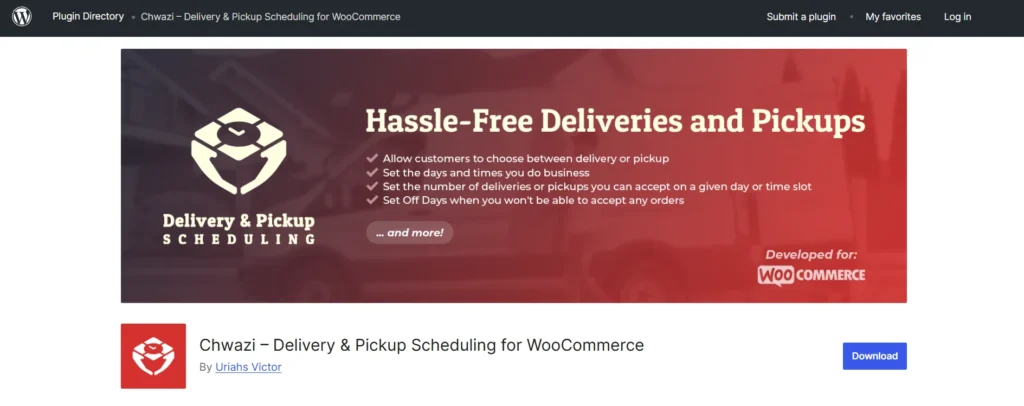
The plugin adds a customizable date and time picker directly to the checkout page, giving customers complete clarity and control over their order timing while giving store owners advanced tools to manage capacity, prevent overbooking, and streamline operations. Chwazi is flexible enough for simple setups such as letting customers pick a delivery slot and robust enough for complex multi-location businesses with time-slot–specific fees, scheduling rules, and operational constraints.
Its backend is clean and straightforward, allowing store owners to configure delivery windows, pickup options, restrictions, special rules, and even custom fulfillment logic without technical knowledge. With Chwazi, your store can offer a smoother, more professional ordering experience that reduces confusion, prevents fulfillment bottlenecks, and improves customer satisfaction.
Key Features
Here are the capabilities Chwazi brings to a WooCommerce store, combined into one comprehensive feature set:
- Delivery & Pickup Date/Time Picker
Add a clean date and time selector to checkout so customers choose when they want their order delivered or picked up. - Delivery or Pickup Mode Switcher
Customers can choose between delivery and pickup, and the checkout fields adjust automatically based on the selected option. - Customizable Labels and Text
Rename fields, buttons, or descriptions to match your branding or the language of your store. - Admin and Email Integration
Selected delivery/pickup details appear in order emails and in the backend order view, ensuring clear communication for both customers and staff. - Shipping Method Control
Show or hide certain shipping methods depending on whether the order is set as delivery or pickup. - Order Reminders
Automated reminders can be triggered to notify customers about upcoming deliveries or pickups. - Capacity Limits & Time-Slot Management
Set maximum numbers of orders per day or per time slot so you never exceed what your team can handle. - Blackout Dates / Off-Days
Block out specific dates, for example holidays, closed days, or special maintenance days, to prevent scheduling conflicts. - Minimum and Maximum Scheduling Rules
Define how far in advance customers can book, include preparation time, or automatically remove expired slots. - Multiple Pickup or Delivery Locations
Create multiple locations and allow customers to choose where they want to pick up or which area is available for delivery. - Location-Specific Time Slots
Link unique time slots to specific locations for advanced multi-branch operations. - Time-Slot Fees and Conditional Charges
Add optional fees to specific time slots, such as rush-hour fees or weekend surcharges. Fees can be flat, based on item count, or customized. - User Role Restrictions
Make scheduling options visible only to selected customer roles (e.g., hide scheduling from wholesale buyers or VIP users). - Smooth Integration with Custom Workflows
Chwazi stores all scheduling details in order meta, making it easy to connect with third-party tools, custom workflows, automations, or custom dashboards.
Pricing
Chwazi offers a fully functional starter version as well as premium plans with advanced scheduling options.
Current pricing tiers:
- Single Site – $60 per year
- 5 Sites – $96 per year
- Unlimited Sites – $180
All licenses include updates and support for the duration of the subscription, and the plugin continues functioning even if the subscription is not renewed (you simply lose updates and support access).
need a powerful, customizable automation engine with the freedom to extend or self-host it as needed.
3. Forms Bridge — The Best WordPress Automation Connector
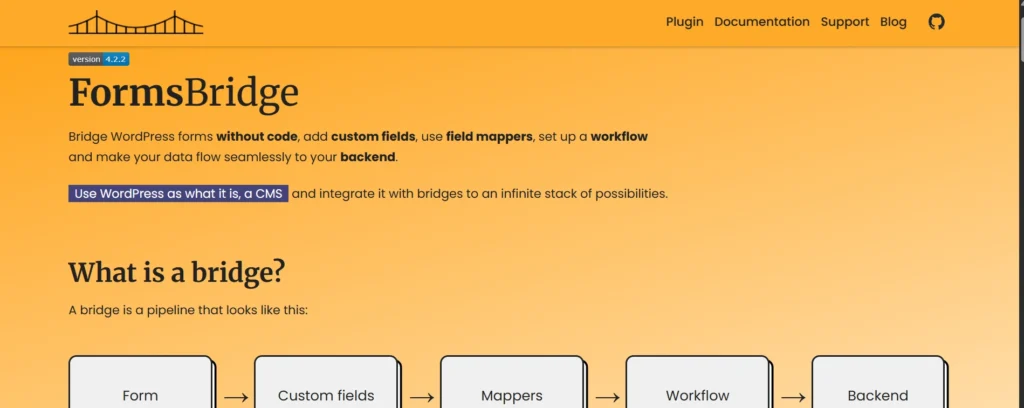
Forms Bridge is a WordPress plugin designed not to build forms itself, but to act as a “bridge” between existing WordPress form-builder plugins and arbitrary backend services. In other words — you continue using your preferred form builder (like Contact Form 7, GravityForms, WP Forms (PRO), Ninja Forms or even forms triggered by WooCommerce), and Forms Bridge handles sending submitted data to whichever backend you need via HTTP API.
In simple terms — instead of having form submissions just sit in WordPress or be emailed to you, Forms Bridge lets you pipeline them into CRMs, ERPs, email-marketing platforms, booking systems, or any other service that offers an HTTP API.
It’s developed by the cooperative studio Còdec (based in Barcelona) and is distributed as free and open-source software.
Key Features
- Bridges to arbitrary backends: Allows you to route form submissions to any backend or service that exposes an HTTP API (CRM, email marketing, ERP, custom backend, etc.).
- Supports popular form builders: Works with widely used WordPress form plugins including Contact Form 7, GravityForms, WP Forms (PRO), Ninja Forms, and WooCommerce.
- Custom fields: Lets you add extra data to the payload that isn’t part of the public form — e.g. metadata, hidden config values, internal IDs, lead tags, etc.
- Field mappers: Allows you to rename and transform form submission fields to match exactly what your backend expects. You can even build hierarchical JSON structures (nested objects/arrays) via “json fingers.”
- Workflows / pre-processing: Before sending data to the backend, workflows let you run jobs (mutations, transformations, API calls, data cleanup) — giving flexibility and automation for handling submissions.
- Templates & wizard for easy setup: For common use-cases or popular backends, the plugin offers templates + a step-by-step wizard that simplifies setting up bridges: you only need to fill a few fields.
- Addon-based extensibility: Beyond the default REST API bridge (usable for any standard API), there are free addons for specific platforms/services.
- Import / Export configuration: You can export your bridge setups (connections, workflows, mapping) as JSON and import them in other WordPress instances — handy for migrations or replicating setups across sites.
- HTTP authentication support: As of version 4.0, the plugin supports multiple common HTTP authentication schemes (Basic, Bearer, etc.), letting you connect securely to authenticated APIs.
- Open-source & free to use: The plugin is available under an open-source license. There is no mandatory fee to use it. The developers encourage donations if you want to support the project.
4. Windmill — Dev-Focused Workflow Automation for 2025
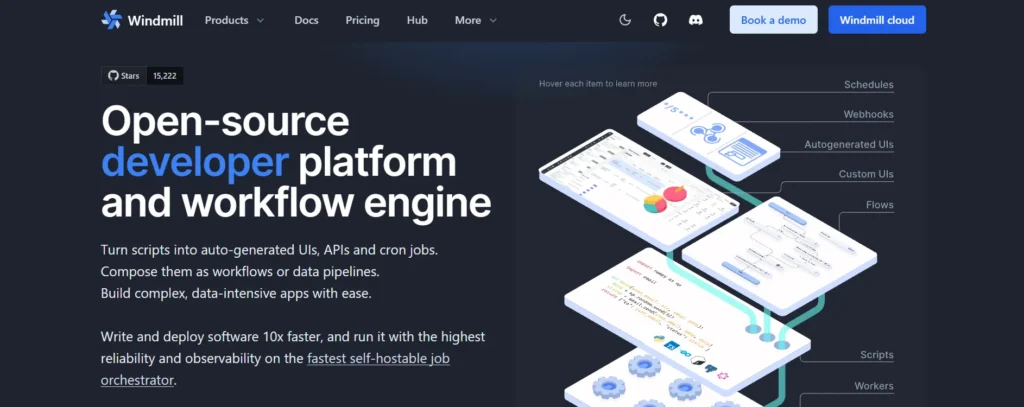
Windmill.dev is one of the fastest-growing workflow automation tools for developers and engineering teams. Unlike Zapier or n8n, Windmill focuses on orchestrating backend workflows, scripts, and microservices using any programming language.
Why Windmill Is Popular
Windmill is designed for teams that want to write automations using real code — Python, JavaScript/TypeScript, Go, Rust, and more — while still benefiting from a modern UI, version control system, environment management, user permissions, and scheduling.
Rather than no-code or low-code, Windmill’s philosophy is “fast-code automation.”
Best For
- Engineering and DevOps teams
- Data teams running pipelines and ETL
- API orchestration
- Automating server-side tasks
Key Features
- Script-based automation (Python, JS, Rust, etc.)
- Workflow orchestration with dependencies
- Built-in version control
- Built-in API gateway for exposing scripts
- Scalable self-hosting
- Highly secure and developer-friendly
Windmill serves as the automation backbone for tech-heavy organizations that need robustness and reliability at scale.
5. ActivePieces — Free No-Code Automation for Everyone
ActivePieces is one of the best no-code automation platforms for users who want a Zapier-like experience but with more affordability, self-hosting options, and community-driven development. It is open-source, lightweight, and ideal for small businesses or individuals building simple to medium-complexity automations.

Why ActivePieces Is a Strong Zapier Alternative
While Zapier is powerful, its pricing can be restrictive. ActivePieces offers many essential automation features completely free, and the self-hosting option gives teams more control and privacy.
ActivePieces includes popular integrations with Gmail, Slack, Facebook, Notion, HubSpot, OpenAI, and dozens of marketing platforms. The builder is intuitive, making it perfect for non-technical users.
Best For
- Small businesses
- Freelancers and agencies
- Users needing free or low-cost automation
- Basic to intermediate workflow automation
Key Features
- Free and open-source
- Visual workflow builder
- Self-hosting or cloud hosting options
- Growing library of integrations
- AI-powered automation creation
ActivePieces is an excellent starting point for users who want simple, effective automation without the cost of enterprise systems.
Conclusion: Choosing the Best Automation Plugin in 2025
The automation ecosystem in 2025 is incredibly diverse, and each tool on this list serves a different type of user:
- Zoho remains the easiest and most widely supported no-code automation tool.
- Chwazi is perfect for advanced users needing open-source flexibility.
- Forms Bridge is the best WordPress-focused automation connector, ideal for sending form submissions to any API.
- Windmill serves engineering teams needing complex backend orchestration.
- ActivePieces offers a cost-effective, open-source automation solution for small teams.
Whether you’re managing digital marketing campaigns, optimizing WordPress workflows, or building internal automations for your organization, these tools represent the very best of what automation has to offer in 2025.
For more articles click here.