Running a successful WooCommerce store today means more than just listing products and hoping for the best. With online competition at an all-time high, eCommerce success depends on how well you optimize your sales funnel, capture leads, highlight offers, and enhance user experience. That’s where plugins come in — tools that turn a basic WooCommerce setup into a high-performing, revenue-generating machine.
In this guide, we’ll explore five of the most powerful plugins that can transform your WooCommerce store: FunnelKit, CartFlows, The OnSale Page for WooCommerce, OptinMonster, and Booster for WooCommerce. Each plugin brings a unique advantage — from advanced funnel building and lead generation to dynamic sale displays and site-wide performance optimization.
Let’s dive in.
1. FunnelKit — The All-in-One Sales Funnel Builder for WooCommerce
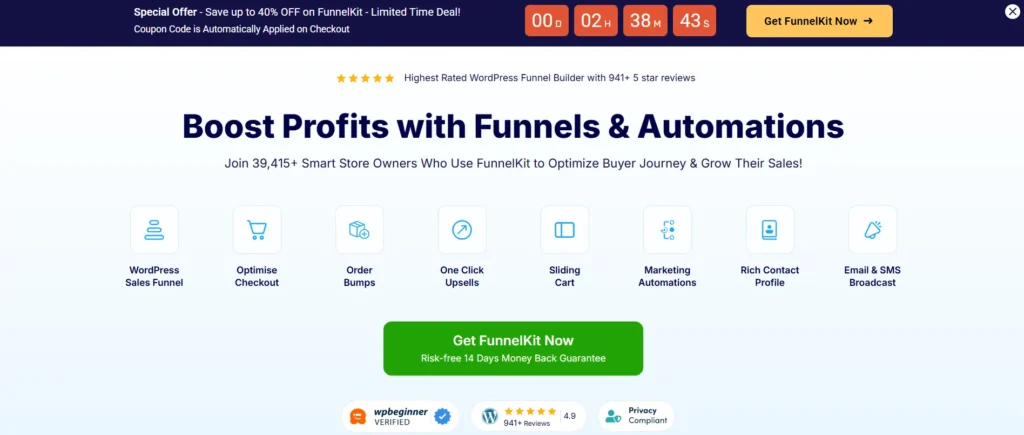
If you’re serious about maximizing conversions and boosting average order value, FunnelKit (formerly known as WooFunnels) is one of the most comprehensive WooCommerce plugins. Designed to help store owners build, customize, and automate their entire sales process, FunnelKit integrates seamlessly with WooCommerce, letting you create everything from lead funnels and checkout pages to post-purchase upsells — without needing a line of code.
What Makes FunnelKit Stand Out
1. High-Converting Checkout Pages
FunnelKit provides optimized checkout templates that reduce cart abandonment and improve conversions. You can customize fields, remove distractions, and create a frictionless experience that gets customers to complete purchases faster.
2. Order Bumps & One-Click Upsells
Increase your average order value effortlessly by showing targeted order bumps during checkout or offering one-click upsells right after purchase. FunnelKit’s smart targeting ensures that each offer is relevant to the buyer’s behavior and preferences.
3. Funnel Automation & CRM
The built-in FunnelKit Automations (previously Autonami) acts as a powerful marketing automation tool. It allows you to send personalized emails, follow up on abandoned carts, tag users, and run behavior-based campaigns.
4. Seamless Integration
FunnelKit integrates with leading email marketing tools like ActiveCampaign, Mailchimp, and ConvertKit, as well as payment gateways such as Stripe and PayPal.
5. Analytics & A/B Testing
Monitor funnel performance, track conversion rates, and test different checkout versions to identify what drives the most sales.
Why You Need It
FunnelKit is perfect for WooCommerce store owners who want to go beyond basic setups. It’s designed to make your sales journey smooth, measurable, and profitable.
2. B2BKing – WooCommerce B2B & Wholesale Plugin
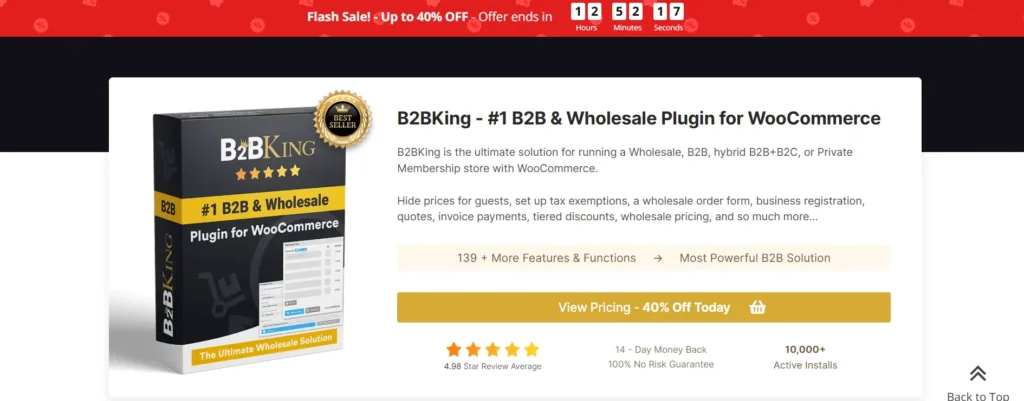
B2BKing is a powerful and comprehensive WooCommerce extension designed to transform a standard WooCommerce store into a fully-functional B2B (business-to-business), wholesale, hybrid B2B/B2C, or private membership eCommerce platform. It’s built to handle everything from basic wholesale needs to advanced business features — all within a single plugin.
With 130+ features, B2BKing offers extensive control over pricing, registration, ordering, product visibility, tax handling, and customer experience. Whether you’re running a pure wholesale store or a site that serves both retail and business customers, it gives you the tools to tailor the buying experience for different customer types.
Key features include:
- Wholesale & Tiered Pricing: Set different prices and quantity-based discounts for specific users or user groups.
- Business Registration & Approval: Separate and customizable registration forms for B2B and B2C accounts.
- Order Controls: Minimum order quantities and values, wholesale bulk order forms with AJAX search, purchase lists, and CSV upload support.
- Sales & Pricing Rules: Dynamic pricing, discounts, minimums/maximums, free shipping thresholds, coupons by user group, and tax exemptions (including VAT validation).
- Product & Content Control: Hide prices or products entirely for guest or specific users, display customized content based on user roles.
- B2B-Friendly Features: Subaccounts (multiple users per business account with permissions), quote requests and offers (convertible and email-sendable), invoice and purchase-order payment gateways.
- Additional Tools: Messaging and negotiation (“Conversations”), tiered pricing tables, separate inventory options for B2B vs B2C, reports, and analytics.
B2BKing integrates smoothly with most WooCommerce themes and supports translation tools like WPML and Loco Translate. It’s designed to scale from simple wholesale features to complex business requirements while keeping the interface user-friendly for both admins and buyers.
3. The OnSale Page for WooCommerce — Showcase Your Discounts Like a Pro
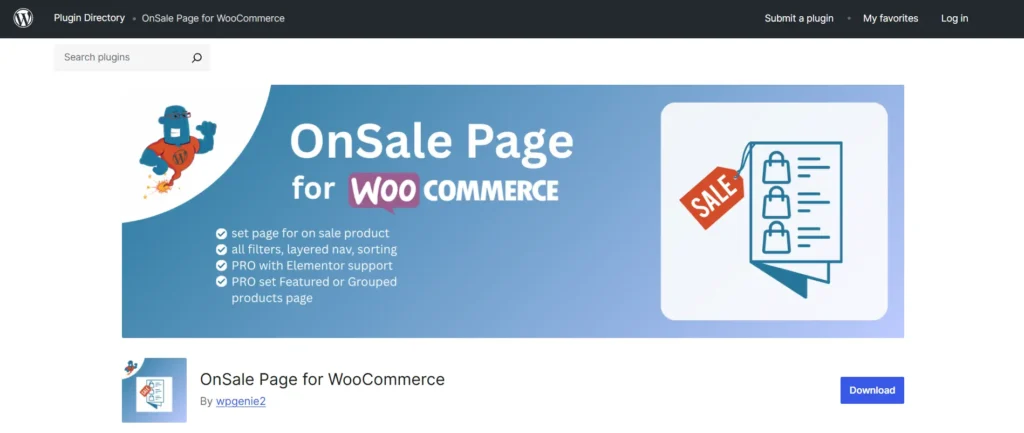
The OnSale Page for WooCommerce plugin allows you to create a dedicated, easy-to-navigate page for all your discounted products. It helps store owners showcase sale items in a professional, organized way while maintaining the look and feel of their WooCommerce store. With features like product sorting, category filtering, and seamless theme integration, it makes finding deals simple for customers and boosts the visibility of promotions. This plugin is ideal for anyone looking to highlight discounts, seasonal offers, or special deals without cluttering the main product catalog.
Key Features
- Full Pagination: Navigate through multiple pages of sale items effortlessly.
- Product Sorting: Sort items by price, popularity, date, and more.
- Category & Attribute Filtering: Refine product searches based on categories and attributes.
- Standard WooCommerce Layout: Maintains consistency with your existing store design.
- Custom Content Support: Add promotional banners or text above or below sale products.
- Editor Compatibility: Works seamlessly with both Gutenberg and Classic Editor.
- Theme Integration: Integrates smoothly with your current WooCommerce settings and theme.
Why It Matters
The OnSale Page plugin is a simple yet powerful way to increase the visibility of promotions and drive more sales conversions. By centralizing your discounted products, it saves customers time, enhances navigation, and boosts engagement during sale events. Whether it’s a seasonal promotion, a clearance sale, or a Black Friday campaign, this plugin ensures your offers don’t go unnoticed.
4. OptinMonster — Turn Visitors Into Subscribers and Customers
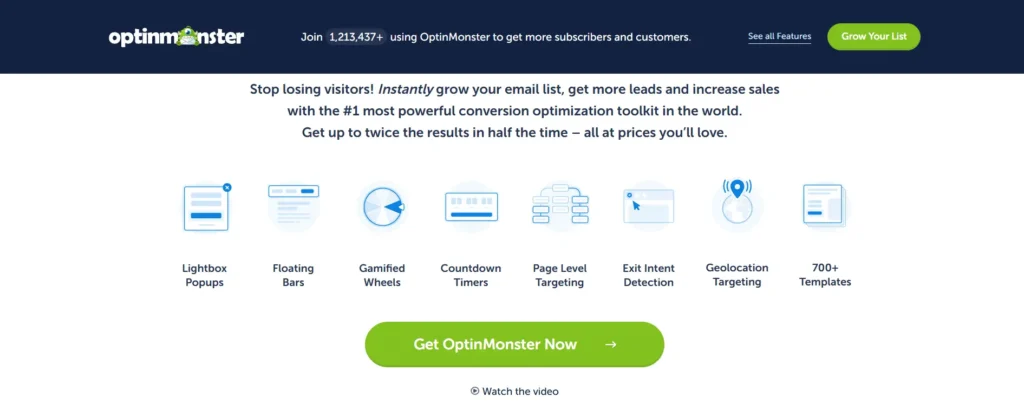
Traffic alone doesn’t drive revenue — conversions do. And OptinMonster is one of the most powerful lead generation tools designed to capture, convert, and retain visitors before they leave your site. Originally known for its popups, OptinMonster has evolved into a complete conversion optimization platform that integrates perfectly with WooCommerce.
Top Features of OptinMonster
1. Advanced Targeting & Personalization
Display campaigns based on user behavior, location, device, and referral source. You can show specific offers to returning visitors or target shoppers about to abandon their carts.
2. Multiple Campaign Types
Choose from lightbox popups, floating bars, slide-ins, fullscreen welcome mats, and gamified spin-to-win wheels. Each is fully customizable and mobile-friendly.
3. Exit-Intent Technology
Detects when users are about to leave your site and displays a last-minute offer or incentive — a proven tactic to recover lost sales.
4. Drag-and-Drop Builder
No design experience required. Build and customize your campaigns easily with OptinMonster’s intuitive interface.
5. Integration with WooCommerce & CRMs
Seamlessly integrates with WooCommerce, Shopify, and leading email marketing tools such as HubSpot, Mailchimp, and Klaviyo.
6. Analytics & A/B Testing
Track impressions, conversions, and ROI with built-in analytics, and optimize your campaigns through A/B testing.
Why You Should Use It
OptinMonster is ideal for stores focused on building an email list, reducing cart abandonment, and increasing repeat purchases. It turns passive visitors into engaged customers through smart, data-driven targeting and beautifully designed campaigns.
5. Booster for WooCommerce — All-in-One Enhancer for Store Functionality
If you’ve ever wished you could add dozens of features to WooCommerce without installing multiple plugins, Booster for WooCommerce is the answer. This powerhouse plugin packs 100+ modules designed to enhance nearly every aspect of your online store — from pricing and currency to checkout customization and product labeling.
Key Features and Modules
1. Prices & Currencies
Set different currencies, add price formats, or create dynamic pricing based on user roles or geolocation.
2. Cart & Checkout Customization
Modify checkout fields, add custom fees, or offer discounts based on conditions like payment method or quantity.
3. Product Add-Ons & Labels
Display custom product labels (e.g., “New,” “Limited Edition”), add input fields for personalization, or create product bundles.
4. Shipping & Payment Gateways
Add extra flexibility with advanced shipping options, custom gateways, and region-specific rules.
5. Marketing & Cross-Selling Tools
Use upsells, cross-sells, and discount coupons to boost conversions. Booster also lets you add custom messages to encourage purchases.
6. PDF Invoicing & Reports
Generate automatic invoices, packing slips, and reports directly from your WooCommerce dashboard.
Why It’s a Game-Changer
Booster is like having a complete WooCommerce toolkit in one plugin. It eliminates the need for multiple add-ons, reduces compatibility issues, and keeps your store running smoothly with consistent updates. It’s perfect for store owners who want flexibility, efficiency, and control.
Final Thoughts — Building a Smarter, More Profitable WooCommerce Store
Each of these plugins brings something unique to the WooCommerce ecosystem:
- FunnelKit and CartFlows give you complete control over your sales funnels and checkout experience.
- The OnSale Page for WooCommerce ensures your discounts and promotions shine where customers can find them.
- OptinMonster helps you capture more leads and recover lost sales.
- Booster for WooCommerce adds endless customization and optimization possibilities across your store.
When used strategically, these tools don’t just improve your WooCommerce store — they transform it into a conversion-driven, user-friendly, and data-optimized business hub.
Whether you’re looking to increase average order value, enhance your promotional visibility, or simplify customer navigation, integrating these plugins can take your eCommerce performance to the next level. The modern WooCommerce store isn’t just about selling — it’s about creating a smart, engaging, and personalized shopping experience. And with the right tools in place, your store can do exactly that.
Click here for more articles.
6. Kickflip – Product Configurator for WooCommerce
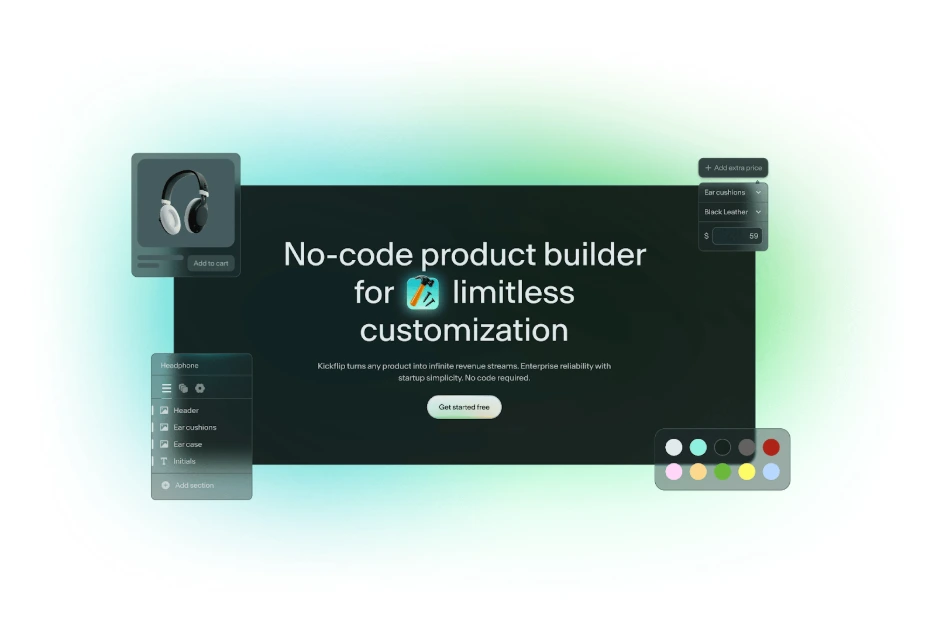
Kickflip is a dedicated product configurator that lets your WooCommerce customers build their own products in a live, interactive interface instead of clicking through boring variation dropdowns. Shoppers see every change in real time, which is ideal for customizable products like apparel, sporting goods, home decor, jewelry, or accessories, where personalization drives the sale.
By plugging into WooCommerce, Kickflip brings a premium, visual builder on top of your existing catalog so you can turn customization into a real revenue lever rather than a manual headache.
Key Features of Kickflip
- Interactive Live Preview
Customers watch their product update instantly as they change colors, components, text, or upload images. You can show multiple views like front, back, side, and closeups so buyers know exactly what they are getting before they hit “Add to cart.” - Unlimited Options and Variants
Add as many materials, colors, parts, or steps as you need without turning your WooCommerce product page into a variation jungle. Kickflip handles complex rules so shoppers only see valid combinations. - Real-time Dynamic Pricing
As buyers select premium options or add-ons, the price updates automatically. You define the base price and extra charges, and the configurator keeps everything in sync, which helps avoid surprises at checkout. - Print-ready Files and Production Handoff
For printed, engraved, or otherwise customized items, Kickflip generates high-resolution, print-ready files for each order. Your production team does not need to recreate designs from screenshots or email threads. - No code, Drag and Drop Builder
You build the entire experience visually: steps, questions, answer options, logic, and look and feel. The WooCommerce connector syncs orders and customer selections back into WordPress so your existing workflow stays intact. - Mobile-friendly, Brand Ready Design
Kickflip is built to work smoothly on desktop, tablet, and mobile, and includes a theme editor so you can match fonts, colors, and layout to your store branding. - Scalable SaaS with Transparent Pricing
Kickflip runs as a hosted platform with a WooCommerce plugin. Pricing combines a monthly plan with a small fee per customized sale, so costs scale with the revenue you generate. Hosting, bandwidth, and ongoing feature updates are included.
Why Kickflip Helps You Sell More
If customizable products are part of your growth strategy, Kickflip is built to move real numbers, not just make your product pages look fancy.
- Higher conversion and confidence
Live previews and instant pricing reduce doubt. Shoppers see what they are paying for in detail, which builds trust and makes it easier for them to commit to the order instead of bailing halfway through a customization form. - Increased average order value
When upgrades are visual and priced in real time, customers are more willing to add premium options, bundles, or extra components. This turns personalization into a natural upsell engine. - Less manual work behind the scenes
Centralized configuration data, synced orders, and production-ready files cut down on back-and-forth emails, custom mockups, and manual order entry. That saves time and reduces the risk of costly mistakes as volume grows. - Built for brands that take personalization seriously
Kickflip is not a generic utility plugin. It is overkill if you never sell customizable products, but for stores that do, it replaces a messy stack of option add-ons, custom code, and spreadsheets with a single, purpose-built system.
In short, if a meaningful chunk of your catalog can be personalized and you want that experience to look and feel premium on every device, Kickflip turns your WooCommerce store into a proper custom product engine instead of a basic product list with a notes field.